A multilingual household should not have to agree on one spoken language before anyone can turn on a light. Dubai homes may include family members, guests and household staff who read or speak different languages. The most dependable design therefore begins with clear physical controls and shared room logic, then adds apps and voice features only where the selected platform supports the people who will actually use them.
This guide gives owners, designers and integrators a practical method for planning that experience. Duneva’s AI and intelligent automation planning service can help define useful control journeys, while exact languages, accounts, subscriptions, products and UAE availability must be checked before equipment is specified.
Start with people, rooms and recurring tasks
List the people who need control: owners, children, older relatives, regular guests, household staff and property managers. For each person, record the languages they comfortably speak, the scripts they read, the rooms they use and the tasks they need to complete. Do not collect more personal information than the project requires.
Now list ten ordinary tasks: arrive home, light a corridor, close bedroom curtains, adjust an approved AC setpoint, start television viewing, answer the entrance, activate Away, find a bathroom at night, silence music and recover after an internet interruption. A control plan succeeds when these tasks are understandable without an installer standing nearby.
Avoid treating language as a flag beside a name. Someone may speak Arabic but prefer an English phone interface, or understand a scene icon more quickly than a translated label. Ask, demonstrate and record the answer rather than inferring it from nationality.
Make physical control the common layer
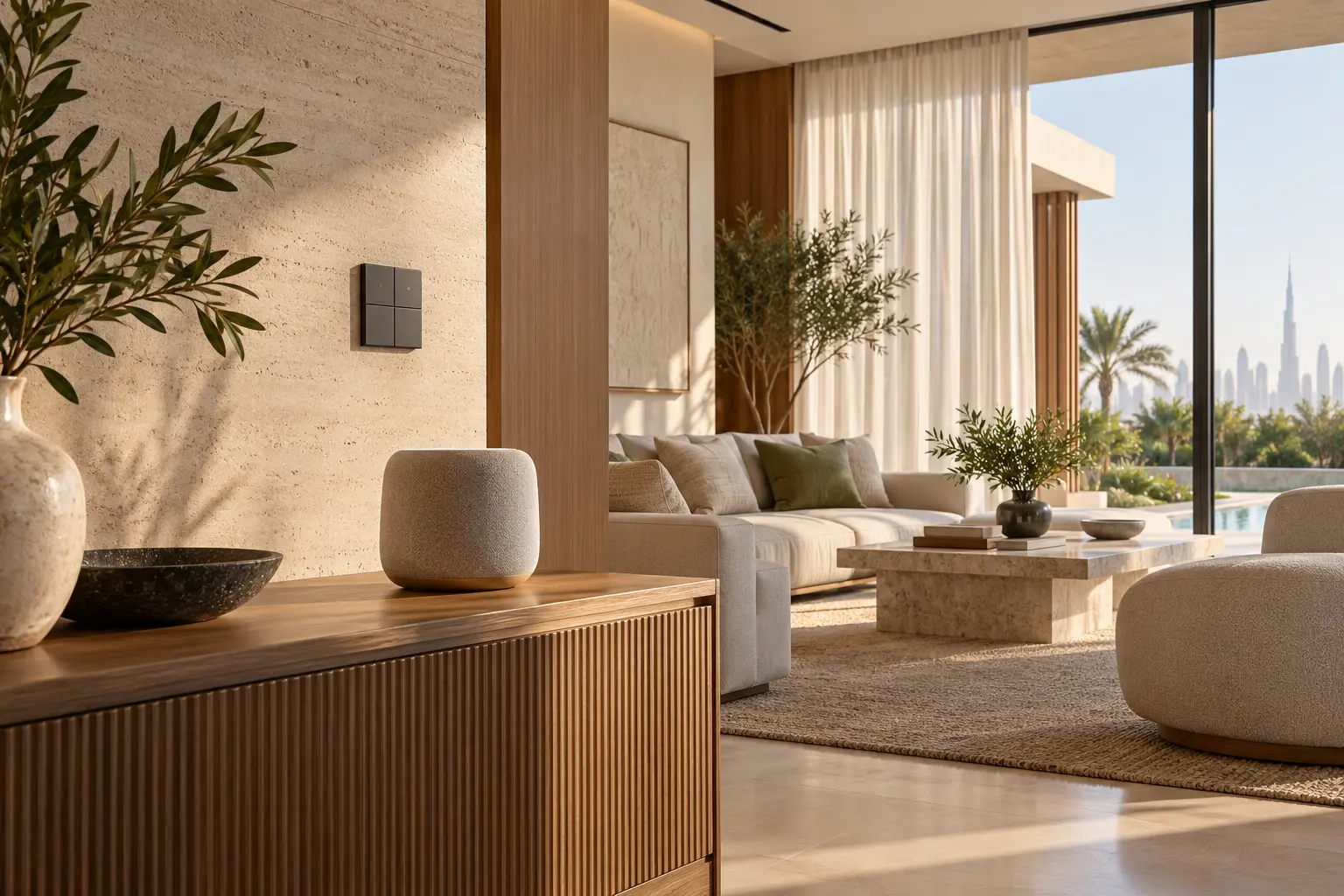
Put familiar physical controls at entrances, bedsides and other decision points. The essential actions should remain usable when a phone is charging, a guest has no app, voice recognition fails or the internet is unavailable. A lighting button should look and behave like a lighting button; a whole-room Off command should not be hidden in a menu.
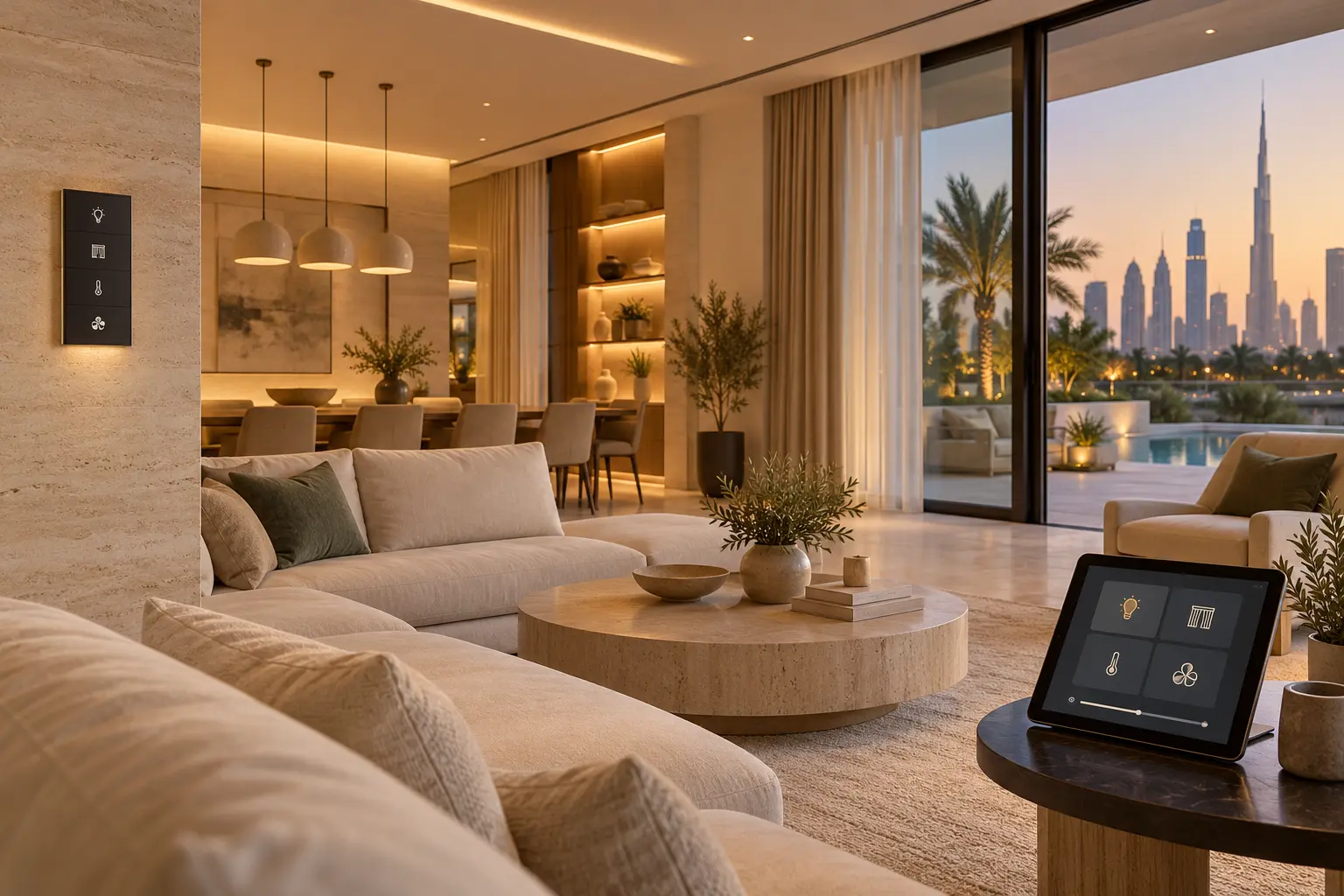
Use a small, consistent symbol set for lighting, curtains, temperature, fan and audio where icons genuinely help. Pair less familiar symbols with short labels. Test the size, contrast, engraving and night-time visibility on a sample before ordering every keypad. The smart-home keypad planning guide explains how to move from household routines to usable button priorities.
Do not crowd one keypad with separate copies of every command in several languages. That increases visual load and still may not help a visitor. Reserve physical buttons for the most common room actions, use consistent positions, and place secondary choices in an interface that can change language or present fuller explanations.
Create one controlled vocabulary for rooms and scenes
Build a naming register before programming. Give each room one canonical system name and record the approved display name in each required language. Do the same for scenes such as Arrive, Evening, Reading, Sleep and Away. Keep names short, distinct and easy to pronounce. Two rooms with almost identical names create mistakes in apps, voice commands and support calls.
The register should identify where every name appears: wall screen, mobile app, voice platform, handover manual and support record. Translation alone is not enough. A literal translation may sound unnatural to the household or be difficult for the chosen voice service to recognise. Test spoken phrases with the actual users and keep a neutral physical alternative.
When a household changes a room name later, update dependent scenes, dashboards, documentation and support references together. Do not leave one platform calling a room Family Lounge while another calls it Main Living.
Verify voice languages before selecting the platform
Voice capability is product-, account-, region- and software-specific. Google’s current voice-assistant language guidance says language changes affect linked Nest and Home devices, that some devices do not support every language in every region, and that one mixed-language phrase is not recognised as two separate languages. Treat those limits as a reason to test, not as a promise for any Dubai project.
Apple’s current HomePod settings guidance lets the household change Siri language or voice and separately manage access to personal content. Apple also requires matching settings for some voice-recognition functions. Confirm the exact HomePod, phone, account, language and UAE feature availability before promising a personal response.
Create a simple test sheet for each proposed voice platform: supported language, account owner, household-member setup, room name, five ordinary commands, one failure example and the physical fallback. Test accents and natural phrases without asking people to imitate a demonstration voice. If an important user is not consistently understood, remove voice from that essential journey.
Separate household control from personal content
Turning on a shared light is different from reading a private message, calendar or reminder. Build permissions around that difference. A common room may allow anyone to use lighting and curtains, while personal content and security functions should depend on verified accounts, supported recognition and the owner’s explicit choices.
Apple describes personal requests on HomePod as voice commands that can use information from Messages, Reminders, Contacts, Calendar and Notes. That is a privacy decision, not simply a convenience setting. Review which rooms contain shared speakers, who can hear responses and whether personal requests belong there at all.
The voice-control and privacy guide provides a room-by-room privacy framework. Do not use a shared voice command for gates, locks, cameras or alarm changes unless the responsible specialist and platform documentation explicitly support the intended authentication and failure behaviour.
Design for guests, staff and changing households
Guests need obvious room controls, not full owner access. Household staff may need stable access to work areas and cleaning modes without seeing cameras, resident routines or personal data. Give each role only what it needs, and make revocation simple when a booking, employment period or service visit ends.
A cleaning mode might raise the lights, open selected curtains and pause motion-based changes for a defined period. It should not expose Away routines or disable security protections. A guest-bedroom panel can provide lighting, curtains and an approved temperature range without granting access to the complete home.
Review the multigenerational smart-home guide when different ages, vision, hearing, dexterity or confidence levels affect the interface. Language is only one part of accessibility. Large targets, tactile feedback, clear contrast, reachable controls and predictable timing may matter more.
Test complete journeys in every required language
Commission at the finished-room stage with normal furniture, curtains, network equipment and background noise. Ask each user group to complete the agreed journeys using the control method intended for them. Record whether the command was understood, whether the response was clear, and how the user recovered from a mistake.
Test physical controls, app navigation and voice separately. Then test combined journeys: activate Evening from a wall button, adjust one light in the app, and ask by voice for the room state. Check what happens if the voice platform is offline, a phone language changes, the primary account leaves the household or a device is replaced.
Do not train only the most technical owner. Give the people who use the home a chance to say that a label, icon or phrase is confusing. A successful demonstration is repeatable by the household, not merely possible on the installer’s phone.
Hand over a language and permissions register
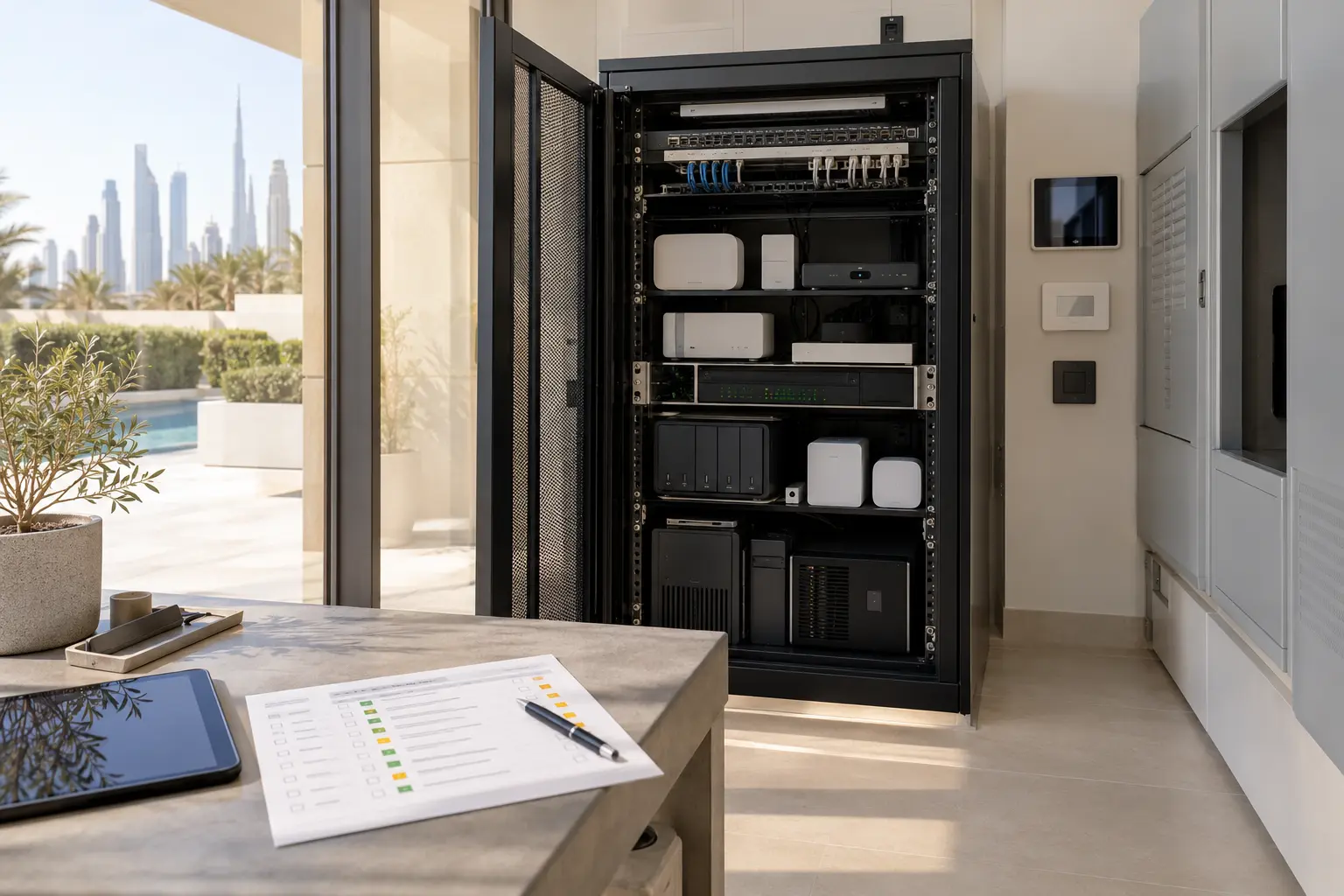
The final owner pack should include the canonical room and scene names, approved translations, supported voice languages, account ownership, household roles, personal-content settings, physical fallbacks and the process for adding or removing a user. Keep recovery codes and passwords in the owner’s secure credential store, not in an ordinary PDF or group chat.
Include a short change process. A new family member, staff change, room rename or platform update should trigger a focused review of permissions and language behaviour. Use the smart-home handover checklist to keep documentation, backups and support responsibilities together.
A multilingual smart home is not one that displays the greatest number of translations. It is one where every intended user can complete essential tasks, understand the result and recover safely when a preferred interface is unavailable.
Request a multilingual smart-home planning assessment with the household languages, property type and rooms you want to coordinate. Do not send account passwords, security codes, voice recordings or private household schedules in the initial enquiry.