Voice control can be convenient when someone is carrying a child, preparing food or settling into a room. It can also create confusion if every person hears a different response, guests can reach private functions or the household does not know which account holds its history. A Dubai villa voice-control brief should therefore begin with people, rooms and permissions, not a list of impressive commands.
This guide provides a privacy-aware planning framework. Features, languages and regional availability change, and every connected platform has its own terms and technical limits. Verify the exact device, account, UAE availability and integration before purchase. Our AI smart-home planning service can help define useful functions and the controls that should remain local and physical.
Decide where voice actually helps
Walk through ordinary routines and note moments when hands-free control would be useful. A kitchen may benefit from audio and selected lighting commands. A living area may use a simple evening scene. A bedroom needs a more careful conversation because voice recognition, personal content and late-night responses affect privacy and comfort.
Avoid placing a microphone-enabled device in every room by default. Discuss private studies, guest rooms, children's rooms, dressing areas and staff areas separately. For each proposed location, write the intended functions, who uses them and the physical alternative. A wall keypad or remote should still cover frequent room actions without requiring anyone to speak or use a personal account.
The smart-home keypad planning guide helps prioritise those visible, dependable controls. Voice should add convenience to a clear control plan, not become the only route to light, shading or comfort.
Classify commands by sensitivity
Create three groups. Low-sensitivity room commands may include a named lighting scene, compatible curtains or audio volume. Personal commands can involve calendars, messages, reminders or calls. Security-sensitive commands include locks, gates, cameras, alarm states and occupancy routines.
Give each group its own approval rules. A platform may support a function technically while the household decides it should not be available by voice. For example, asking whether a door is locked is different from unlocking it. Hearing a camera announcement is different from viewing or sharing footage. Do not expose access, surveillance or personal content simply to make the feature list longer.
Write the expected confirmation for every sensitive command. If the platform cannot provide the required recognition, authentication and feedback, leave the action on an approved physical or personal interface.
Understand recognition and personal content
Voice recognition is not the same as formal identity verification. Test it with the actual household and treat platform documentation as the source for what a feature is designed to do. Apple's current HomePod setup guidance says supported voice recognition can personalise music and personal requests for invited home members, while availability varies by language, country and region. It also explains that the home owner or administrator controls relevant setup.
Apple's separate personal requests guidance describes requests involving messages, reminders, contacts, calendars and notes. Those are materially different from turning on a room light. Decide whether personal content is appropriate on each speaker, and verify device and account security before enabling it.
For any platform, list household members who should receive personalised results, people who should have only general control and visitors who should receive no account access. Revisit the list when someone moves in or out, staff responsibilities change, or a property is rented or handed over.
Give guests useful control without owner access
A guest should be able to use lighting, curtains and entertainment in their room without becoming an administrator of the home. Provide clearly labelled physical controls and a short explanation of any permitted voice phrases. Do not share the owner's primary account or leave account recovery details in the room.
If the selected ecosystem supports guest or limited membership, verify exactly what it exposes. The permissions screen, camera access, activity history, automations and settings can change by platform and software version. Test with a real limited account before handover rather than assuming the word “guest” means no private information is visible.
Household staff also need role-appropriate control, not a copied owner profile. Define the rooms, schedules and functions needed for their work. Keep private calendars, messages, cameras and administrator settings outside that role unless there is a specific approved need.
Review what is heard, stored and deletable
Ask the vendor or installer to show where privacy settings live, how microphones are indicated or muted, what request history the owner can review and how it can be deleted. Amazon's official Alexa privacy settings and voice-history guidance provide controls to review or delete associated voice history. This is a platform-specific example, not a statement that every service handles recordings in the same way.
Apple's official HomePod privacy and security guide describes the device's listening indication, communication protections and options to turn off the wake phrase, location services or Siri history. Read the current regional privacy notice for the exact platform and linked services. A third-party music, automation or AI service may have separate data practices from the voice assistant itself.
During handover, the owner should be able to find these controls without installer credentials. Record the setting choices and the date they were reviewed, but do not copy private histories into the project documentation.
Use clear room and scene names
Voice control depends on words. Give rooms unique, natural names that the household can pronounce consistently. Avoid having “Family Room,” “Family Living” and “Living Family” as different destinations. Keep device names out of everyday commands where a scene name communicates the result better.
Test names in the languages and accents used in the home. Do not promise that a feature will understand every speaker or language. The platform's supported-language and regional settings must be checked for the actual accounts and devices. Where recognition is unreliable, offer the physical control without framing the user as the problem.
The room names should match drawings, apps, keypads and the smart-home handover record. Consistent naming makes later support much easier.
Plan for internet and service interruptions
Many voice requests depend on cloud services and a working internet connection even when the underlying lighting or shading system supports local control. Document which functions continue locally, what becomes unavailable and how the household recognises the difference.
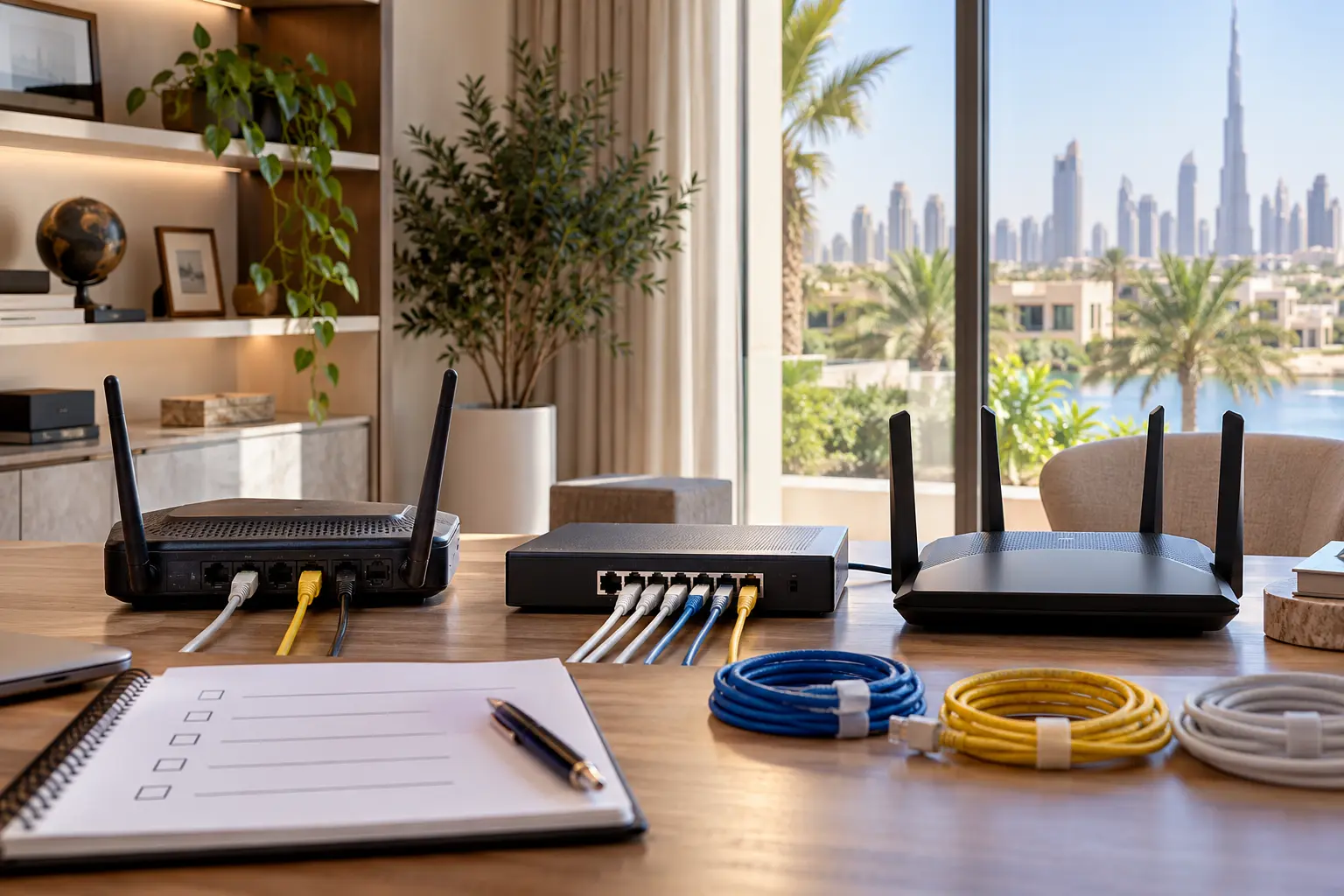
The smart home without internet guide provides an acceptance test for local controls, remote access and cloud features. Include voice in that test, but never make the internet outage itself a reason to disable essential physical control. The villa Wi-Fi planning guide can help map coverage and connected equipment locations without claiming that stronger Wi-Fi removes a cloud dependency.
Test privacy and control at handover
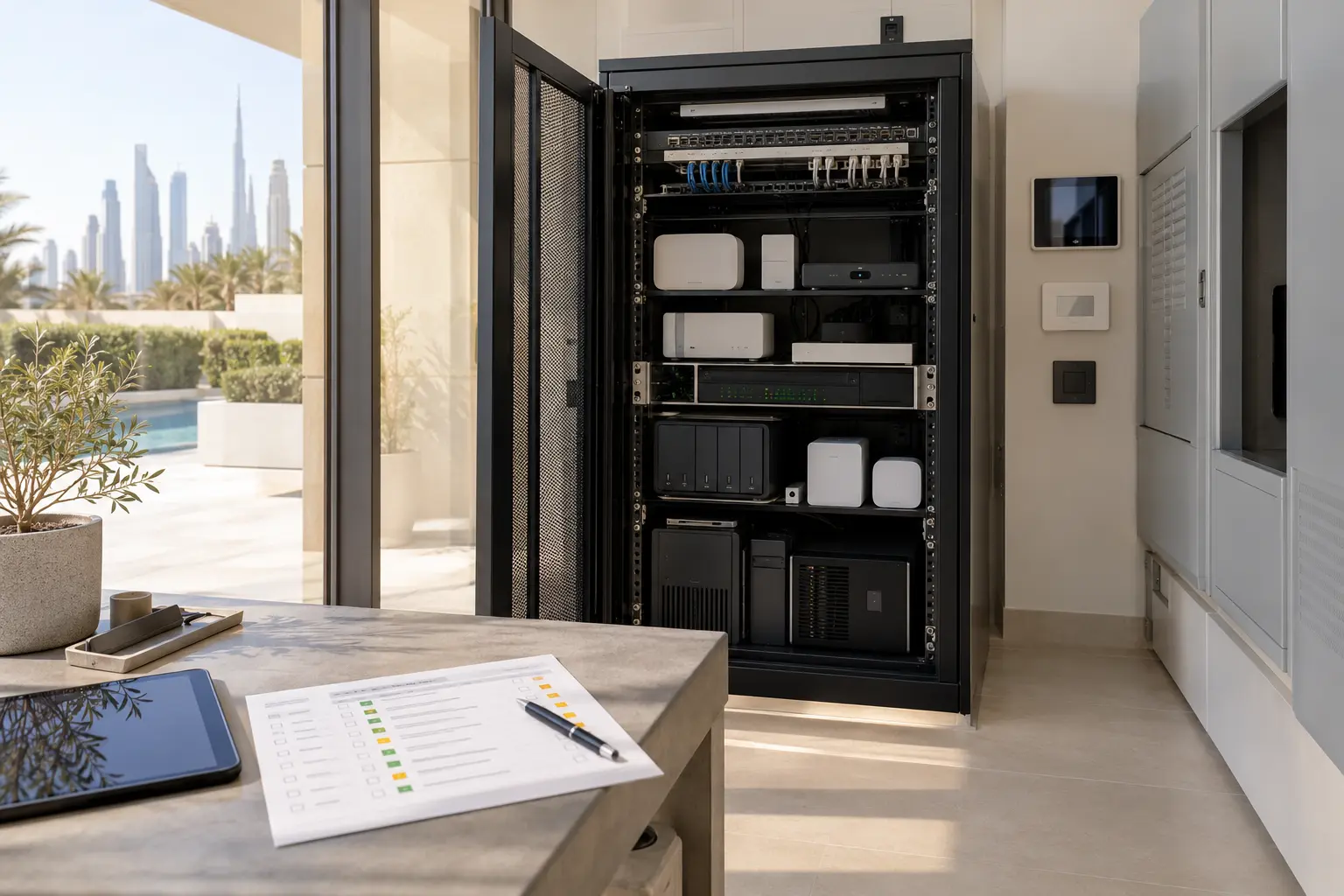
Build a room-by-room acceptance sheet. For each device, test the intended low-sensitivity commands, a command that should be refused, the microphone indicator or mute control, the physical alternative and behaviour during a simulated internet interruption where safe. Confirm whose phone receives prompts and whether a personal request produces an expected authentication step.
Repeat tests from nearby rooms to check unintended activation and confusing duplicate room names. Review guest access using a limited account. Confirm how to remove a user, transfer ownership, review history and obtain support without sharing passwords.
Schedule a privacy review after the household has used the system and whenever a major assistant, account or integration update changes its behaviour. New AI features should remain off until their data use, region, subscription, permissions and practical benefit are understood.
A good voice plan is deliberately selective. It puts convenient commands in suitable rooms, keeps private functions behind appropriate controls and gives every user a dependable non-voice route.
Request a voice-control planning assessment with the property type, preferred ecosystem and rooms under consideration. Do not send passwords, access codes, voice histories or camera details in the initial enquiry.