A smart home needs a network that suits the way the household actually lives. A video meeting in the study, music on the terrace, a television streaming upstairs and connected controls throughout the property create a more useful planning brief than simply asking for the fastest Wi-Fi. For a Dubai villa, begin with rooms, activities and existing infrastructure before choosing equipment.
This guide sets out the decisions to make with your network specialist. It is a planning checklist, not an equipment prescription: the right design depends on the property, construction, devices and installation opportunities. Our home Wi-Fi and network planning service brings these requirements into the wider smart-home conversation.
Start with a household activity map
Mark where people work, study, watch films and spend time outdoors. Note the places where a connection is already unreliable. Include less obvious locations such as a gate intercom, utility cupboard or room used occasionally by guests. Ask each person about their normal activities rather than designing solely around the owner's phone.
Next, distinguish equipment that stays in one place from devices that move around. A fixed television, controller or workstation may have different connection options from a tablet carried between rooms. List the devices you already own, the devices planned for the upgrade and any systems supplied by another contractor. This becomes the basis of a survey, not a promise that every device will be compatible.
Separate internet service from coverage inside the home
The internet subscription and the network within the property are related but different parts of the experience. Before increasing a subscription, ask the specialist to establish where the problem occurs. Is it one room, a particular device, a particular application or the whole household? A short fault diary can make that first conversation much more productive.
Record the room, approximate time and visible symptom without collecting passwords or private activity. For example, “video calls drop in the upstairs study while the living-room television continues” describes a useful observation. “The internet is bad” leaves several different causes unresolved. Your provider and network specialist may have different responsibilities, so establish who investigates each part.
Survey before selecting access points
Ask for a property assessment that considers the floor plan, construction, current network equipment and possible cable routes. The number of floors or bedrooms alone does not determine the equipment count. Large open spaces, separate garden structures and concealed equipment locations need discussion on site.
The survey should produce an understandable plan: where the network equipment will sit, which rooms need attention, where access points are proposed and what installation work is assumed. Ask why each position was chosen and how the result will be checked after installation. If a proposed position conflicts with the interior design, resolve that conflict before finishes are completed.
Decide where cabling is practical
A renovation offers opportunities to coordinate cable routes with electrical work and ceiling access. An occupied home may need a different balance between disruption and performance. Ask the specialist to compare the practical options for the actual property rather than treating wired and wireless approaches as opposing philosophies.
The written proposal should identify the cable routes, outlets, termination points and making-good responsibilities. Include labelling and a record of the installed connections. If a room cannot reasonably be cabled, ask what alternative is proposed, what it depends on and how performance will be accepted. Our wired or wireless planning guide helps frame that wider decision.
Give equipment a proper home
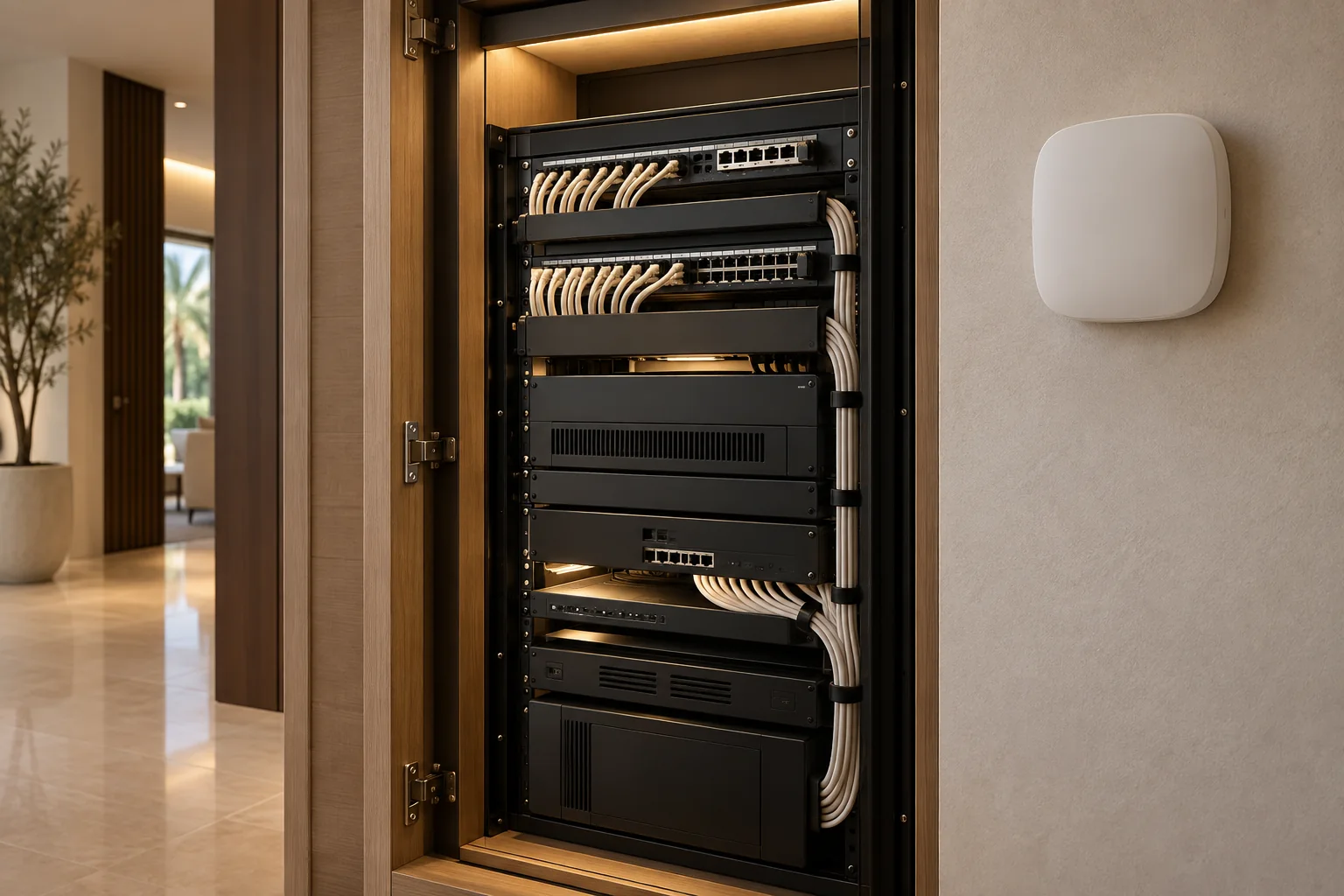
A network cupboard needs more consideration than a space left behind a decorative panel. Discuss access, ventilation, power, cable organisation and the ability to service equipment without damaging finishes. Ask who coordinates the cupboard with joinery and electrical work, and who approves changes during construction.
The equipment schedule should make replacements understandable. Record the model, purpose and location of each major item, along with the party responsible for support. Do not publish that schedule on the website or send administrator credentials through a general enquiry form. Arrange a secure handover with the appointed specialist.
Coordinate the automation platform
Network planning should happen alongside the choices for lighting, cooling, entertainment and access. Ask the automation specialist to identify any platform-specific network requirements and to review the proposed design with the network provider. A general assurance that equipment is “smart” does not establish how devices will discover or communicate with each other.
Manufacturer resources, such as the Control4 product catalogue, can help identify the relevant product families. The actual design still needs the current requirements for the exact products being specified. Brand references are research starting points, not a claim that Duneva is an authorised dealer or that every product is available for your project.
Set access and support expectations
Decide who will hold the homeowner administrator account, how a support provider receives access and how that access is removed when the relationship ends. Discuss guest access and any appropriate separation between household devices and connected equipment. The specialist must confirm that the design preserves the required control functions.
Also agree what happens when the internet provider changes, a router is replaced or the property is sold. These ordinary events should not leave the homeowner guessing who to call. Keep the support scope, charges and response arrangements in writing. Remote support, replacement equipment and site visits should not be assumed to be included together.
Test ordinary life before handover
Create a room-by-room acceptance checklist using representative household devices. Include the study, main bedrooms, entertainment areas and any agreed outdoor locations. Ask for the tests to reflect normal activity, not only a demonstration beside the network cupboard. Record any outstanding issues and who will resolve them.
Then check the agreed recovery process. Which controls continue locally, and which features depend on external services? Read our guide to smart homes without internet before discussing that demonstration. Avoid switching essential equipment or protective systems off casually; the installer should plan a suitable test.
Bring the brief together
Before approving work, make sure the proposal connects the coverage plan with equipment, cabling, installation, testing and owner training. Separate subscription charges and optional support. When comparing quotes, use the same activities and acceptance list so that a lower price does not conceal a narrower scope.
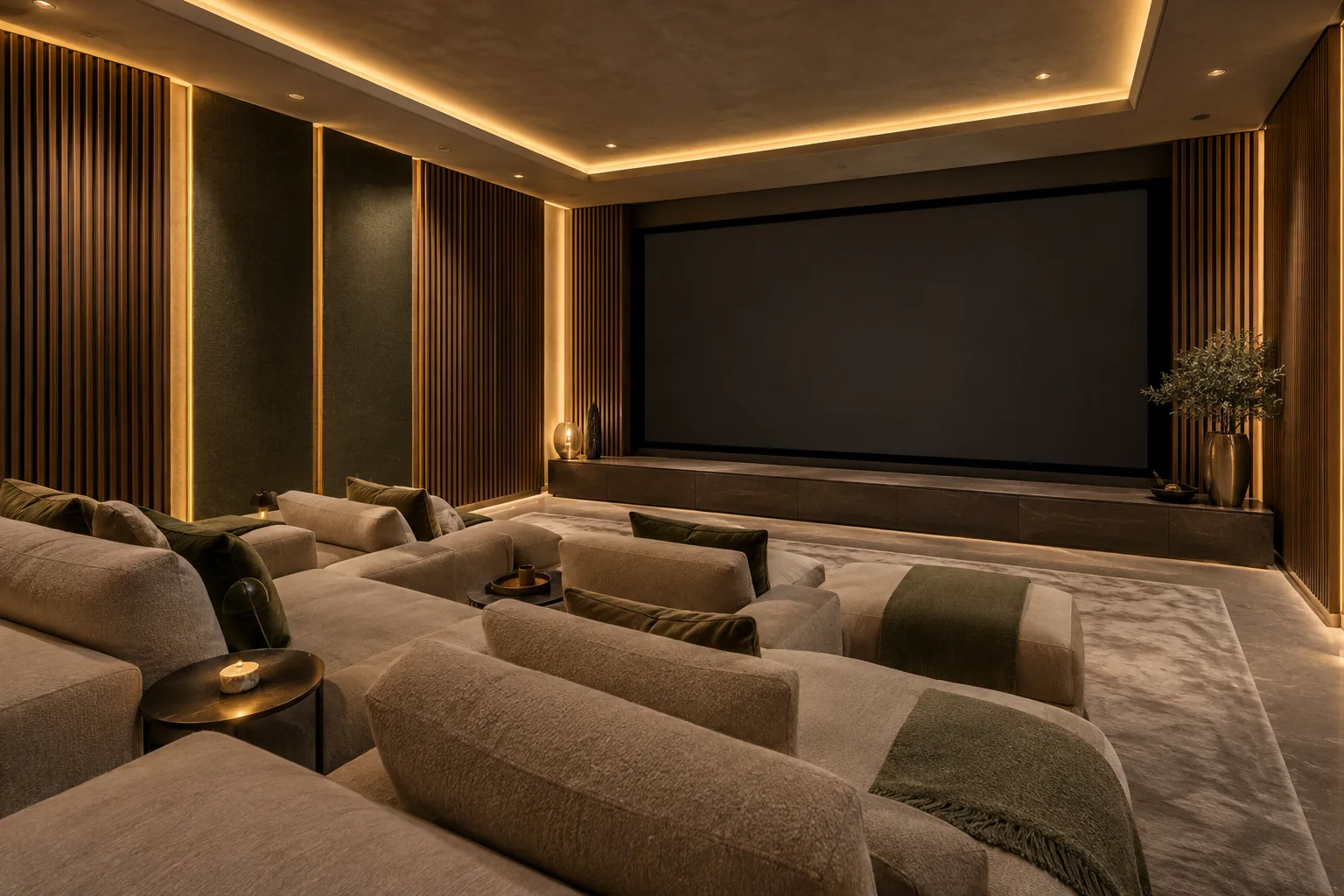
If your villa upgrade also includes cinema, shading or coordinated room controls, share those plans from the beginning. A small amount of early coordination can prevent decisions being made independently by different trades. Send Duneva your property brief with the community, project stage and rooms that need attention. We can help clarify the next specialist conversation without asking you to share private network credentials.