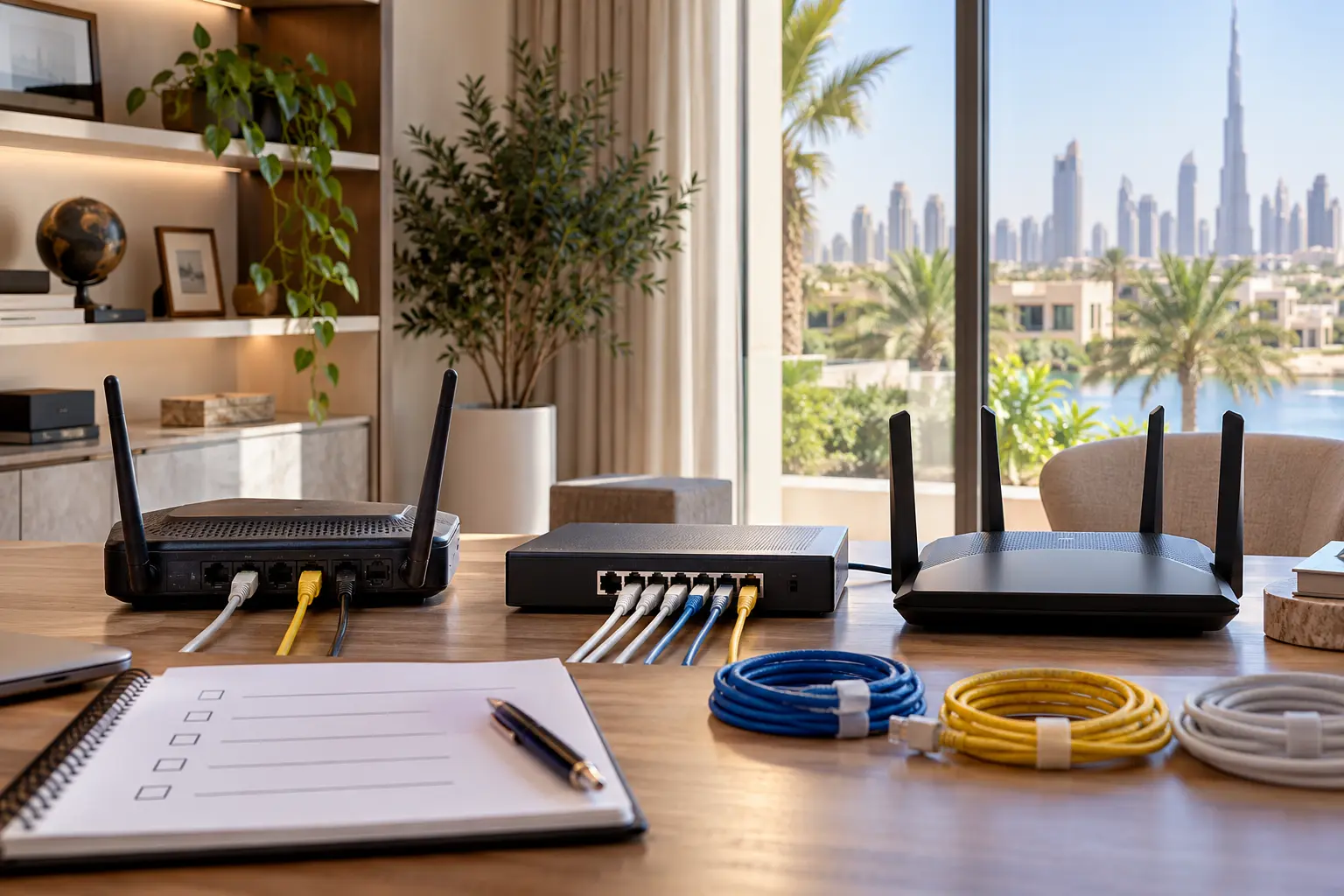
A backup internet connection is useful only when it protects the activities that matter and changes over safely when the main service fails. In a Dubai villa, that can include remote work, owner notifications, selected cameras, an intercom, cloud-dependent controls and specialist support. It does not mean every television, guest device and software update must consume the backup link.
A resilient design starts with the building, the primary service and the household brief. Duneva’s home Wi-Fi and network planning service can help coordinate connectivity requirements with the wider smart-home plan. The internet subscription, mobile service, electrical work and any regulated telecom infrastructure remain with the relevant providers and qualified specialists.
Define continuity before choosing equipment
Write down what should happen during a primary internet outage. Separate four questions: what must continue locally, what needs remote internet access, what can pause, and who needs to know. Lighting keypads may work locally while remote camera viewing does not. A gate may retain its physical or local control even if an app is unavailable. A work call needs bandwidth, while a controller health message may need very little.
Turn those answers into a priority list. A useful first tier might include owner communications, the network controller, selected access or security services and one work device. Entertainment downloads, guest Wi-Fi and automatic cloud backups may belong in a lower tier. This avoids treating cellular data as an unlimited copy of the main connection.
Review the villa Wi-Fi planning checklist first. Failover cannot correct weak coverage inside rooms, damaged cabling or a poorly placed access point.
Survey the fixed connection and building infrastructure
Record the incoming service, provider equipment, demarcation point, router or gateway, network cabinet, structured cabling and power source. Confirm who owns each device and which settings the owner is allowed to manage. Do not disconnect provider equipment or change regulated infrastructure without approval.
TDRA’s current Telecommunications Infrastructure Guidelines describe a national framework for future-ready building networks, high-speed fibre and smart-building connectivity. For a new villa or major renovation, the lesson is to plan accessible routes, telecom space, power and future capacity before finishes close. A cellular backup is not a reason to neglect the primary fixed network.
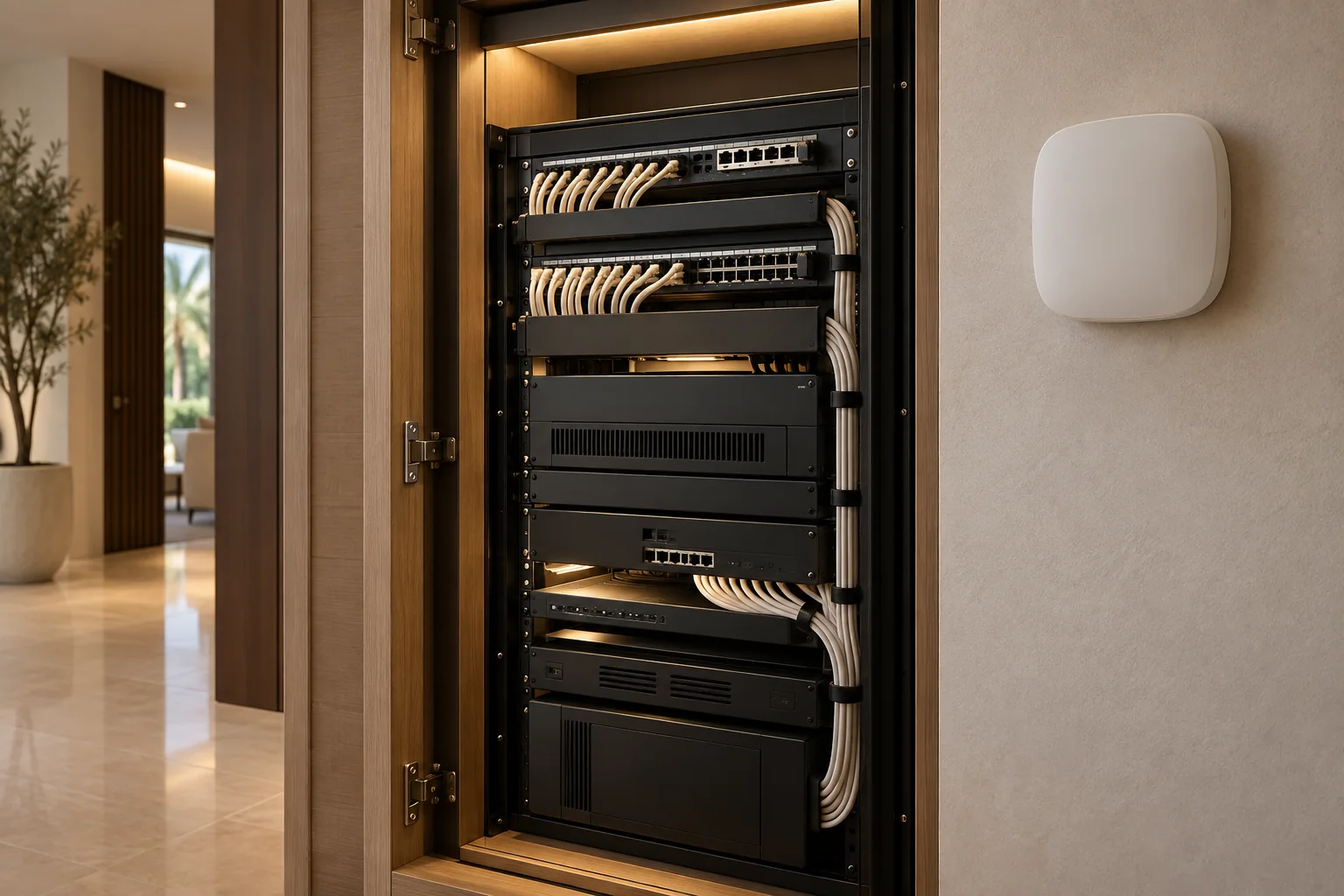
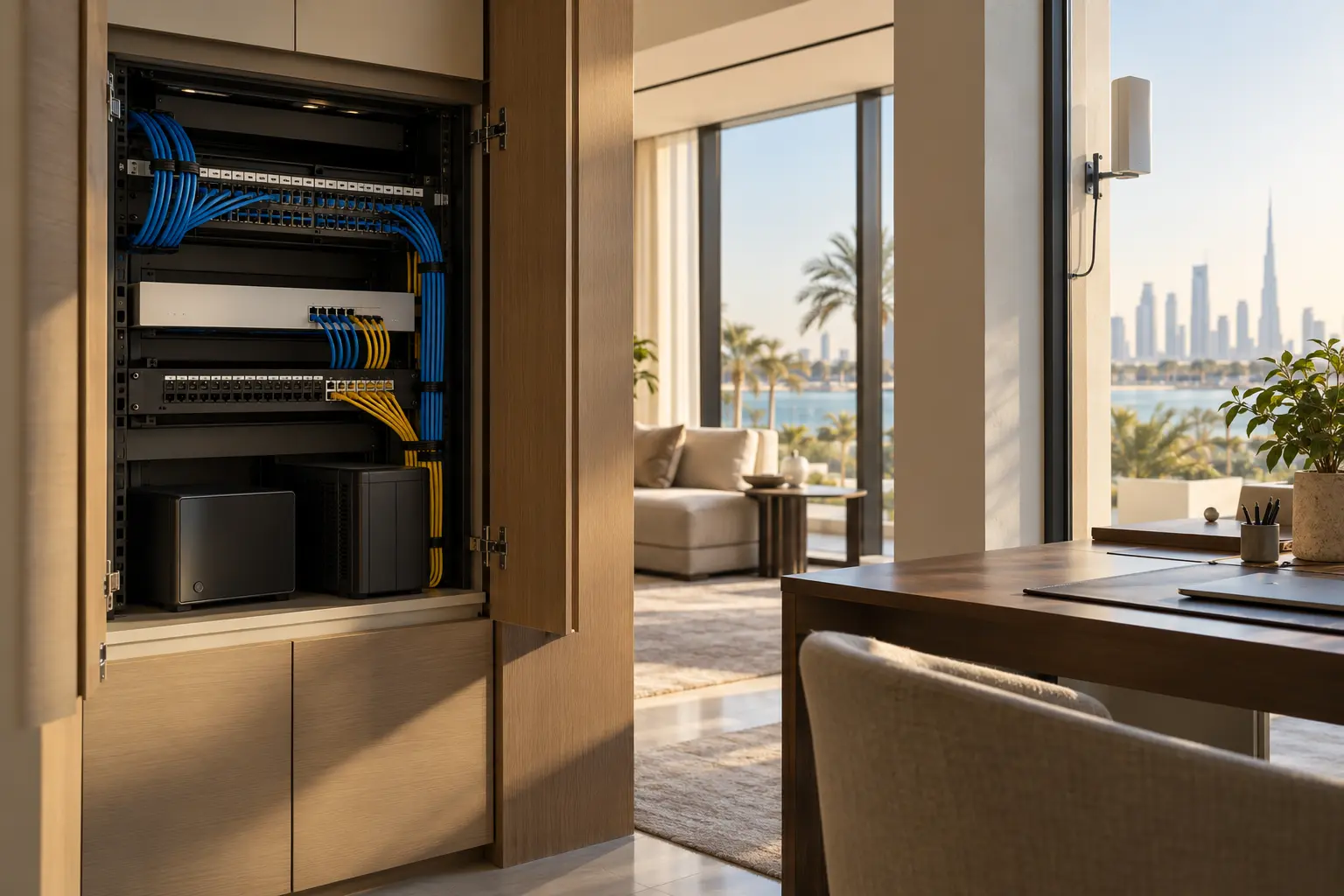
For an existing home, photograph labels rather than private credentials, identify spare cabinet space and confirm ventilation. The equipment-cabinet and plant-room guide helps separate service access, cooling, cable management and handover responsibilities.
Check cellular coverage where the device will actually sit
A mobile coverage map is a useful screening tool, not a guarantee of indoor performance. TDRA’s Service Coverage Interactive Maps allow consumers to review reported cellular and fibre availability. The actual backup path can still be affected by room position, glazing, walls, cabinet construction, antenna placement, network load and the selected plan.
Test at the proposed device location with the intended provider and equipment. A strong phone signal at the front gate does not prove reliable service inside a closed equipment cabinet. If the antenna or modem needs a better position, plan a safe cable and power route rather than leaving temporary leads across a room.
Record signal observations at more than one time where practical. Confirm the permitted SIM or data service, account owner, roaming behaviour if relevant, data allowance and what happens when the allowance is reached. Do not publish or place SIM details in the general handover folder.
Choose a failover architecture that matches the brief
The gateway must know when the main WAN is genuinely unavailable and when it has recovered. Different systems use different health checks, thresholds and changeover behaviour. As one product-specific example, Ubiquiti’s current WAN failover guidance describes connection health checks and failover conditions, while its 5G and LTE backup guidance distinguishes a standard WAN connection from a LAN-connected backup. These features are not universal; verify the exact gateway, modem, firmware, region and subscription.
Ask the specialist to explain whether existing sessions reconnect, which networks use the backup, how return to the primary link works and whether a short service interruption is expected. Failover does not preserve every call, VPN or cloud session without interruption.
Decide which traffic may use cellular data
Create an explicit allow list. Priority household or work devices can use the backup while guest networks, televisions, console downloads, operating-system updates and large cloud-sync jobs pause. If cameras normally upload continuous video, decide whether cellular carries live viewing, event clips, alerts only or nothing until the primary service returns.
Avoid making a security promise from bandwidth alone. A camera still depends on power, local recording, account access, product services and permissions. The alert-escalation guide can help connect a WAN-loss event to a clear recipient and safe next action.
Set a usage warning where the chosen service supports it. Record how the owner sees consumption and who may approve a temporary change to the traffic policy.
Keep the network powered and locally usable
A second internet path cannot help if the gateway, switches, access points or cellular device lose power. Map the equipment that the backup path needs and compare its load with the selected UPS or supported power system. Confirm ventilation, battery condition, runtime expectations and safe shutdown or restart behaviour.
The smart-home power-resilience guide explains how to document priority loads and restart order. A UPS offers finite runtime; it is not evidence that the entire villa or network will operate through a long outage.
Keep essential local controls functional wherever the selected systems support it. The smart home without internet guide provides a room-by-room way to test local operation instead of assuming that every connected feature needs the cloud.
Test failure, restricted service and recovery
Commission the design with a controlled test approved by the network specialist. Record the normal route, disconnect the primary WAN at the agreed point, time detection and changeover, and verify only the priority journeys. Check one owner notification, one permitted remote view, one selected work connection and the local controls that should remain available. Do not create an electrical fault or disturb provider infrastructure.
Then restore the primary connection. Confirm that traffic returns as designed, notifications clear, time and logs remain correct, and the cellular link stops carrying unnecessary data. Test again after a gateway replacement, major firmware change, provider change or network redesign.
The owner handover should include a simple network diagram, provider boundaries, device locations, priority traffic policy, data-limit notes, power dependencies, safe test method, support route and recovery steps. Keep passwords, SIM credentials, remote-access tokens and detailed security configuration in a protected owner-controlled record.
A good failover plan is deliberately limited. It protects defined journeys, makes its constraints visible and gives the household a tested path back to the primary service.
Request a Dubai villa network-resilience assessment with the property type, current provider and the activities that need continuity. Do not include Wi-Fi passwords, SIM details, public IP addresses or remote-access credentials in the initial enquiry.