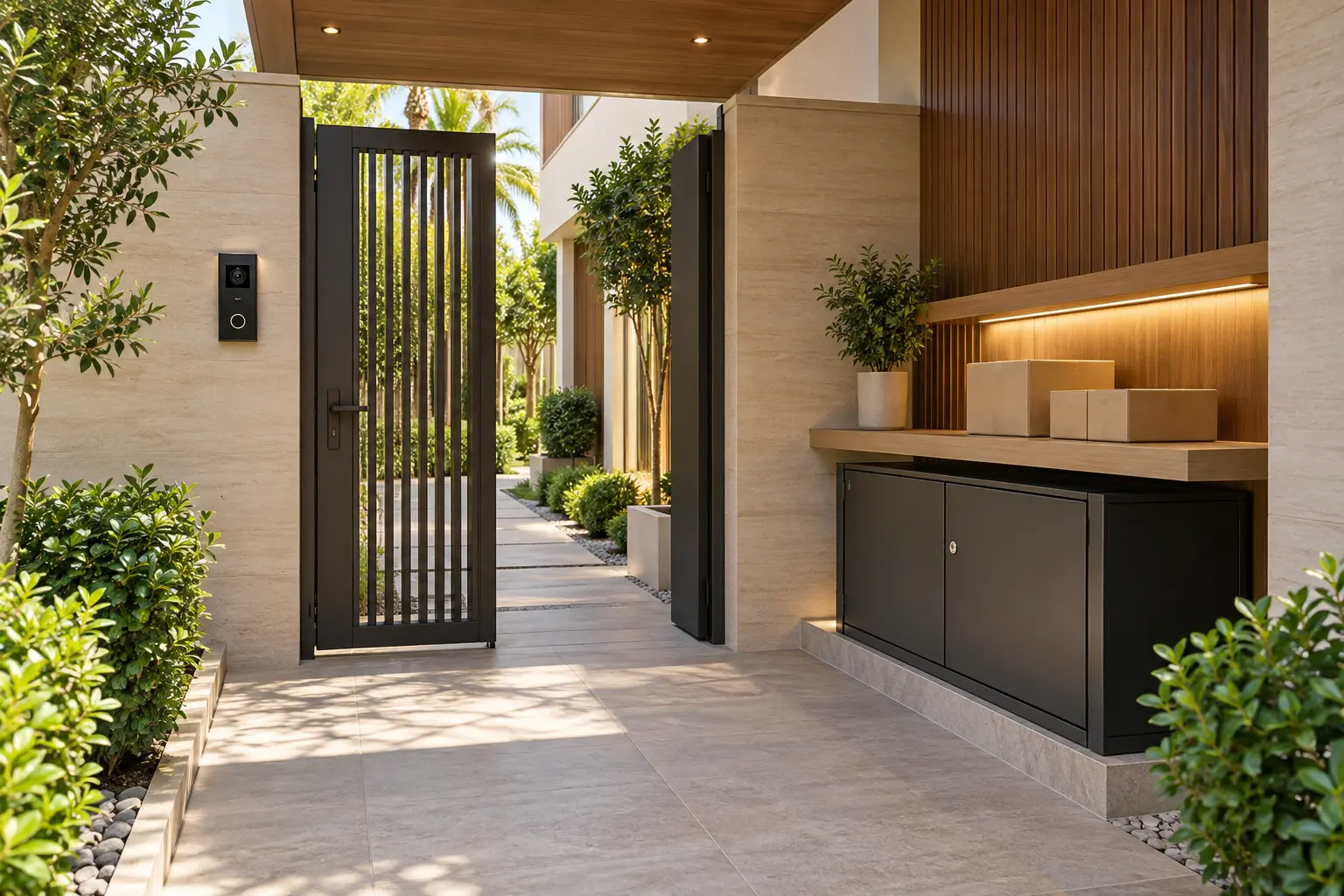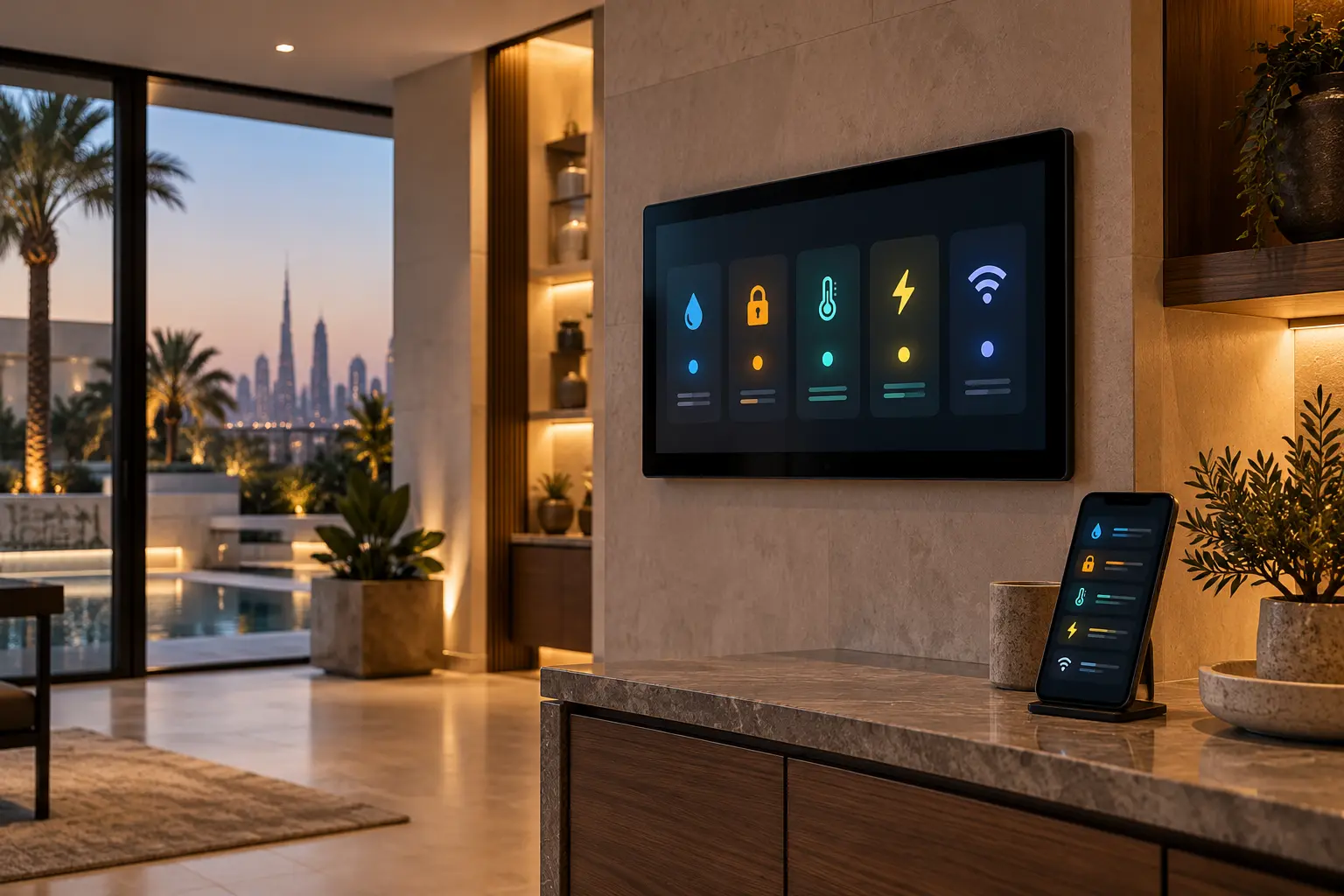
A large villa can generate notifications from cameras, doors, leak sensors, air-conditioning interfaces, energy meters, network equipment and specialist plant. If every device sends every event to every phone, the result is not better awareness. It is noise, unclear responsibility and a greater chance that a useful warning is ignored.
The answer is a cross-system alert matrix: a private schedule that says what an event means, who sees it, what evidence they should check, when they act and where responsibility moves next. Duneva’s smart security and access service can help coordinate owner-facing notifications with compatible home systems. It does not replace monitored security, life-safety systems or the appointed specialists for electrical, HVAC, plumbing, fire, lift, gate or pool equipment.
Inventory every alert source before changing settings
List each system that can create a notification. Include door and gate contacts, intercom calls, cameras, access credentials, water sensors, shut-off valves, smoke or alarm interfaces, HVAC faults, room or cabinet temperature, power and UPS status, internet availability, controllers, energy monitoring, irrigation and pool equipment. Record the exact product, app, owner account, location name and responsible specialist.
Then capture what the notification actually proves. A door-contact alert can report that a contact changed state; it does not prove who used the door. A camera event may be a product classification rather than a verified intrusion. A leak sensor reports moisture at its sensing point, not the condition of every concealed pipe. This evidence column prevents a short phone message from being treated as a complete diagnosis.
Use the CCTV and security-alert planning guide to review camera purpose, viewing permissions and useful detection zones before increasing notification volume.
Give each event one clear severity
Use a small number of levels that the household can remember. A practical matrix might use:
- **Status:** useful history or confirmation, with no immediate action.
- **Attention:** review within an agreed period and assign a named owner.
- **Urgent specialist:** contact the responsible provider and protect the affected area using only approved steps.
- **Safety or verified emergency:** follow the relevant emergency or monitored-service procedure, not an improvised smart-home routine.
Severity depends on context. A brief internet interruption may be a status event if local lighting and access still work. Loss of connectivity to a remotely managed empty villa may need quicker review. Water detected beside electrical equipment can require a different response from a sensor under a rarely used sink. The matrix should state the condition, not label every event from one device identically.
Keep fire, gas, lift rescue, medical and other life-safety functions within their approved dedicated systems and procedures. A convenience notification may mirror supported status, but it must not be represented as the primary alarm or emergency response path.
Choose one source of truth for each condition
Duplicate notifications can make one incident appear to be several. A camera platform, home-automation controller and mobile operating system may all report the same entrance event. Decide which system is authoritative, which one supplies supporting evidence and which duplicates should be disabled after testing.
Apple’s current Home accessory notification guidance notes that supported accessories can provide activity notifications, while not every accessory supports them. Google’s current camera and doorbell alert guidance says available options depend on the camera and, for some functions, the subscription. These are platform-specific examples. Confirm the exact model, account, region, hub, software and plan installed in the villa.
Give every device a name that identifies the real place: Service Gate, Upper Plant Room or Kitchen Sink is more actionable than Sensor 7. Keep those names consistent in apps, drawings, handover documents and messages to specialists.
Define the first action and escalation route
Every actionable row needs a short first step that a recipient can perform safely. For a moisture alert it may be to view the named sensor in the app, contact the onsite responder and keep people away from nearby electrical equipment. It should not tell an untrained person to open a live panel or operate an unknown valve. The water-leak detection guide explains how sensor placement, shut-off assessment and responder responsibilities fit together.
Add a time or condition for escalation: if the onsite check confirms water, call the appointed plumbing or leak-response contact; if a gate remains open after the agreed interval, contact the authorised property representative; if cabinet temperature continues rising, contact the automation or cooling specialist. Record who closes the event and what evidence is kept.
For security, distinguish an app notification from a monitored service. The official Dubai Police Smart Home Security FAQ describes a specific service in which alerts are verified through its command-centre process before confirmed threats are passed to Dubai Police. A general camera, doorbell or automation alert must not be described as that monitored response unless the exact service is contracted and commissioned.
Send the right alert to the right person
The owner does not need every service reminder, and household staff do not need private camera history or administrator access. Assign recipients by role and zone. A property manager may receive plant-room and service-entrance events; a resident may receive front-door and bedroom comfort alerts; a specialist may receive a diagnostic message only through the approved support channel.
Use named accounts rather than one shared household login. Review recipients after a staff, tenancy, service-provider or ownership change. The household-staff controls guide provides a framework for task-based access, personal-content boundaries and offboarding.
Set quiet-hour rules carefully. Nonurgent status can wait for a daily review, while a verified urgent condition needs the agreed path at any time. Avoid making every event critical simply to bypass phone settings; that teaches people to mute the system.
Plan for notification failure
A push message depends on more than the sensor. The device, controller, network, internet service, cloud platform, owner account, phone permissions and mobile connection may all matter. Add a health-check row for critical notification paths: when was the sensor last seen, is the hub online, did the test reach the intended phone and is there an approved local indication?
Document what continues locally when the internet or a cloud service is unavailable. The smart home without internet guide can help separate local control from remote visibility. Never leave a locked entrance, water response or essential room control dependent on one push notification.
Commission the matrix with controlled scenarios
Test one safe representative event from each agreed category. Open the selected door, wet a testable leak-sensor probe using the manufacturer’s method, disconnect a noncritical monitored network link through an approved test, and create a permitted equipment warning only when the responsible specialist can do so safely. Do not manufacture a fire, intrusion, electrical or mechanical fault.
For every test, record the event time, message wording, recipient, delivery delay, app destination, first action, escalation result and reset. Confirm that duplicate alerts are understood and that a cleared condition does not remain shown as active. Repeat tests after a major app, controller, network or account change.
At handover, give the owner the private alert matrix, device and location schedule, role list, monitored-service distinctions, specialist contacts, testing method and review date. Keep passwords, access codes, private camera links and security drawings out of the general document.
A useful alert answers five questions quickly: what happened, what evidence exists, who owns the first response, when it escalates and how everyone knows it is closed. That clarity matters more than the number of notifications a villa can produce.
Request a Dubai villa alert and security assessment with the systems and areas you want to coordinate. Do not include passwords, access codes, camera links or detailed security credentials in the initial enquiry.