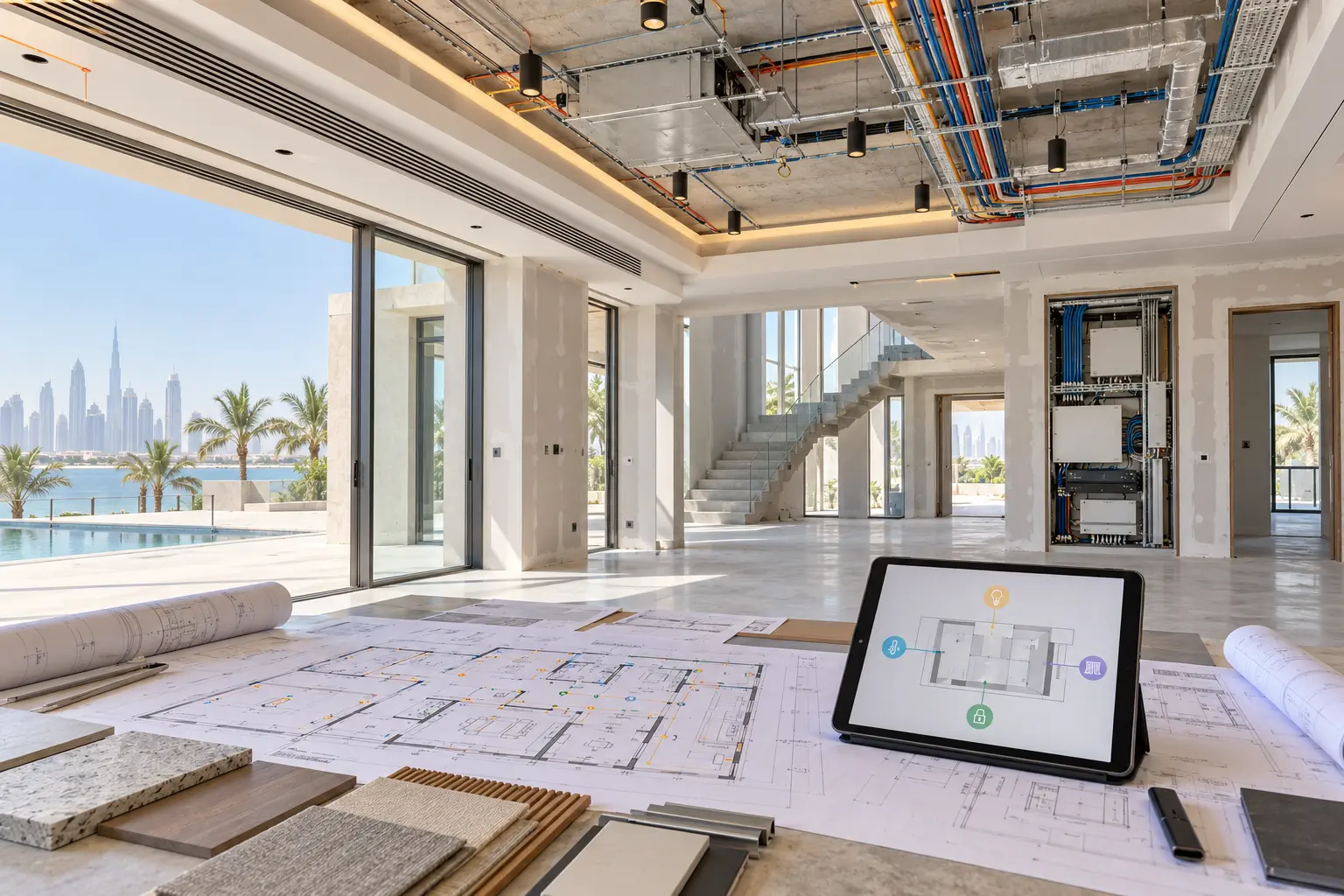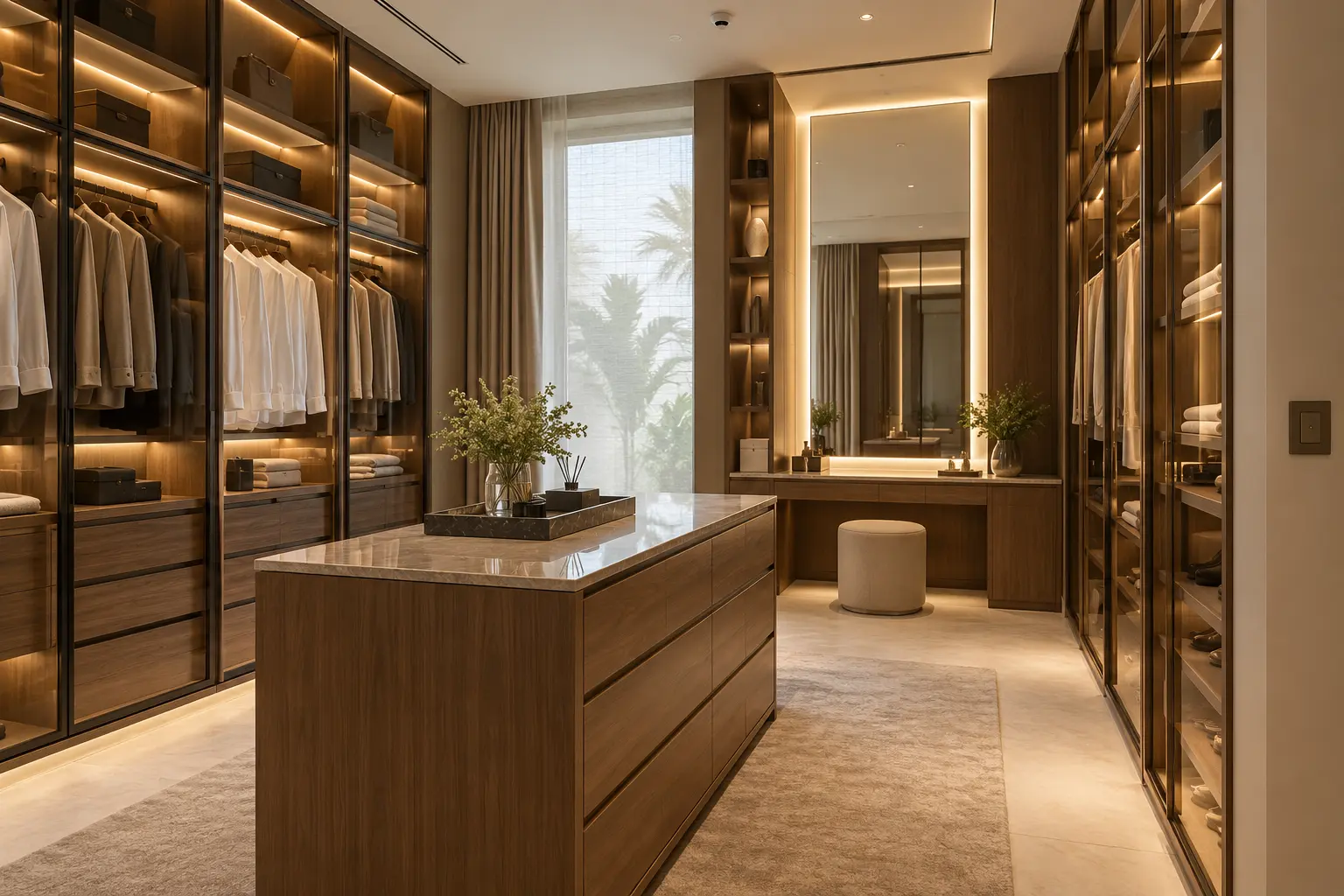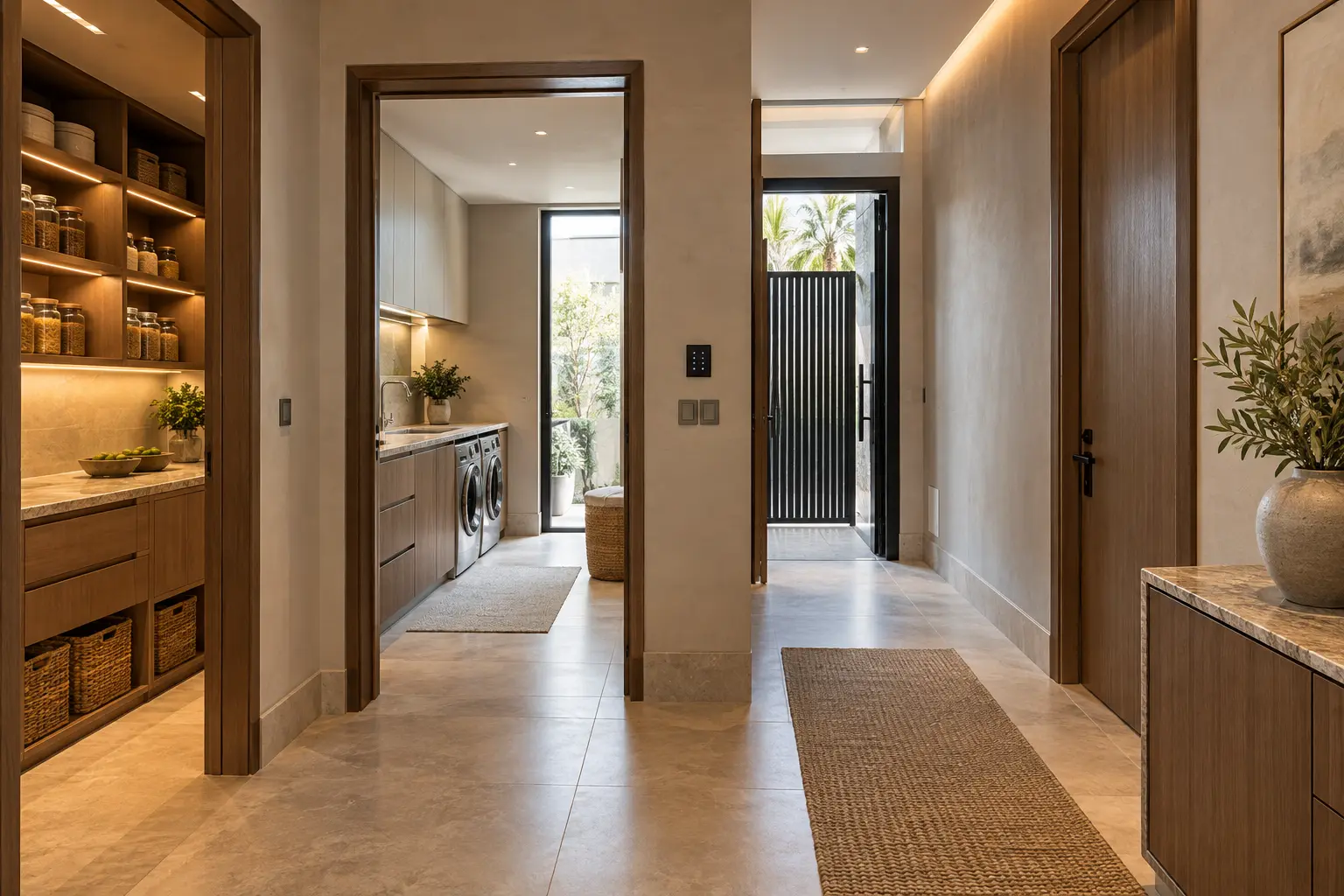
A staffed villa works best when people can complete normal tasks without borrowing the owner’s phone, learning a master code or entering private family areas unnecessarily. Good automation supports the household routine with clear local controls and defined service routes. It should not turn ordinary work into broad account access or hidden surveillance.
This guide helps Dubai villa owners, household managers, designers and integrators plan respectful controls for live-in or visiting household staff. Duneva’s villa home-automation service can coordinate room controls, approved access and service-zone journeys with the wider home. Employment policies, privacy obligations, security procedures and specialist systems remain with the owner and appointed advisers.
Map tasks, rooms and routes
List the recurring tasks before choosing permissions: opening the service entrance, preparing breakfast, managing laundry, cleaning family rooms, receiving a contractor, setting an outdoor area and closing the property at night. For each task, record where it starts, the rooms involved, the control needed and the point where responsibility returns to the owner.
Draw the service route from the staff entrance to the pantry, kitchen, laundry, stores, staff accommodation, refuse area, plant spaces and approved family rooms. Mark doors that are normally open, scheduled, supervised or always private. Use the parcel and service-entrance guide to coordinate the external route, intercom and delivery handover.
A service zone is not automatically a lower-quality zone. It needs reliable lighting, climate, Wi-Fi where required and controls that work without a personal app. Clear room names and consistent layouts reduce mistakes for everyone.
Build a role-and-zone matrix
Create roles based on responsibilities rather than status: house manager, cook, housekeeper, driver, child-care provider, pet carer, maintenance visitor and temporary cover may need different access. One person can hold more than one role, but each permission should still have a reason.
For every role, record the permitted entrance, rooms, days or times, lighting scenes, shade control, climate range, audio access, intercom function and alerts. Add an expiry or review date. Keep owner administration, billing, camera history, security logs and system programming outside everyday roles unless there is a specific approved need.
Do not use one shared PIN for all staff. Named or individually issued credentials make offboarding possible without disrupting the whole household. If a system cannot identify or limit users adequately, narrow the function it controls or retain a physical procedure.
Provide essential local controls
Put simple physical controls where work happens: entrance and corridor lighting, pantry and kitchen task scenes, laundry lighting and ventilation requests, staff-room comfort, outdoor service lights and a clear end-of-shift action. Labels should match the household’s agreed language and be tested with the people who use them.
Essential actions should not require the owner’s phone, a cloud account or voice recognition. A keypad can provide task lighting and off without exposing the rest of the home. The multilingual controls guide explains how to combine consistent icons, short labels and a controlled room-name register.
Avoid complicated scenes that change private bedrooms, personal media or unrelated security zones. If “Close Service Areas” turns off lights and checks selected doors, show what it affects and preserve local override where appropriate. Never hide a safety or emergency function inside a decorative scene.
Choose platform access cautiously
Some consumer platforms provide household or member roles, but their scope changes by product and software. Google’s current guidance for inviting a home member says a member can be given limited permission to control devices, change settings or check activity data such as camera history. Treat those as selectable platform capabilities that require an exact permission review, not evidence that every device in the home will follow the same boundary.
Apple’s current home-sharing guidance distinguishes shared users from guests and describes scheduled local access for supported doors, locks and security accessories. Remote access and available permissions depend on the home configuration and supported products. Verify the actual hub, account, region, software and accessory behaviour before relying on it.
Do not invite a person to an entire digital home merely because they need one light or door. Compare platform membership with local keypads, a dedicated credential or a narrow access-control role. Test what the invited account can see as well as what it can operate.
Separate personal content from household functions
Shared touchscreens and speakers can reveal calendars, messages, photos, contacts, media history or personal voice results when accounts are configured broadly. Decide which devices are household interfaces and which are personal. Keep owner profiles off service-zone displays unless the household has deliberately approved the exposure.
Use neutral scenes such as Breakfast Setup, Laundry, Cleaning and Service Close rather than scenes based on an individual’s private schedule. Disable or limit personal results in shared areas according to the selected platform. The voice-control and privacy guide provides a room-by-room method for personal content, history and physical fallbacks.
Place shared displays so they do not reveal camera tiles, alarm states or family calendars to people passing through. Automatic screen locks and timeout behaviour should be tested in the finished room.
Make camera and activity boundaries explicit
Cameras should have a documented security or operational purpose, a suitable view and authorised recipients. Avoid cameras in staff bedrooms, bathrooms, changing areas or other spaces where people reasonably expect privacy. Do not add a camera merely to confirm that a routine task was completed.
For service entrances and external routes, frame the relevant threshold while avoiding neighbouring or private activity. Decide whether staff can answer an intercom, view one entrance or review recorded history; these are different permissions. The CCTV and security-alert guide helps separate live viewing, recordings, notifications and retention.
Phrase alerts around equipment and agreed security events, not personal judgement. “Service door open for ten minutes” describes a supported state. It should not become an automated accusation about the person nearby. Keep attendance, performance and employment management outside general smart-home notifications.
Coordinate comfort without exposing private schedules
Staff accommodation and work zones need their own sensible lighting and climate controls. Agree local setpoints and time schedules with the household and HVAC specialist. Do not make comfort depend entirely on occupancy analytics visible to every administrator.
Kitchen, laundry and cleaning routines can create heat and humidity that need appropriate mechanical design. Automation may request an approved mode or show a supported status; it does not replace ventilation, electrical, plumbing or appliance safety controls.
If the home uses owner-away or night modes, document how staff living onsite can continue to use their approved rooms. A whole-property “Away” scene should not silently disable essential lighting, cooling, hot water requests or the authorised entrance for someone who remains in the villa.
Plan handover, changes and offboarding
Issue access only after the person has been shown the relevant entrances, local controls, physical fallbacks and who to contact. Record the credential owner, role, start date, review date and approved devices. Do not copy passport numbers, employment documents or unrelated personal information into the automation database.
When responsibilities change, update the role instead of adding a second permanent credential. When someone leaves, revoke their named access, review active sessions and return physical keys or remotes through the household’s process. Do not factory-reset the home or delete shared records without understanding the impact.
Keep temporary contractor access separate from staff access. Use a limited window and specific route, then confirm expiry. The guest-ready smart-home guide offers an additional turnover and permission checklist.
Test real household journeys
Commission the service entrance at the actual arrival times, then test breakfast preparation, cleaning, laundry, a delivery handover, approved family-room access, night closure and an urgent local override. Repeat representative tests with internet unavailable and the owner’s phone absent. Confirm that the permitted user cannot open unrelated rooms or see private data.
At handover, retain the role-and-zone matrix, entrance schedule, keypad labels, platform permissions, personal-content settings, camera boundaries, alert recipients, offline behaviour and revocation procedure. Add power and restart dependencies from the smart-home power-resilience guide.
The best staff-facing automation is uneventful. People can perform agreed work with dignity and clarity, the owner keeps administration and private data, and changes can be made without replacing every code in the property.
Request a household control and service-zone assessment with the villa stage, service areas and role types to coordinate. Do not include names, schedules, access codes or private employment information in the initial enquiry.