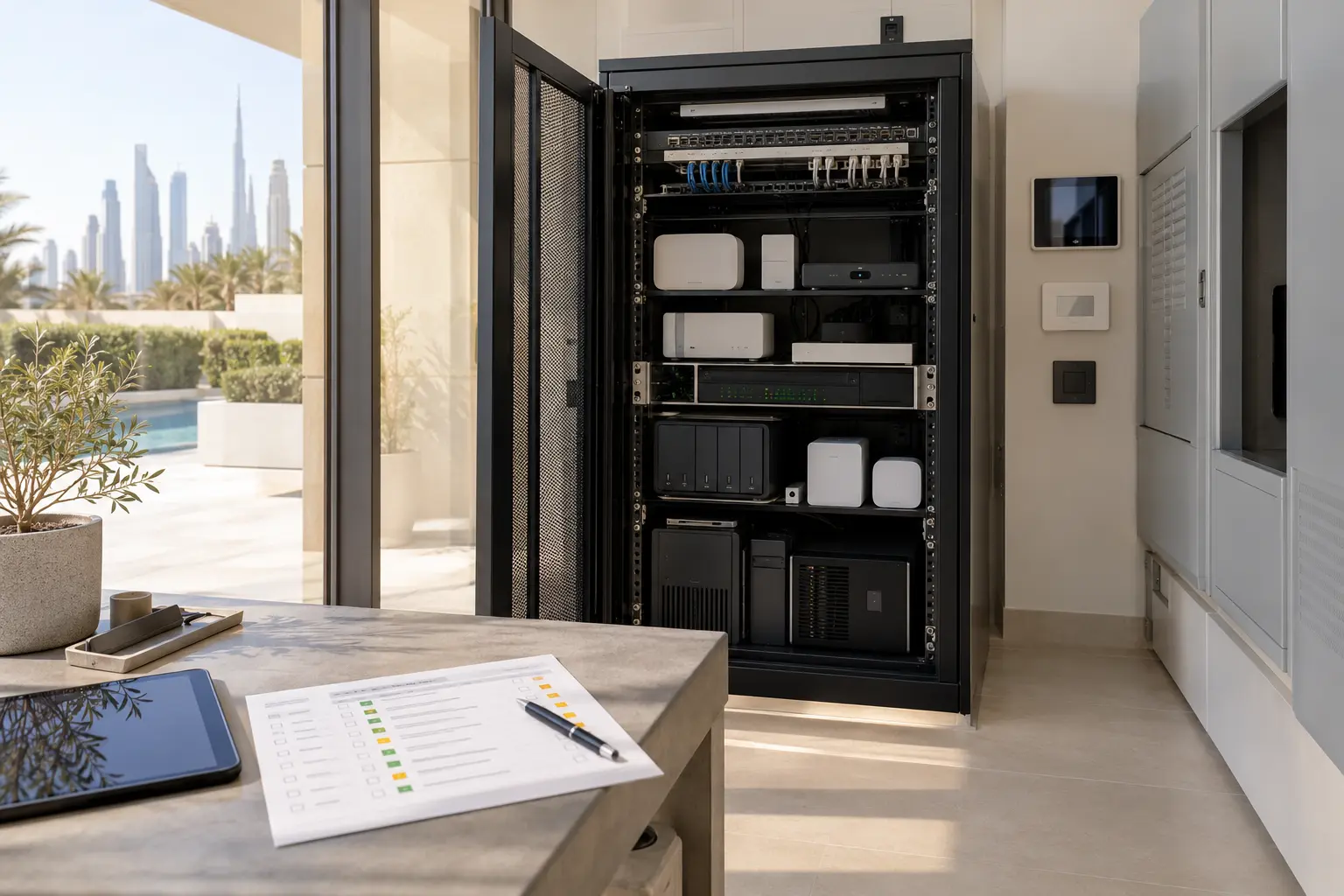
A smart villa can have local lighting controls, motorized curtains, cameras, audio, climate interfaces and remote access, yet still depend on a small chain of controllers and network equipment. A brief power interruption may restart that chain in an unexpected order. A longer outage can reveal that a battery backup was sized for the rack label rather than the equipment that actually needed to continue.
Power resilience is therefore a planning exercise, not simply a request to “put the smart home on a UPS.” The electrical contractor, automation specialist, network specialist and any generator or solar provider must agree the scope. Our smart-home maintenance and integration service can help document the control path and turn it into a specialist assessment.
Define the outcome before the equipment
Begin with what the household wants during three conditions: a brief interruption, a longer loss of utility power and the return of power. The aim during a short interruption may be to keep the controller and network online. During a longer outage, the priority may be an orderly shutdown rather than continuous operation. On restoration, the important outcome may be a controlled restart with physical lighting, access and communications recovering predictably.
Write those outcomes in plain language. “Internet remains available for 20 minutes if the provider service is still operating” is more useful than “network backed up.” “Selected local lighting controls continue according to their approved design” is more precise than “whole home stays on.” Never imply that ordinary home automation or a small UPS replaces emergency, fire, life-safety or legally required standby systems.
Map the complete control path
Trace each important function from the person’s action to the device that responds. A phone command may depend on a wireless access point, network switch, router, internet connection, cloud service, automation controller and lighting gateway. A physical keypad may have a shorter local path. An intercom or camera may depend on Power over Ethernet from a central switch.
Create a table with equipment, normal power source, approximate measured load, dependencies, restart behaviour and responsible specialist. Include the internet modem or optical terminal, router, switches, wireless controllers, automation processors, lighting interfaces and approved storage devices. Do not open electrical equipment or measure mains circuits without the qualified contractor.
The villa Wi-Fi and network planning guide helps identify those network dependencies. The smart home without internet guide separates internet loss from loss of local control; power planning should test both conditions independently.
Put loads into priority tiers
Tier one is the minimum control path: the equipment required for agreed local functions and basic network coordination. Tier two contains selected communications, monitoring or access equipment that has a justified outage role. Tier three contains convenience loads that can turn off without preventing safe use of the property.
Large displays, amplifiers, decorative lighting, chargers and motor loads can consume far more than the core control path. Do not attach them to a small UPS because an outlet is available. Motors, pumps, AC equipment and other high-starting-current loads require product-specific engineering and may be unsuitable for the proposed unit. The electrical design must also consider generator or inverter circuits, earthing, protection, ventilation and local requirements.
A priority table makes trade-offs visible. If the owner asks for more runtime, the first question becomes whether to increase battery capacity or remove a non-essential load.
Size around load and runtime
Record the actual equipment ratings and, where appropriate, have the responsible specialist measure normal and peak demand. Schneider Electric’s official UPS selection guide explains that selection should consider the application and power-protection requirement. Its UPS buying guidance advises choosing a VA rating above the connected device load and notes that adding equipment reduces available runtime.
Use those principles with the current model’s regional datasheet and runtime chart. Watts and volt-amperes are not interchangeable labels, and a nominal battery figure is not a guaranteed project runtime. Allow appropriate headroom for startup and future approved changes, but do not oversize blindly.
Agree a runtime target for each tier and record the conditions under which it was tested. If external internet service or a building system stops upstream, keeping the villa router powered will not restore that service.
Keep backup-power domains clear
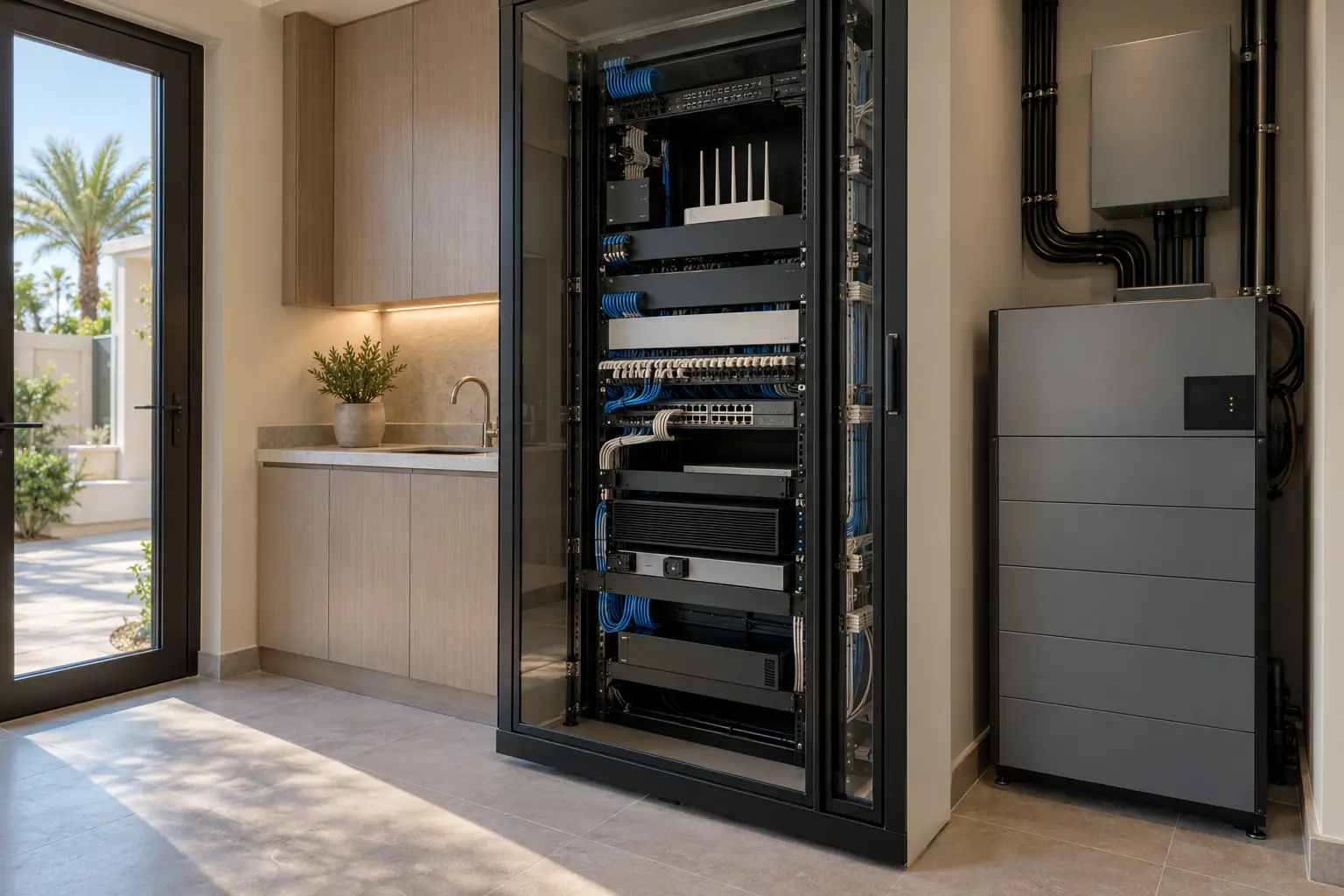
A villa may have utility power, a generator, photovoltaic equipment, an inverter, a central battery system and local UPS units. Draw which circuits each source serves and who designed the changeover. A local rack UPS may bridge the gap before a generator starts, provide conditioning for supported equipment or allow an orderly shutdown. It should not be assumed to coordinate automatically with every other source.
Label backed-up outlets and distribution clearly. Prevent a future contractor from plugging an unrelated appliance into the protected supply. Keep network and controller power supplies matched to manufacturer instructions, and never alter a proprietary bus supply or controller wiring to improvise backup. A KNX line, for example, has its own specified bus power supply; the exact product and line design determine its behaviour.
Plan safe battery placement and service
The selected UPS documentation defines ventilation, temperature, clearance, orientation, battery type and replacement procedure. Keep the unit accessible without placing it where a resident, cleaner or child can accidentally switch it off. Avoid sealing heat-producing equipment inside decorative joinery. The rack designer should confirm airflow for the complete cabinet, not only the UPS.
Record the model, serial number, installation date, battery information, connected loads and replacement responsibility. Add it to the smart-home maintenance calendar. Battery life varies with product, temperature, cycling and conditions; do not promise one universal interval.
Self-tests are also model-specific. Schneider Electric’s official Back-UPS self-test guidance says supported units test battery condition and estimate runtime, but warns that unsupported or incorrect methods can drop the connected load. Follow the manual for the exact model and have the responsible specialist schedule any test that could interrupt important equipment.
Define shutdown and restart order
Some equipment should remain on until the battery threshold is reached; other equipment may need a controlled shutdown. Document any supported shutdown communication and who maintains it. Do not install an untested script that can turn off the control system during a temporary voltage event.
Restoration can be equally important. The modem or optical terminal, router, switches, controller, gateways and user interfaces may need time to start and discover one another. Control4’s official controller troubleshooting guidance identifies power, Ethernet and DHCP as dependencies when a controller is not available, and separately addresses a controller that does not recover after a power outage. This is platform-specific guidance, but the wider lesson is to document and test the actual recovery chain.
Avoid rapid repeated power cycling. Give equipment its documented startup time, observe indicators without pressing unknown reset buttons and escalate according to the support plan.
Test realistic outage journeys
Commissioning should include a controlled test designed by the responsible specialists. Confirm the normal load, transfer to battery, alerts, runtime indication, physical controls, network continuity, agreed shutdown and restart. Do not disconnect utility power casually or interfere with security, lifts, medical, fire or access systems.
Test household journeys: entering after a brief outage, using essential physical lighting controls, recognising that remote access is unavailable, and finding the documented support route. Record what continued, what stopped and how long recovery took. If a generator or central battery is involved, its contractor must be part of the test.
The smart-home handover checklist provides a structure for owner accounts, documents and recovery demonstrations. Add the power map, priority loads, tested runtime, safe isolation information and service contacts to that pack.
A resilient smart home has a deliberately small critical path, correctly selected equipment and a recovery sequence that has been tested. Start with household outcomes, remove unnecessary loads and make every power dependency visible before choosing hardware.
Request a smart-home resilience assessment with the property type, installed platform and any existing UPS, generator or solar system. Do not include passwords, access codes or private security details in the initial enquiry.