When a smart villa or apartment changes owner, the physical keys are only one part of the handover. Apps, administrator roles, video history, voice profiles, subscriptions, installer access, network settings and automation files can remain attached to the previous household. A rushed reset can expose private data or disable systems that should stay with the property.
The safer approach is a planned ownership cutover: agree what remains, document who controls it, protect each household’s privacy and test the property under the new owner’s accounts. Duneva’s smart-home maintenance and integration service can help organise the technical brief and specialist coordination. Conveyancing, contracts, utilities, regulated security and manufacturer-account decisions remain with the relevant qualified advisers and providers.
Agree what belongs to the property
Create three lists before anyone removes an account. The first covers installed fixtures and systems intended to remain: wired lighting controls, curtain motors, wall keypads, thermostats, gateways, racks, access hardware, selected cameras and specialist interfaces. The second covers personal devices the outgoing owner will take, such as speakers, displays or portable hubs. The third records uncertain items that need a written decision.
For each item, record the model, physical location, current role, owner of the purchase or subscription, and whether removing it affects another system. A portable-looking bridge may control built-in lights; a wall-mounted tablet may still use a personal account. Do not factory-reset anything until the dependency is understood.
The existing smart-home takeover guide provides a useful survey structure for equipment, projects, accounts and recovery risks.
Freeze discretionary changes before cutover
Choose a handover window and pause nonessential updates, scene redesigns and account experiments. Record the working state, outstanding faults and current software versions. If an issue already exists, label it clearly rather than allowing the incoming owner to discover it during acceptance testing.
Export supported configuration backups through the appointed specialist, but do not treat every backup as portable or restorable. Some files depend on licensed software, a controller, encryption keys or a specific integrator account. Record who can restore them, on what equipment and under what support terms.
Use the general smart-home handover checklist for room demonstrations, documentation and acceptance items. An ownership change adds stricter account removal and privacy work to that normal process.
Build an account and permission map
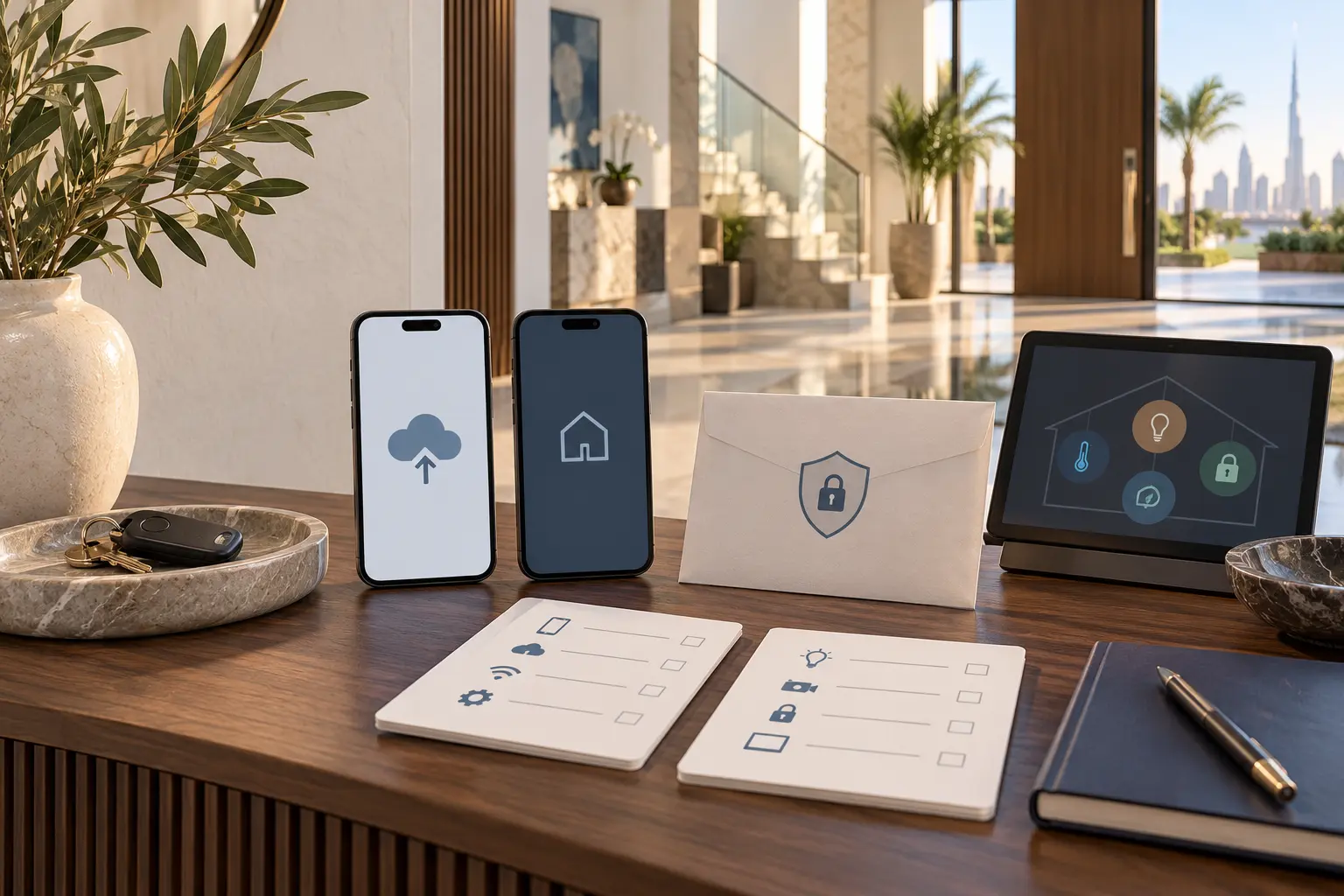
List every platform that can view, operate or administer the property: the automation system, camera and doorbell services, access control, intercom, network management, energy or water dashboards, HVAC applications, pool or irrigation portals, voice assistants and manufacturer apps. Include installer or remote-support accounts.
For each platform, identify the current owner, administrators, household members, guests, staff, recovery email or phone, subscription, stored history and connected third-party services. Keep this map private. The general handover schedule should say that an account exists without exposing passwords, recovery codes, camera links or access codes.
Do not simply give the outgoing owner’s login to the buyer. Personal accounts can contain other homes, payment information, recordings, contacts or voice data. The new owner should use an account they control, with their own recovery methods and multifactor authentication where supported.
Follow the product-specific transfer path
There is no universal smart-home transfer button. Some platforms support invitations or a change of administrator; others require device removal, a factory reset and fresh setup. Some installer-managed systems need a specialist to change project ownership or remote-support association.
Google’s current moving guide for Google Home and Nest devices distinguishes equipment left for another resident from equipment taken to a new home. Its instructions for several products include removing the device and performing a factory reset before the next resident sets it up. That is a product-specific example, not a command to reset the whole villa.
Apple’s current Home sharing guidance explains that removing someone from the Apple Home may not remove permissions held in a separate accessory app. Its personal-safety Home guidance also notes that removing a Home can require accessories to be added again. Check both the main platform and each relevant manufacturer app before declaring access closed.
Make a product-by-product sequence with a responsible person, evidence of completion and rollback or recovery route. Confirm UAE availability, account region and subscription consequences before acting.
Separate the property network from personal identity
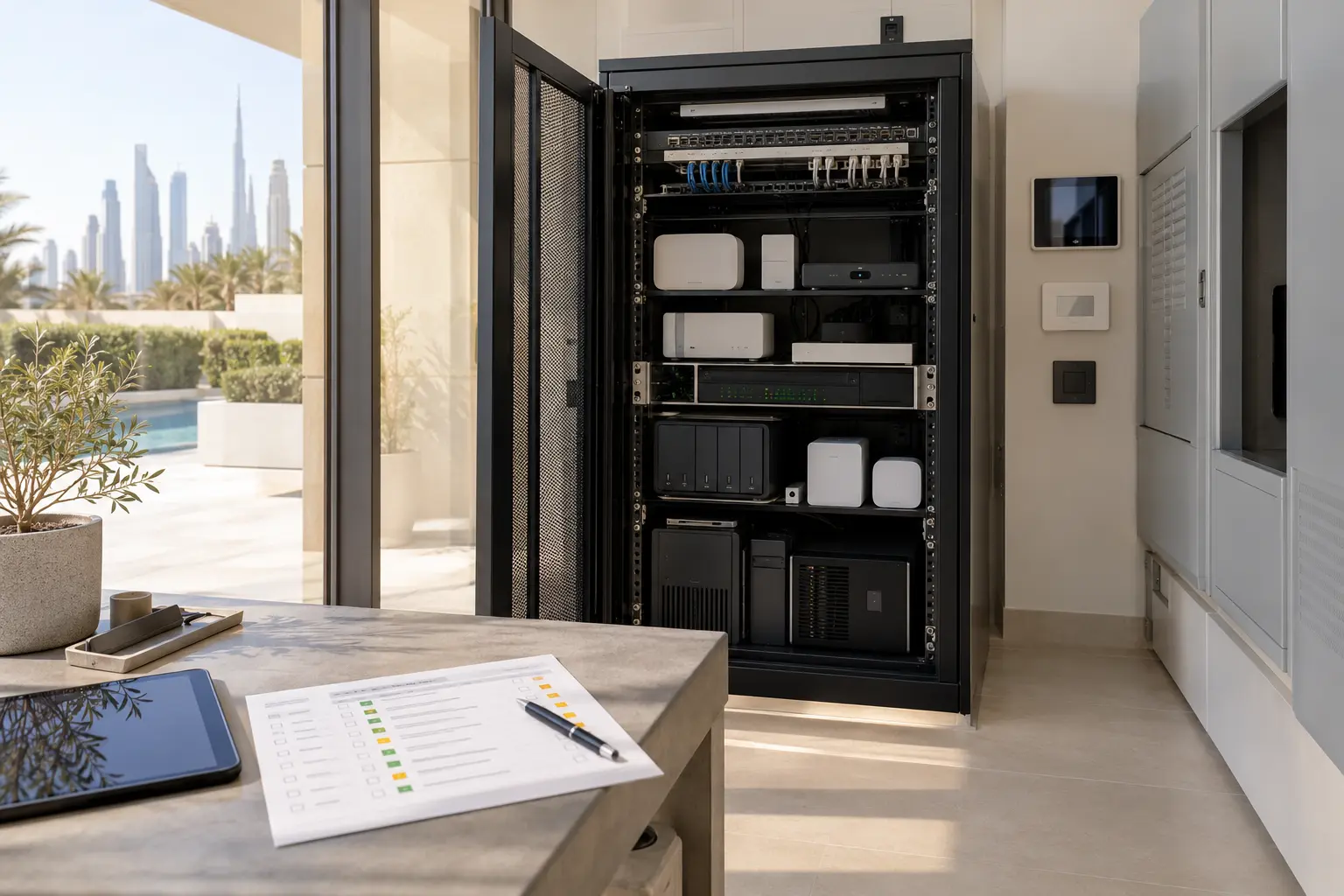
Decide whether the network equipment remains and whether the new owner will keep or replace the internet service. Document cabinet layout, access-point locations, VLAN or network purposes in plain language, provider boundaries and the approved method for changing administration. Avoid handing over an SSID or password that the outgoing owner reused elsewhere.
If credentials change, identify every installed device that may disconnect. A staged network change can keep local lighting, access and climate journeys available while cloud devices are re-enrolled. The villa Wi-Fi planning guide helps distinguish the incoming service from coverage and device connectivity inside the property.
Remove personal VPNs, remote-management users and old support routes. Preserve only the access that the new owner has explicitly accepted.
Protect recordings, routines and household data
Agree what happens to camera history, door activity, presence records, voice profiles, facial recognition, occupancy routines, saved addresses and household names. The outgoing owner should remove personal data through the applicable platform process; the incoming owner should not receive another household’s history merely because equipment stays installed.
Review automations for personal information. A scene named after a child, staff member or travel pattern can reveal more than its lighting actions require. Rename rooms and routines in neutral property language before handover where appropriate. Remove former residents, guests, staff and contractors from every layer, including separate accessory apps.
The smart-home cybersecurity and account-recovery guide provides a framework for owner-controlled accounts, protected backups and rehearsed recovery.
Test under the incoming owner’s control
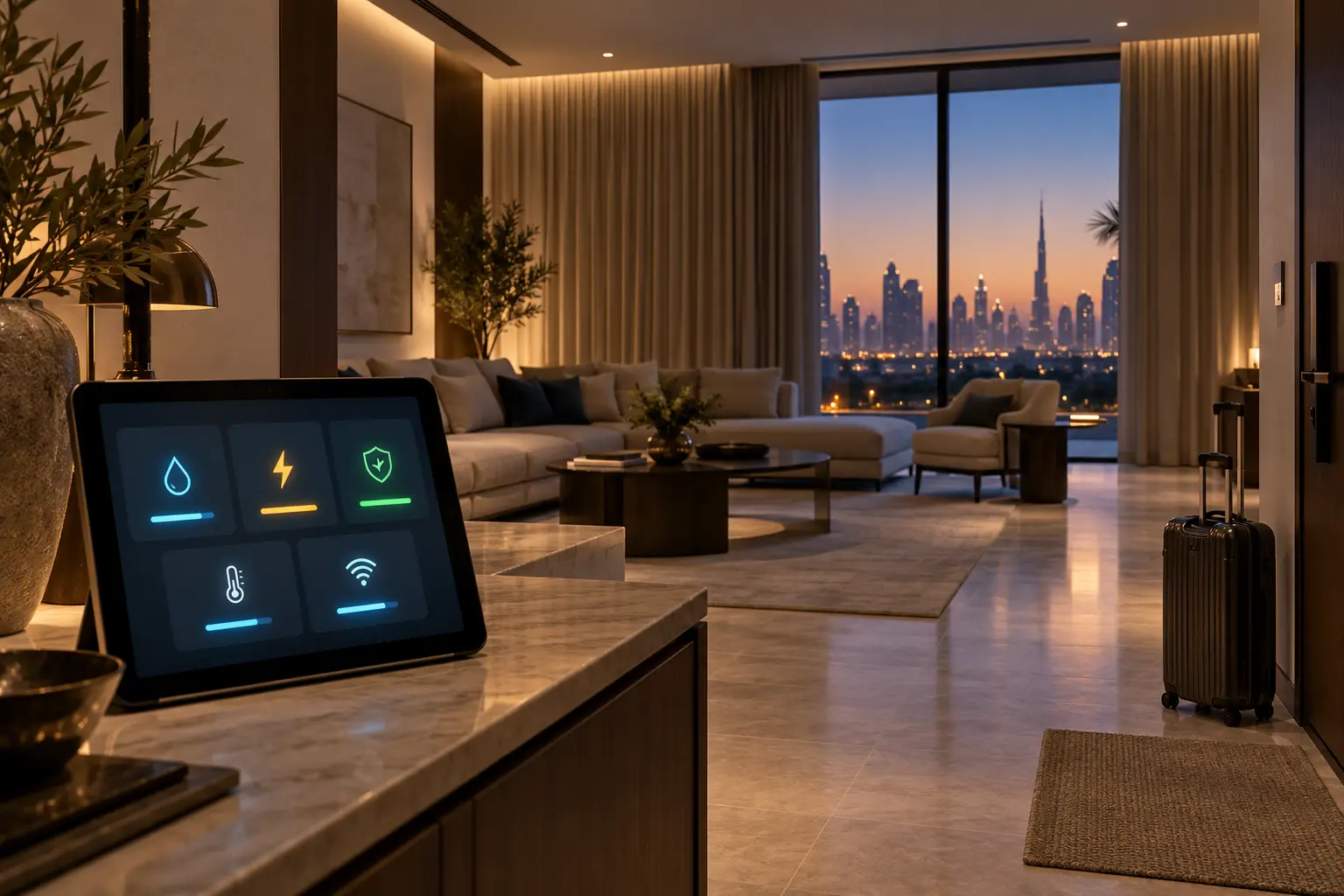
Use a room-by-room acceptance list after the new accounts and permissions are in place. Test physical keypads, manual overrides, lighting scenes, curtains, climate requests, entrance and intercom journeys, selected cameras, notifications, network access and specialist interfaces within their approved boundaries. Confirm that the new owner receives the intended alerts and the outgoing owner no longer does.
Do not manufacture an intrusion, fire, flood, lift, electrical or mechanical fault. Use safe manufacturer-approved test functions and the responsible specialist for regulated or life-safety systems. Record any function that depends on an unresolved subscription, provider visit or replacement device.
Run one recovery exercise: identify who can restore the configuration, how the owner proves control of the account, and what still works if the internet is unavailable. The result should not depend on the previous owner’s phone.
Close the handover with signed responsibilities
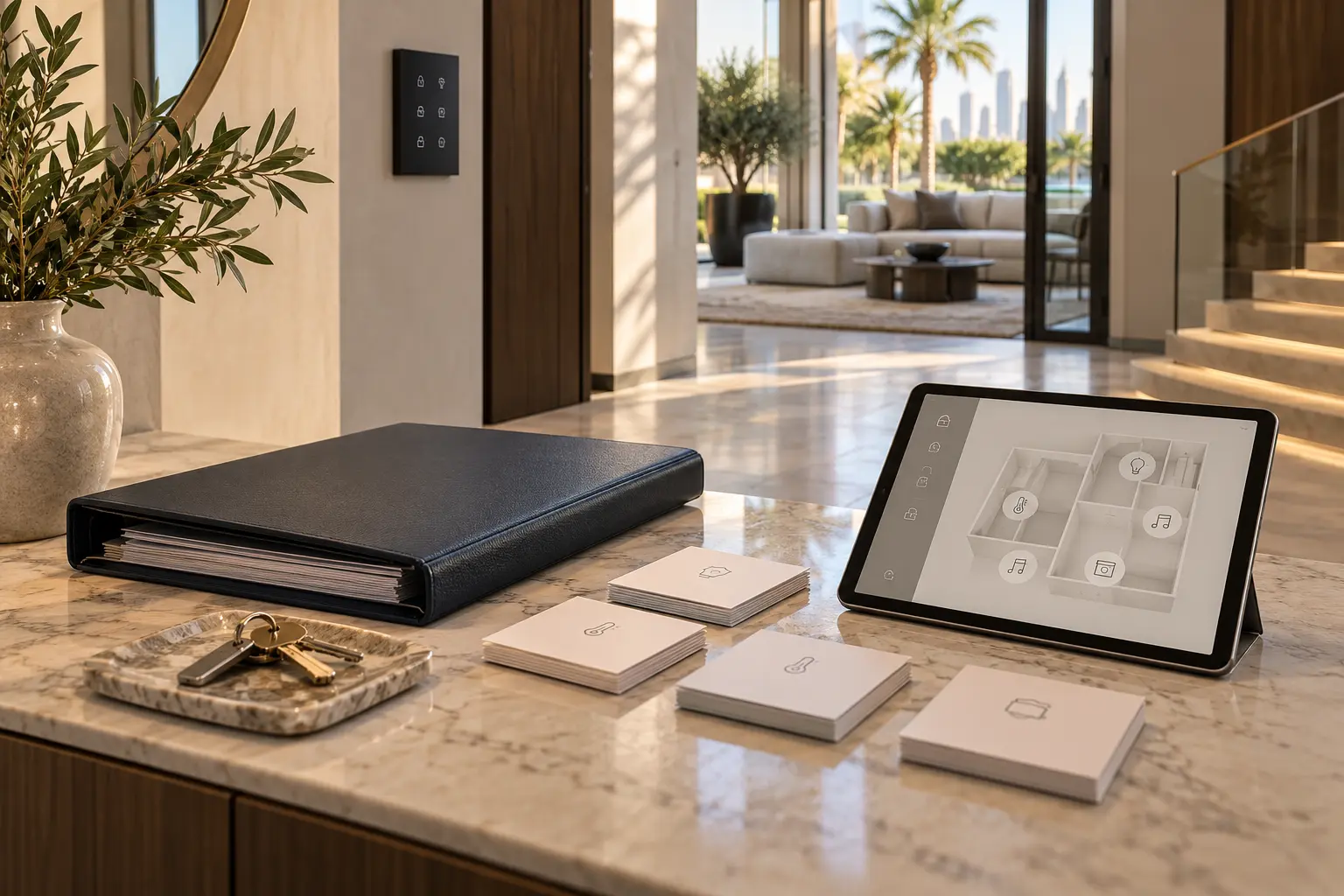
The final technical pack should contain the agreed equipment schedule, room and network diagrams, warranty or service information supplied by the relevant parties, account-transfer status, administrator list, backup custodian, open issues, acceptance results and support boundaries. Sensitive credentials belong in a protected owner-controlled channel, not the general property file.
Set a short post-handover review after the incoming household has used the home. Remove temporary access, close unresolved account invitations, verify alerts and update room names or routines only with the new owner’s approval.
A successful ownership change leaves no ambiguity about who can see the home, who can change it, which data was removed and how the new owner recovers control. That is more important than preserving every old convenience scene.
Request a smart-home ownership handover assessment with the property type, installed systems and expected handover stage. Do not include passwords, recovery codes, access credentials, camera links or personal sale documents in the initial enquiry.