Preparing a smart villa for several weeks away is not the same as pressing one Away button. Cooling, water, refrigeration, security, network equipment, pools, irrigation and access can have different requirements. A useful plan says what changes, what stays operating, who responds and how the home returns to normal.
This checklist is for Dubai homeowners and property managers planning a controlled departure. Duneva’s smart-home maintenance service can help document compatible scenes, alerts, support access and recovery tests. Utility isolation, HVAC, electrical work, monitored security and specialist equipment remain with their appointed qualified providers.
Classify the absence before building a scene
Define the period and property state. A weekend with pets and staff onsite is different from a six-week empty villa. Record who remains, which rooms stay in use and whether service visits continue. Automation should follow that brief rather than infer it from the owner’s phone alone.
Create named modes only when their scope is clear. Short Trip, Extended Absence and Seasonal Shutdown may need different climate, access and notification rules. Write every included action on the scene schedule; do not hide a gate, valve or HVAC change behind a vague Vacation label.
Choose one authorised decision-maker and one onsite responder. Give each the minimum access needed and an expiry or review date.
Start with the utility account view
Activate the official account features that fit the property. DEWA’s current Away Mode information says customers with smart electricity and water meters can activate the service through the DEWA website or smart app. DEWA’s Smart Living page also describes consumption monitoring and High Water Usage Alerts. These features complement in-home sensors; they are not the same response path.
Record who owns the DEWA account, who receives alerts and what an unusual reading should trigger. If an in-home dashboard is also used, note the different intervals and coverage.
Review the smart energy-monitoring guide for a practical way to compare occupied and away periods without claiming a guaranteed saving.
Keep climate and essential loads within specialist limits
Do not switch off cooling, ventilation, refrigeration or specialist storage simply because rooms are unoccupied. The correct state depends on the building, equipment, contents and humidity risk. Ask the relevant providers to define permitted setpoints, schedules, alarms and restart behaviour.
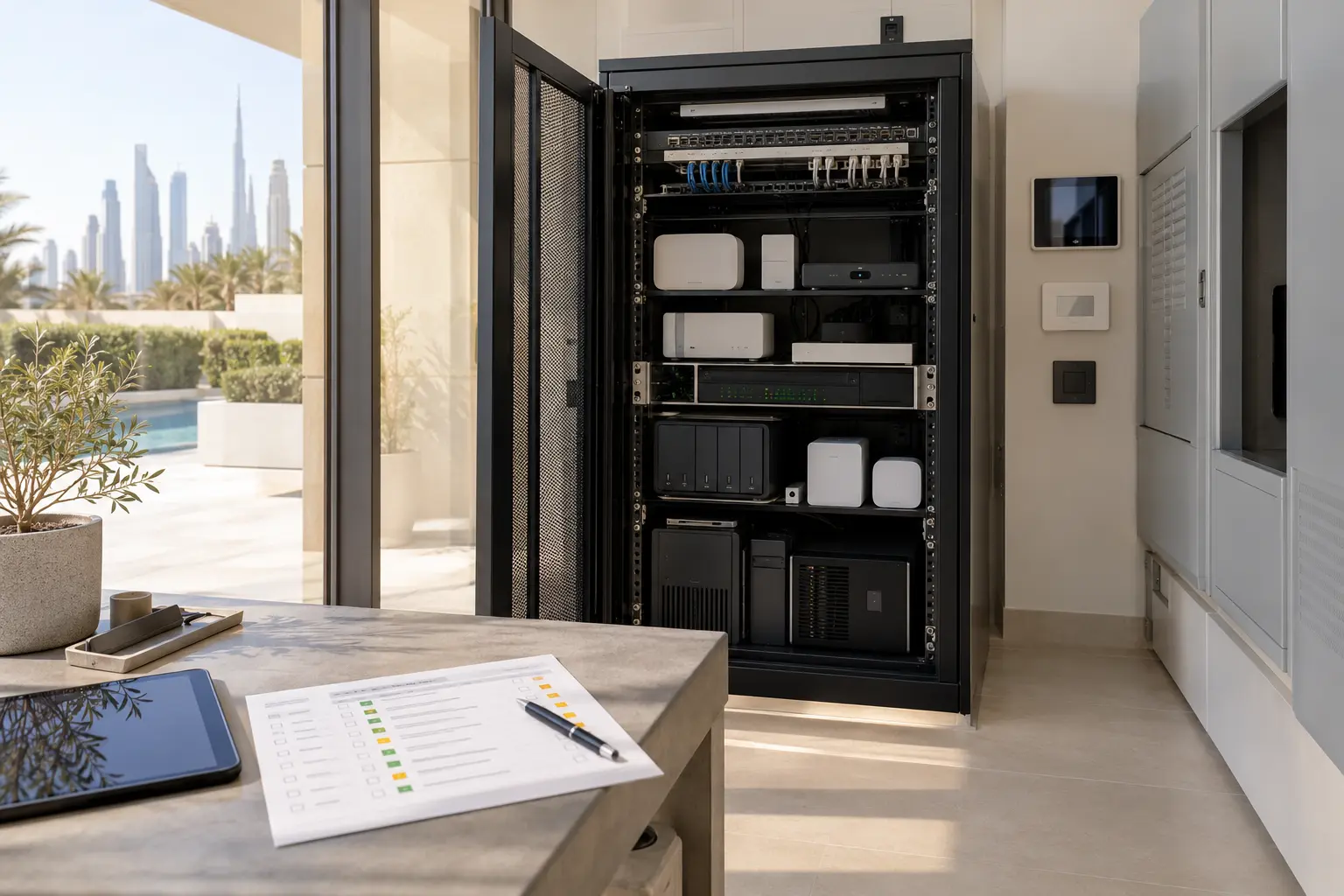
List essential loads: network and automation controllers, selected refrigeration, security, leak monitoring, gate interfaces, pool and irrigation controls, pumps and any medically or environmentally important system. Confirm which circuits support them.
If a UPS or battery supports selected devices, record its intended runtime and test method. It does not prove that the whole villa will operate through a long outage. Use the smart-home power-resilience guide to document priority loads, fallbacks and restart order.
Plan water response, not only water detection
Map leak sensors, utility alerts, irrigation, pool make-up, tanks, pumps and any approved shut-off equipment. State what remains active, what a qualified person may isolate and what access a responder needs. Do not close an unknown valve or disable water needed by essential plant.
Test a representative leak sensor and confirm that its message names the real location. For an automatic shut-off, verify scope, manual operation, position feedback and maintenance. The Dubai villa leak-detection guide covers sensor placement and responder roles.
A DEWA High Water Usage Alert is account-level evidence of unusual downstream consumption. It does not identify the room or safely isolate the source. Connect the signal to an authorised inspection.
Set security and access deliberately
Review every credential for owners, family, staff, property managers, gardeners, pool teams and contractors. Remove stale users, limit temporary access where supported, and keep a dependable physical recovery method under owner control. Do not give a general caretaker account full administrator rights.
Test the entrance journey and its agreed internet-loss fallback. Check camera views and record who may see live video or history.
If the owner uses a monitored service, follow its specific activation and response procedure. The official Dubai Police Smart Home Security FAQ describes its own app or Alarm Transmission Equipment activation, verification and confirmed-threat process. An ordinary smart-home notification is not automatically monitored or connected to Dubai Police.
Reduce notification noise before leaving
Use a small absence alert set: verified access events, water warnings, essential equipment temperature, power or UPS condition, critical controller or internet loss, and specialist plant faults with an agreed response. Expected service visits need different rules.
Create a private contact tree. Each event needs a safe first action, escalation condition, responsible specialist and closure record. The smart-home alert-escalation guide explains how to distinguish status, attention, urgent specialist and safety procedures.
Check notification permissions on the owner and responder phones. Confirm that account recovery and mobile-data arrangements work while travelling. Never rely on one handset as the only warning path.
Coordinate pool, irrigation and outdoor systems
Ask the pool and irrigation specialists to confirm schedules, water-quality responsibilities, weather inputs, pump operation and onsite inspections. Smart-home integration may provide status or permitted commands, but it should not rewrite specialist protection logic.
Inspect exterior lighting, gates and service access. A modest lighting schedule can support presentation, but it does not prove occupancy or replace security. Shades should follow fabric, privacy and solar-control requirements.
The pool and irrigation planning guide provides an interface and responsibility checklist.
Protect accounts, privacy and remote support
Confirm owner accounts, multifactor methods, trusted devices and recovery contacts. Remove old phones and former providers. Avoid major updates immediately before departure unless a verified urgent issue requires one.
Agree whether remote support is always available or enabled only for a scheduled window. Record what a provider can see and how access is revoked. The smart-home cybersecurity and recovery guide can help separate everyday access from protected recovery information.
Run a departure rehearsal
A few days before travel, activate the proposed mode while someone remains onsite. Confirm lighting, curtains, climate requests, doors, gates, water monitoring, essential power, network status, pool and irrigation interfaces, cameras and alerts. Make sure occupants and staff know what changed.
Simulate only safe conditions: open an agreed door, test a leak sensor using its approved method and disconnect a noncritical network path under supervision. Do not create a fire, flood, intrusion, HVAC, electrical or mechanical fault. Record delivery, acknowledgement and reset.
Use a departure sheet with the date, scene version, active users, utility features, specialist settings, contacts, test results and exceptions. Do not mark the mode ready while a critical item remains unknown.
Plan the return as carefully as the departure
Define what happens before arrival and after the first occupied day. Climate recovery may need specialist-approved lead time. Water, pool, irrigation and storage may need inspection before normal schedules resume.
On arrival, inspect the property, review utility and alert history, restore normal access, remove temporary credentials and test essential journeys. Update the checklist while the experience is fresh.
A strong absence plan is specific, reversible and owned. It keeps essential systems within specialist requirements, sends a small number of actionable alerts and gives the owner a tested route back to normal operation.
Request an extended-absence smart-home review with the expected absence period and systems in scope. Do not include passwords, access codes, travel itineraries or detailed security information in the initial enquiry.