A smart villa can keep operating through an internet outage yet still become difficult to manage if the owner loses an administrator account, a phone, a recovery email or the only current configuration backup. Cybersecurity planning therefore needs two outcomes at the same time: reduce unnecessary access, and give the verified owner a documented way to recover control without weakening the home.
This guide is a planning framework for Dubai villa owners, integrators and property managers. Duneva’s smart-home maintenance service can help organise supported updates, owner access, backups and recovery testing across the installed systems. Product security, identity recovery and incident response remain subject to each manufacturer, account provider, network specialist and other appointed professionals.
Build an asset and account register
Start with a private register of the systems that can affect the home: lighting, shades, HVAC interfaces, access control, intercom, cameras, audio, network equipment, energy monitoring, leak detection and any cloud dashboards. For each one, record the manufacturer, model, local address or controller, app or portal, account owner, administrator roles, subscription, software version, installer contact and support route.
Keep the register at the system level. Do not place passwords, one-time codes, private keys or alarm credentials in an ordinary project spreadsheet. Use an owner-approved password manager or other suitable secure method for secrets, and record only where the protected credential is held and who is authorised to use it.
Match the register to the smart-home handover checklist. If an item cannot be assigned to an owner or responsible specialist, treat that as an unresolved handover issue rather than assuming the installer will always remain available.
Separate ownership, administration and everyday use
Create a role matrix before inviting users. The owner role should control billing, administrators and recovery settings. A technical administrator may configure the system but should not automatically receive access to personal email, media, cameras or unrelated security records. Family, guests, household staff and contractors need only the controls required for their routine.
Avoid one shared “villa” account used by everyone. Shared credentials make it hard to revoke one person, recognise a change or determine which device still has access. Use named accounts and the narrowest available permissions. Where a platform does not provide sufficient roles, limit its scope or keep sensitive functions on a separate owner-controlled system.
Installer access should have a purpose and review date. Record whether remote support is always enabled, enabled only during an agreed service window or unavailable. The existing smart-home takeover guide explains how to inventory inherited accounts and project ownership without resetting a working system blindly.
Strengthen every important account
CISA’s current Secure Our World guidance recommends strong unique passwords, multifactor authentication, software updates and recognising phishing. Apply those principles first to the email address, phone account and password manager used to recover the smart home, because those identity services may unlock several downstream systems.
Enable the strongest supported multifactor method for owner and administrator accounts. Keep recovery methods current and remove phone numbers or devices that are no longer controlled by the owner. Do not send credentials through an ordinary group chat, leave them printed inside an unlocked rack or reuse an installer password across properties.
After a password change, review saved sessions, authorised devices and recovery methods. Treat unexpected approval prompts as a reason to stop and verify.
Design recovery before it is needed
For each critical platform, write a short recovery path: who proves ownership, which trusted device or recovery method is required, what information support may request and what local functions remain available while recovery is underway. Keep this separate from the everyday operating guide.
Apple’s current UAE Apple Account support describes a recovery contact as one option that can help a user regain access after forgetting an account password or device passcode. That is an account-specific example, not a universal smart-home recovery method. Confirm the exact rules, eligible devices and trusted people for every platform actually installed.
Choose recovery contacts deliberately and review them after family, employment or ownership changes. A recovery contact should help restore the owner’s account; that does not mean the person should receive routine access to cameras, doors or household activity. Record how the role is removed as well as how it is used.
Keep the network owner controlled
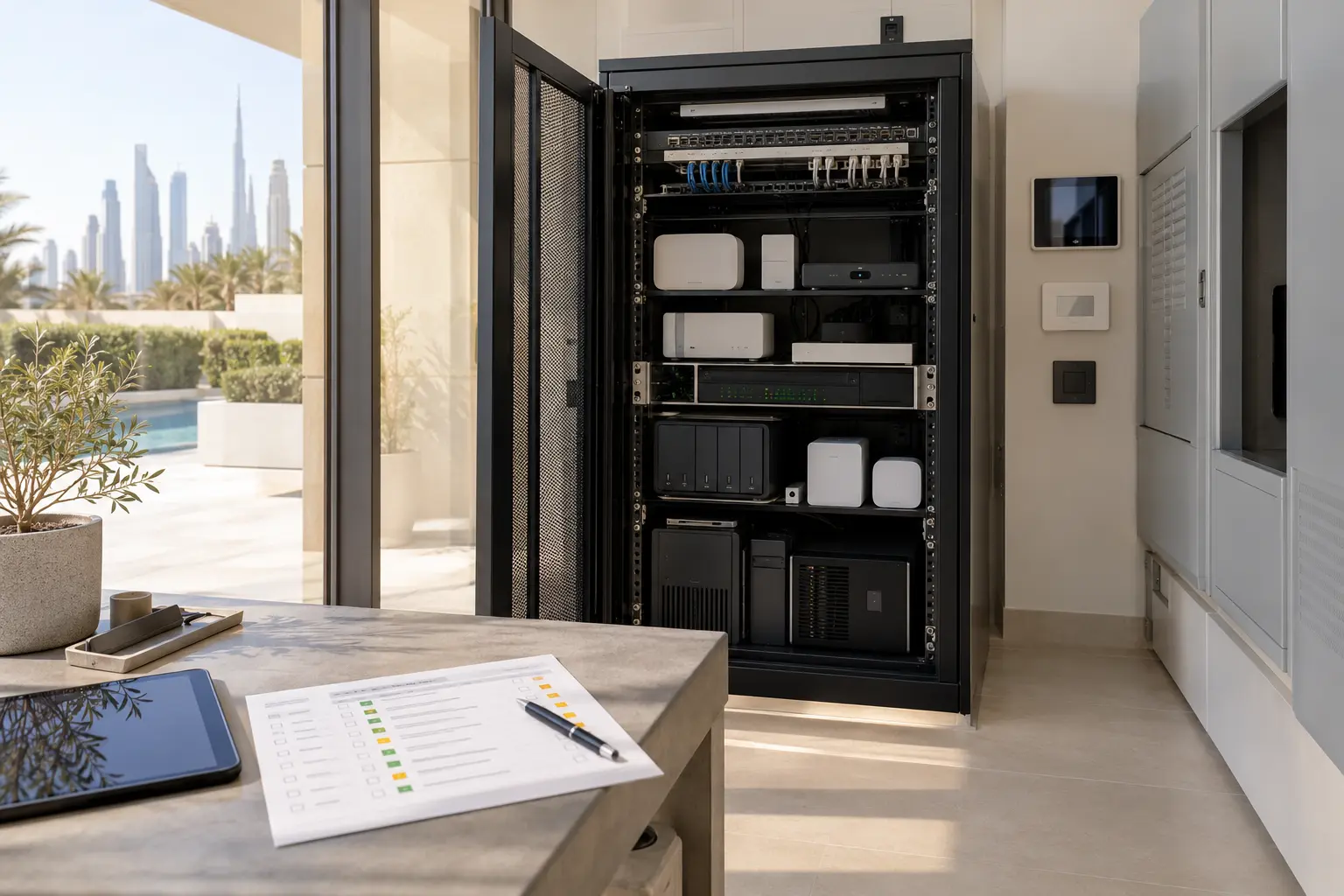
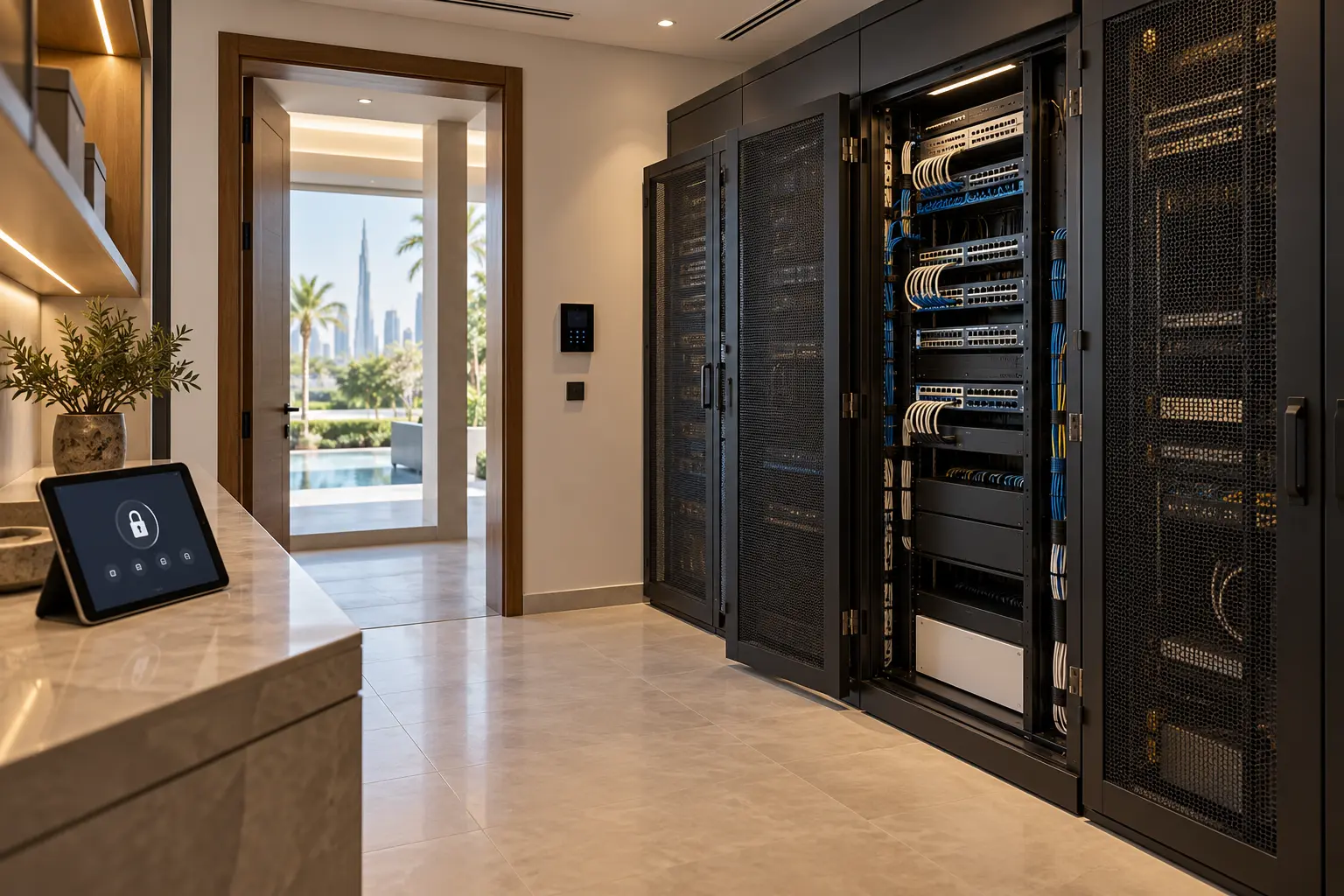
List the internet router, firewall, switches, wireless access points, remote-access services and equipment networks that the smart home depends on. The owner should know who administers them, where supported backups are held and how to obtain service without sharing the main Wi-Fi password broadly.
Use separate network access where the design supports it: household users, guests, building systems and management interfaces do not all need the same reach. Segmentation must be designed and tested by the network specialist; creating several wireless names without appropriate rules does not provide meaningful separation.
Follow the villa Wi-Fi planning checklist for coverage, wired infrastructure and acceptance testing. Never expose controllers directly to the public internet merely to make remote support easier. Confirm the manufacturer-approved access method, logging, expiry and owner revocation process.
Manage updates as controlled changes
An update can fix security issues, but it can also change compatibility or behaviour. Maintain a supported-product list and note any component that is no longer receiving security or software support. Plan replacement before an unsupported gateway becomes the only route to critical controls.
For routine updates, record the current version, reason, approved backup, change window, responsible person and post-change tests. Update one dependency group at a time when practical. Do not update every controller, router and app immediately before travel or an important event unless a verified urgent risk requires action.
Test lighting, shades, climate requests, intercoms, access, alerts and remote support after a meaningful change. Add the result to the smart-home maintenance calendar rather than relying on the app’s “success” message.
Protect configuration backups and project files
Ask which systems support an owner-retained configuration export, controller backup, licence record or encrypted recovery package. Record the application and version needed to open it, the date it was created and who can restore it. A folder of screenshots is helpful context but not a substitute for a valid project file.
Keep at least one current copy outside the operating controller, in an owner-approved protected location. Do not publish backups in shared tender folders or give every contractor access to security-sensitive drawings. Retain as-built network, rack and device schedules with appropriate access controls.
Perform a supervised restore or replacement test where the manufacturer supports it and the risk is acceptable. A backup that has never been checked should be described as unverified, not guaranteed recovery.
Write an incident playbook
Define what the household does when a phone is lost, an administrator leaves, a suspicious sign-in appears, remote control behaves unexpectedly or an account is locked. The first response should preserve safe local operation and verified evidence while limiting the suspected access. Random factory resets can destroy configuration and make recovery harder.
The playbook should identify the owner decision-maker, the relevant manufacturer or specialist, the affected accounts, safe isolation steps, physical fallbacks and the record to keep. Life-safety, gate, lift, electrical and security functions remain with their responsible systems and specialists.
After recovery, rotate affected credentials, review users and sessions, confirm updates, restore only verified backups and retest the complete journeys. Record the cause when known, the actions taken and the next review date without putting secrets into the incident log.
Rehearse the owner recovery journey
Commission more than normal operation. Test loss of the owner phone, expiry of an installer account, removal of a former user, internet loss, controller restart and recovery of one representative cloud account using the provider’s supported procedure. Never trigger a destructive reset merely to demonstrate readiness.
At handover, the owner should receive the asset register, role matrix, recovery routes, network responsibility map, backup index, update procedure, remote-support policy and incident contacts. Review these after a staff change, property handover, major upgrade or replacement of the owner’s primary phone.
A secure smart home is not one with the most passwords. It is one where access is specific, recovery belongs to the owner, local essentials remain understandable and every important change can be traced and reversed safely.
Request a smart-home security and recovery review with the villa stage and system names. Do not include passwords, recovery codes, private network details or security credentials in the enquiry.