A smart home needs more than attention when something stops working. Batteries age, account holders change, software is updated and rooms are used differently over time. A simple maintenance calendar helps a Dubai villa household keep those changes visible without turning every week into a technical inspection.
The calendar should be based on the installed equipment, manufacturer instructions and the support agreement for the property. It is not a substitute for electrical, security, air-conditioning or life-safety maintenance. Our smart-home maintenance and integration service can help document the existing system and define a suitable review scope.
Begin with an owner-controlled inventory
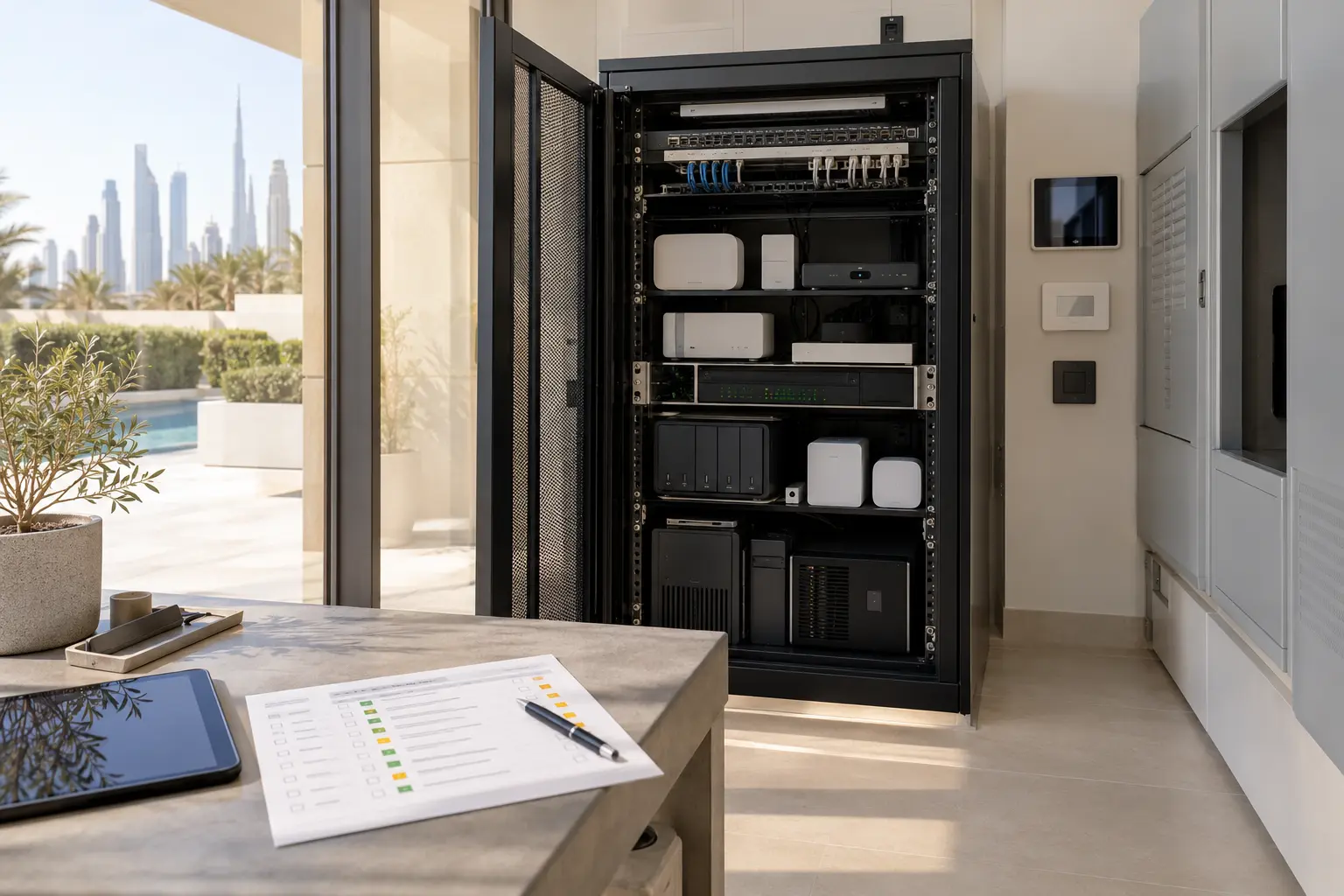
List the controller, network equipment, lighting controls, shade or curtain motors, thermostats and approved interfaces, audio equipment, cameras, access devices, sensors and backup-power equipment. Record the exact model, room, installer or support contact, warranty information and the owner account that controls it. Do not place passwords, door codes or recovery keys in the general inventory. Store sensitive access details in the household's approved password manager or another secure owner-controlled location.
Add an equipment status column: active, spare, disconnected or due for assessment. Old equipment can remain powered and forgotten after an upgrade. An inventory prevents a future technician from assuming that an unlabelled device is still essential. It also gives the owner a baseline before any firmware, network or programming change.
The existing smart-home takeover guide explains how to establish project ownership, configuration access and dependencies when the original records are incomplete. Complete that discovery before promising a fixed maintenance programme.
Separate routine observation from specialist work
The household can notice a slow keypad response, a blind that sounds different, an offline camera or a room that no longer follows its schedule. It should not open electrical panels, remove protective covers or alter unfamiliar settings to investigate. Define a simple reporting route with the room, time, action attempted and result. A short video may help when it can be shared securely and does not reveal access credentials or private camera views.
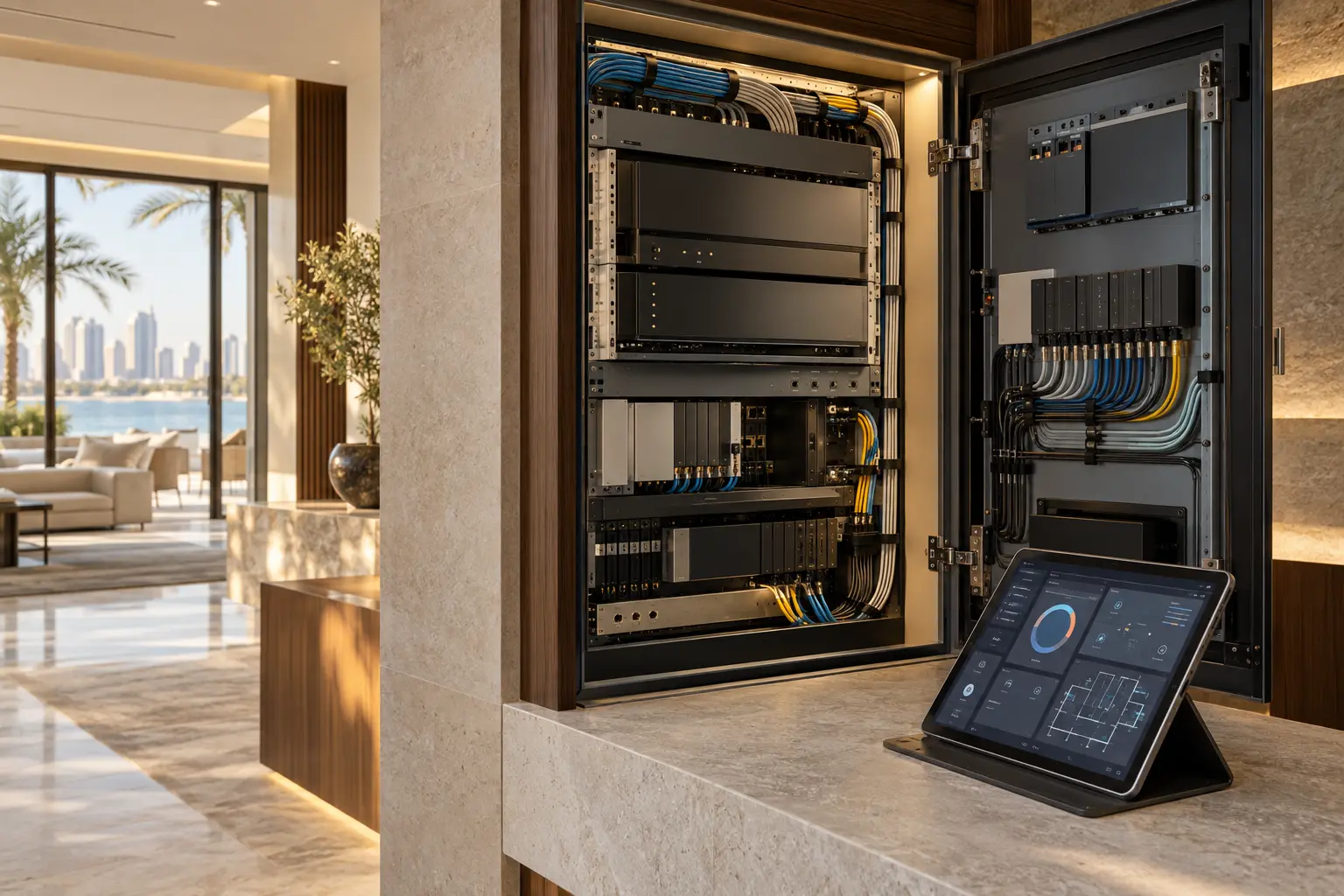
Assign specialist responsibilities separately. An electrician may be responsible for power and circuits, an AC contractor for cooling equipment and filters, a security contractor for regulated or life-safety systems, and the automation specialist for approved controls and integrations. The maintenance calendar should show those boundaries so that an automation visit is not mistaken for complete property maintenance.
Use four useful review rhythms
A monthly household check can be brief. Walk the normal arrival, evening and bedtime journeys. Confirm that frequently used physical controls work, scheduled events still occur at the expected local time and important alerts reach the intended recipient. Look at the system app for obvious offline devices, but avoid clearing warnings until their cause is understood.
A quarterly review can cover battery status, remote controls, door or leak sensors, camera time and date, network alerts and the operation of agreed backup power. Replace batteries according to the product instructions and the property's support plan, not one universal interval. Record the date and battery type. Repeated early depletion is a fault to investigate rather than a reason to keep changing batteries.
A six- or twelve-month specialist review can examine software support, configuration records, device health, network capacity and changes to the property. The correct interval depends on the platform, equipment, use and contract. Ask the specialist to issue a written result: checked, changed, deferred or referred to another trade.
Finally, create event-based checks. Review the system after a router replacement, internet-provider change, renovation, extended vacancy, ownership change, lightning or power incident, major app update, or the arrival of a new household member who needs access. These events can alter dependencies even when the calendar date has not arrived.
Treat software changes as controlled work
Software and firmware updates can correct faults and address security issues, but an update may also change an interface or integration. CISA's official guidance on patches and software updates explains that patches address vulnerabilities and recommends installing updates from trusted sources. For an integrated home, turn that principle into a change process rather than pressing every update button immediately.
Identify who is authorised to approve an update, what products depend on it, whether a current backup exists and how the important functions will be tested afterwards. Check release notes and product support status. Never download firmware from an unverified link or give a caller remote access simply because they claim an urgent update is required.
Before a significant change, confirm the recovery path with the responsible specialist. CISA's edge-device security guidance recommends maintaining and testing configuration and firmware backups where the equipment supports them. A backup is useful only when it is current, stored appropriately and can actually be restored by an authorised person. Some platforms restrict configuration tools or licences, so record those limits honestly.
Check backups without exposing them
The maintenance record should say that a backup exists, its date, the platform version and who controls restoration. It should not publish the backup file or its credentials. Keep one owner-authorised copy according to the platform and support agreement, and avoid relying only on a former installer’s private account.
Test the recovery procedure at a level appropriate to the system. That may mean confirming that an authorised specialist can open the project file and identify the restore steps, rather than restoring a working home for practice. Record configuration changes after commissioning so the backup does not quietly fall behind the live installation.
Use the smart-home handover checklist to keep final room names, account ownership and support details aligned with the maintenance record.
Review batteries and consumables by function
Build a battery list from the actual products: remotes, wireless keypads, locks, door contacts, leak sensors and other approved devices. Note whether the device reports a low-battery alert, how that alert is routed and whether loss of the battery affects convenience, security monitoring or another service. The product manual and support plan determine replacement and testing.
Filters and other mechanical consumables belong to their equipment's maintenance programme. If an automation display reports an AC filter reminder, confirm what that reminder represents and which contractor performs the physical service. Resetting a reminder is not evidence that a filter was inspected or replaced. The same rule applies to pool, irrigation and water-treatment interfaces.
Test functions as journeys, not isolated buttons
Choose a small set of acceptance journeys: arrive at the villa, enter a guest room, prepare an evening scene, close curtains, adjust a supported temperature setting, respond to a water alert and use essential controls during an internet interruption. Record the expected result and any systems involved.
The smart home without internet guide helps separate local control, remote access and cloud-dependent functions. Repeating that check during maintenance can reveal a new dependency introduced by an equipment or account change. Do not interrupt security, access, cooling or other important services without an agreed method and responsible specialist present.
Keep a change log the household can understand
For every visit, record the date, reason, equipment checked, changes made, person or company responsible, items deferred and next action. Use plain room names. Attach updated drawings or configuration references when the change affects them. Avoid vague entries such as “system serviced” if only one room was checked.
Review permissions at the same time. Remove access that is no longer required, confirm the owner still controls the primary accounts and document any temporary technician access. Never send administrator passwords through the public contact form.
A useful calendar creates continuity: the household knows what to notice, specialists know the current baseline and changes leave a trace. Begin with the inventory, assign responsibilities, choose realistic rhythms and test the routines that matter.
Request a smart-home maintenance assessment with the property type, installed platform if known and the symptoms or records available. Keep passwords, door codes and private camera details out of the initial enquiry.