A smart-home installation is not finished for the household when the last keypad lights up. It is finished when the people living there can use the rooms, manage their own access and understand what to do when something changes. A careful handover turns a collection of installed products into a home that is easier to operate.
For a Dubai villa, plan that handover before the project reaches its final week. Include the homeowner, the person coordinating installation and the specialists responsible for important interfaces. This checklist also helps when taking over an existing system. Duneva’s smart-home maintenance and integration service provides a starting point for an assessment or a clearer support brief.
Agree what is being handed over
Begin with the approved scope, equipment schedule and final room names. Check that the installed arrangement matches the latest agreed version, including any changes made during the work. A scene called “Evening” should have an understandable description of the lights, shading or other functions it is intended to control.
Separate complete items from outstanding items. Record each issue, its location, the responsible party and the next agreed action. A decorative faceplate awaiting replacement is different from an untested control sequence. Avoid allowing both to disappear inside a general note that the installation is “almost complete”.
Use the same acceptance list that informed the proposal. If one was never created, our guide to a villa automation quotation helps identify the missing scope details. Establishing those details now makes the demonstration more useful than a tour of attractive devices.
Test rooms as the household uses them
Start at the entrance and move through the property in a practical order. In each room, try the wall controls before relying on an app. Check whether labels and scene names make sense to someone who did not design the system. Ask a second household member to operate the controls without prompting.
For lighting, demonstrate the agreed scenes and ordinary manual changes. For curtains, show the everyday controls and explain any operating restrictions. For cooling, confirm which settings the household may adjust and which belong to the HVAC specialist. Do not change protective settings simply to complete a demonstration.
Include overlooked spaces such as guest rooms, corridors and the terrace if they are within scope. Record what was tested rather than signing a blank checklist. If a feature depends on another contractor finishing work, mark it as pending and identify the person responsible for returning to verify it.
Put account ownership in the right hands
Ask which accounts belong to the homeowner, which belong to service providers and which subscriptions are required. Confirm the recovery email and recovery method for homeowner accounts through a secure process. Do not put passwords, recovery codes or remote-access tokens in a shared project presentation or a general enquiry form.
Where supported, give household members individual accounts with appropriate permissions. Agree how temporary installer access will be reviewed or removed when work is complete. This should preserve any contracted support arrangement without leaving the owner unsure who can enter the system remotely.
For systems using Home Assistant, its official security guidance recommends strong, unique passwords and multi-factor authentication. Apply the relevant manufacturer’s guidance to the actual platform. The useful handover question is not simply whether security was “set up”, but whether the owner can manage access and recover their account.
Demonstrate agreed interruption and recovery behaviour
Ask for a plain-language list of functions that rely on internet access, cloud services, the local network or a particular controller. Then agree a suitable demonstration with the responsible specialists. Interruptions should be planned, not improvised by switching off equipment around an occupied home.
Check what occupants are expected to do during an ordinary connection problem. Which local controls remain available? Which remote features pause? When service returns, is a particular action required? Our smart-home internet outage guide helps frame these questions without assuming every platform behaves alike.
Keep security, emergency access and other essential protective functions within their specialist scope. A convenience scene is not an emergency procedure. If an interruption reveals an unexpected dependency, record it and ask the installer to explain the remedy or the limitation before closing the issue.
Collect documents that someone else can use
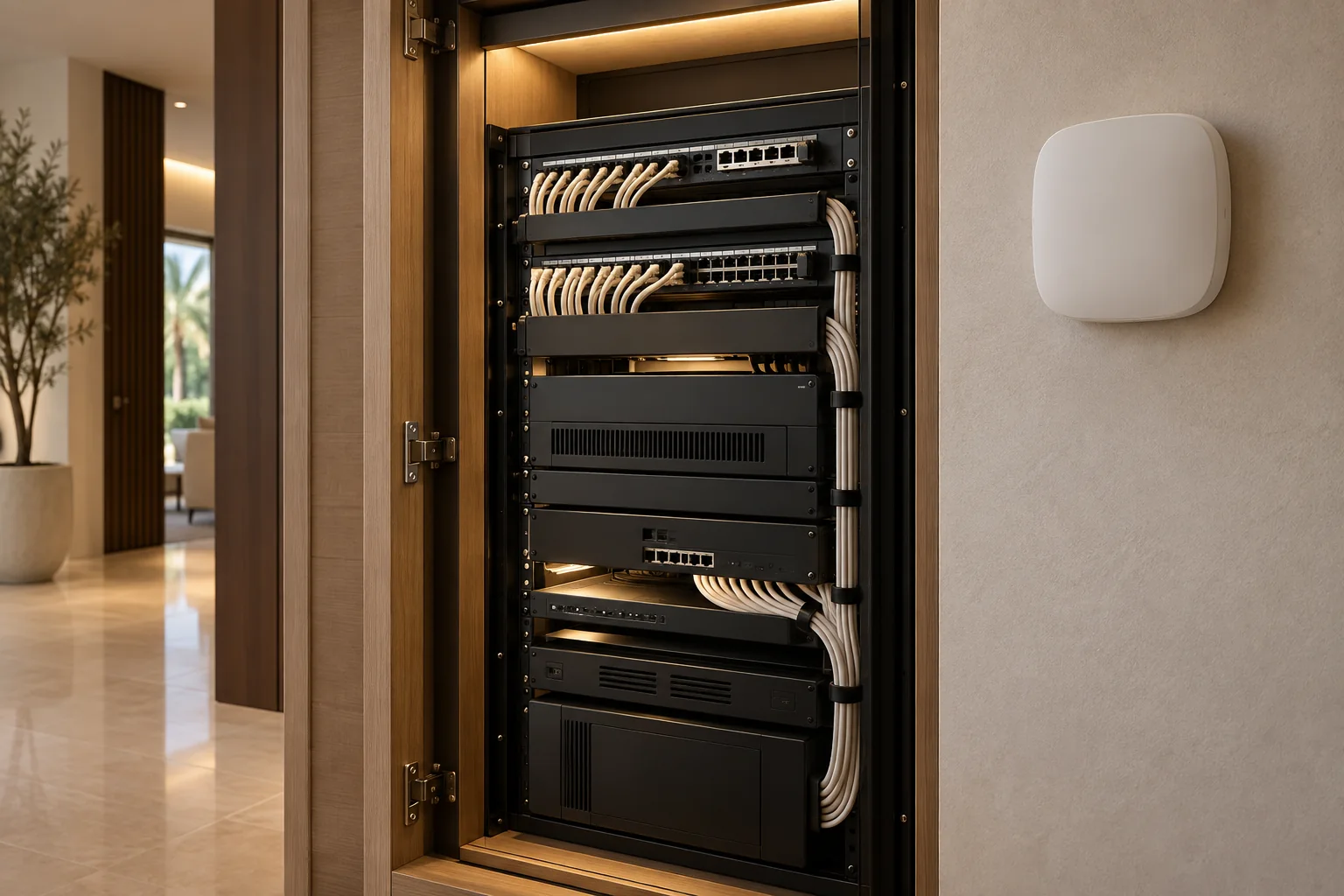
Request a concise room and equipment schedule with model names, locations and the purpose of major components. Add relevant manuals, warranty information, support contacts and records of approved changes. Include labelling information for the network or equipment cupboard where that forms part of the installation.
Configuration files and programming access can be subject to platform licensing or the contract. Agree in writing what the homeowner receives, what the provider retains and what another qualified provider would need for future work. Do not assume possession of a tablet means possession of the system configuration.
Keep a short everyday guide separate from the technical folder. The everyday guide should explain common scenes, routine controls and where to get help. A family member should not have to search through product manuals to find out how to turn off the guest-room lights.
Check backups and the recovery record
Ask what information is backed up, where the backup is stored and who is responsible for maintaining it. A backup on the same failed device may not provide the recovery route the household expects. Agree how the appropriate specialist would restore service and what equipment or information that process requires.
If the installation uses Home Assistant, its backup documentation explains available backup and restore workflows. Ask the installer to confirm the relevant settings and securely hand over the necessary recovery information for your particular setup. Other platforms require their own documented process.
Record the backup date and the system version it relates to. Ask whether a supported recovery check has been completed, rather than assuming that the existence of a file proves it can be restored. Keep encryption or recovery details securely; they should not appear in public photographs of the handover pack.
Make support responsibilities specific
One company may coordinate the installation while different specialists support cooling, networking, shading and entertainment. List who receives the first support request and how it reaches the correct person. Include agreed support hours, contact methods and any conditions for remote access.
Clarify what the support arrangement includes: diagnosis, site visits, replacement hardware, programming changes and subscriptions may be separate items. Record the relevant warranty terms for the supplied equipment and installation work. Do not assume that “aftercare included” means every future change is covered.
Agree what the household should report when something fails. Room name, affected control, time of the issue and recent changes are useful. Passwords and private recordings usually are not. A clear description helps the provider investigate without asking the owner to perform risky troubleshooting.
Finish with a household-led walkthrough
Let the homeowner lead the final demonstration: enter the home, adjust a room, use a favourite scene and find the support information. Include guests or household staff in appropriate everyday training where the owner wants this, while keeping administrator access restricted to the agreed people.
Complete a simple record showing accepted functions, open issues, documents received and the next follow-up. Keep a current copy with the homeowner. The aim is an understandable operating arrangement, not a signature collected before everyone has had time to ask questions.
Ask Duneva about your handover or system review. Tell us your community, whether this is a new installation or an existing home, and which parts are unclear. A focused brief makes it easier to arrange the right specialist assessment and identify the practical work needed.