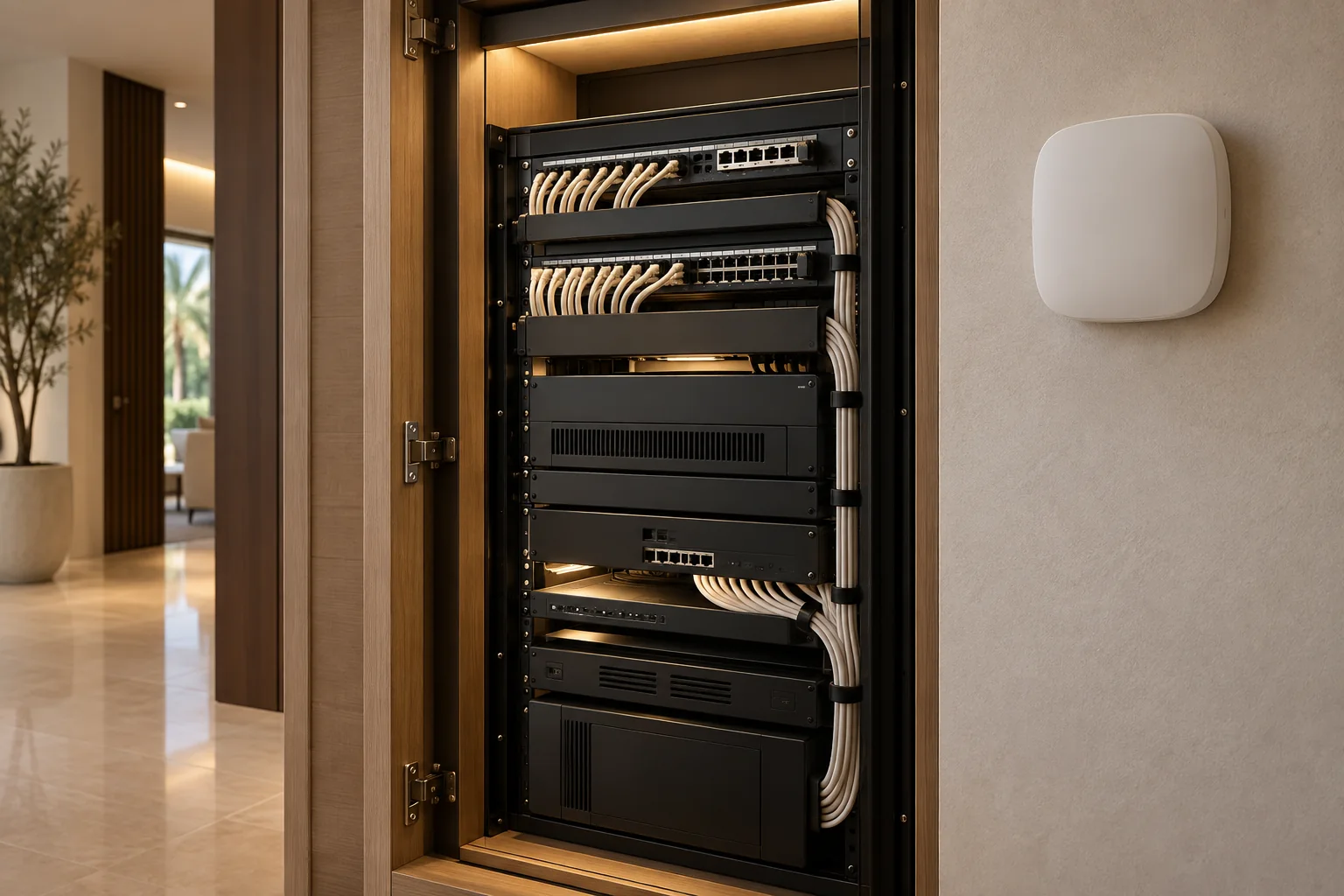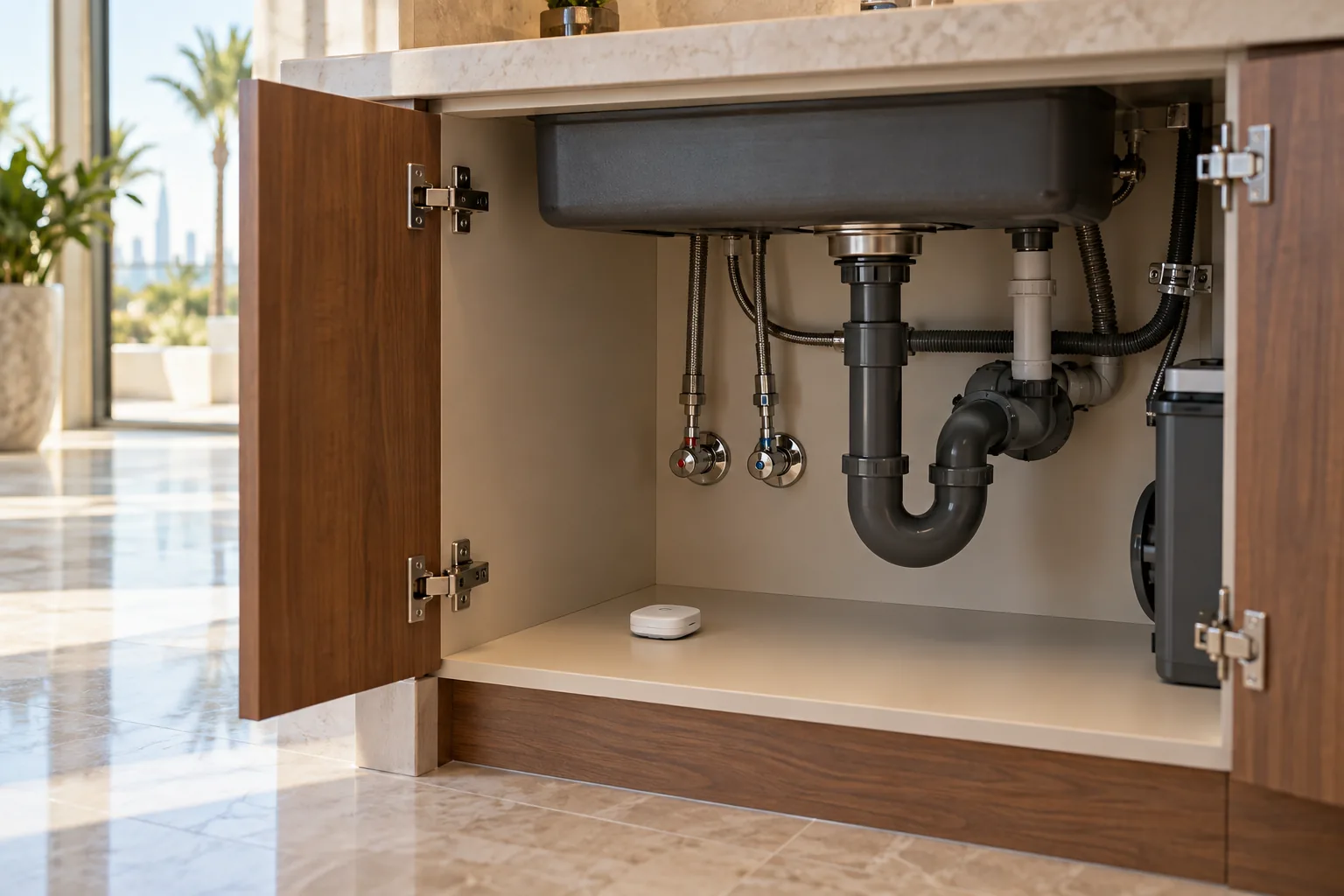
A water-leak notification is useful only if it reaches someone who knows what to do. For a Dubai villa with several bathrooms, a laundry room and periods when the household is away, the brief should connect detection, communication and an agreed response. Buying a sensor is one part of that plan; deciding where it belongs and who acts on its alert is equally important.
This guide helps you prepare a brief for a smart-home specialist and plumber. It covers accessible locations, equipment choices and handover questions without treating automation as a guarantee against damage. Duneva’s water-leak and indoor comfort planning service can help bring those requirements into a coordinated property assessment.
Begin with a water-risk walkthrough
Walk through the property with a simple floor plan. Mark the kitchen, utility room, bathrooms and accessible areas around water-using appliances. Ask the plumber which connections deserve attention and where escaped water would actually travel. A sensor on a convenient shelf may be easy to see but irrelevant to a leak collecting below it.
Record the location in household language: “laundry, washing-machine connection” is more useful in an alert than “sensor 07”. Note whether an adult can reach the proposed position for inspection and battery changes without moving heavy equipment. Do not remove protective covers, enter unsafe plant spaces or disturb plumbing simply to find somewhere for a device.
Use three columns for the first brief: location, likely first collection point and access needed. This makes gaps visible before equipment is ordered. A difficult location may need a different sensing arrangement or a physical repair, rather than another standard puck placed nearby.
Understand what the chosen sensor detects
A point sensor watches the spot where its contacts sit; it does not automatically monitor every pipe in a room. Aqara’s Water Leak Sensor T1 FAQ explains that the device detects water contacting its probes and communicates through a hub. That example illustrates why placement and the supporting system matter.
Ask the supplier to identify the exact sensor, hub and app required. Confirm whether your existing controller can receive the relevant event, which notification functions are supported and whether the model is available for your UAE installation. A familiar brand name or shared wireless standard does not prove that the complete proposed chain works.
For a larger floor area, ask whether a suitable sensing cable or another approach would be more appropriate. Compare the area covered, installation requirements and servicing method. The decision should follow the risk location, not the appearance of the device.
Give every alert a responsible person
Agree the primary recipient, a backup recipient and the person who can attend the property. These may be different people. The owner might receive the first message while a household member or an agreed property contact can inspect the location. Confirm permission and availability rather than assuming someone will always respond.
Write a short response card for each monitored zone. It should identify the location, the appropriate contact and the agreed next step. Keep sensitive entry information in a secure household record, separate from ordinary alert text. The card should never direct an untrained person to open electrical equipment or perform plumbing repairs.
Then test the actual phones that will receive notifications. Include app permissions and the household’s usual notification settings. Ask what happens if a phone is unavailable, the app is signed out or a recipient changes devices. A demonstration on the installer’s phone alone does not establish the homeowner’s experience.
Treat automatic shut-off as a separate design decision
An alert-only system and a system that closes a water valve have different consequences. The latter needs a plumber to identify the supply arrangement and an automation specialist to confirm the control chain. Agree exactly which supply would close and how normal service would be restored after the cause has been assessed.
Some products operate a compatible existing valve. For example, Aqara’s Valve Controller T1 product information describes a retrofit controller, hub requirements and supported valve arrangements. It also states that the device is not suitable for outdoor installation. These are selection constraints, not a recommendation that it fits every Dubai villa.
Request an assessment of the actual valve, access space, operating condition and intended location. Keep essential building systems and any specialist supplies outside casual automation experiments. A written scope should identify who approves the installation and who can safely intervene if the motor, batteries or communication link fail.
Separate local operation from remote messages
Ask the installer to describe the complete sequence: detection, communication to the controller, any local action and delivery of a remote message. Establish which steps require internet access and which can operate locally in the specified configuration. Do not accept a single “works offline” label without those details.
A home may retain a local response while losing remote notifications, or a particular routine may depend on a cloud service. Read our guide to what works without internet before discussing a planned demonstration. The specialist should design any interruption test so that it does not put essential systems or occupied rooms at risk.
Also consider the sensor’s final position, not just its performance beside the hub. Aqara’s troubleshooting guidance identifies distance, battery condition and metal surfaces as possible causes of connection problems. Confirm reliable reporting with doors and cabinets in their normal positions, and document any limitations found during commissioning.
Make maintenance easy to carry out
Assign responsibility for checking device status, replacing batteries and carrying out the manufacturer’s recommended tests. Keep the correct model instructions with the equipment record. Ask how a low-battery or unavailable-device condition is reported, and include that condition in the handover rather than demonstrating only a successful leak alert.
Household cleaning can change a sensor’s position. Show the relevant household members where devices belong and how to avoid accidentally covering or moving them. If a location is routinely wet during normal cleaning, discuss placement and notification behaviour with the specialist; repeatedly ignored alerts undermine the value of the system.
Review the plan when appliances move, cabinetry changes or a different person manages the home. Record the date of the last completed check and any unresolved issue. A short current record is more useful than an elaborate checklist nobody follows.
Compare quotes using the same acceptance brief
Ask each provider to quote the same locations and outcomes. Separate sensors, hubs, valve equipment, plumbing assessment, installation, programming, training and support. Clarify any subscriptions or charges for future visits. There is no meaningful installed total until the property and the proposed scope are understood.
Our villa automation quote checklist explains how to make those inclusions visible. For this system, ask the quotation to include a location schedule, notification recipients, a supported test for each sensor, any valve demonstration and a written list of exclusions.
Before leaving, the installer should let the homeowner explain the response process back in their own words. If the owner cannot identify the affected area or the next person to contact, the handover needs more work. Technology should make the response clearer, not add another unexplained app.
Send Duneva your water-monitoring brief with your community, property type and the areas you would like assessed. Share the practical concern without sending access codes or private security details. The next step is a suitable property review and a clearly defined specialist scope.