Moving into a villa with existing automation can be convenient, but the visible keypads and touchscreens reveal only part of the system. The home may also depend on controllers, lighting panels, gateways, network switches, cloud accounts, licences and project files. A safe takeover starts by understanding that installed system before resetting, updating or replacing anything.
This checklist is for homeowners inheriting a system after a purchase, tenancy change, renovation or installer transition. It is not a remote diagnosis and does not assume the existing equipment can be supported. Our smart-home maintenance and integration service can organise a structured assessment and specialist introduction.
Stabilise the home before changing it
Ask the current owner, landlord, property manager or previous installer for a handover before access is lost. Request the platform name, installer details, administrator ownership, equipment list, drawings, warranties, subscriptions and most recent backup or project file. Keep passwords and security information in a secure transfer, not in a general email chain or enquiry form.
Do not factory-reset controllers, delete devices or update firmware simply because an account is unavailable. A reset may remove configuration that cannot be reconstructed quickly. Control4’s current Composer documentation states that a project file can contain devices, connections, configuration, programming and media, and its project-clearing guidance recommends creating a backup first. Other platforms use different tools, but the same caution applies: preserve evidence before making changes.
Keep essential manual controls available while the assessment happens. If lighting, gates, cooling or blinds behave unpredictably, record the symptom and time instead of repeatedly power-cycling equipment. Life-safety, monitored security and access faults belong with their appropriate specialist.
Build an inventory from the rooms inward
Walk the property room by room and list what the household can see and use: keypads, thermostats, touchscreens, remotes, speakers, cameras, locks, intercoms, curtain motors and sensors. Use the same room names throughout. Note what works, what responds slowly, what appears offline and what has an unclear purpose.
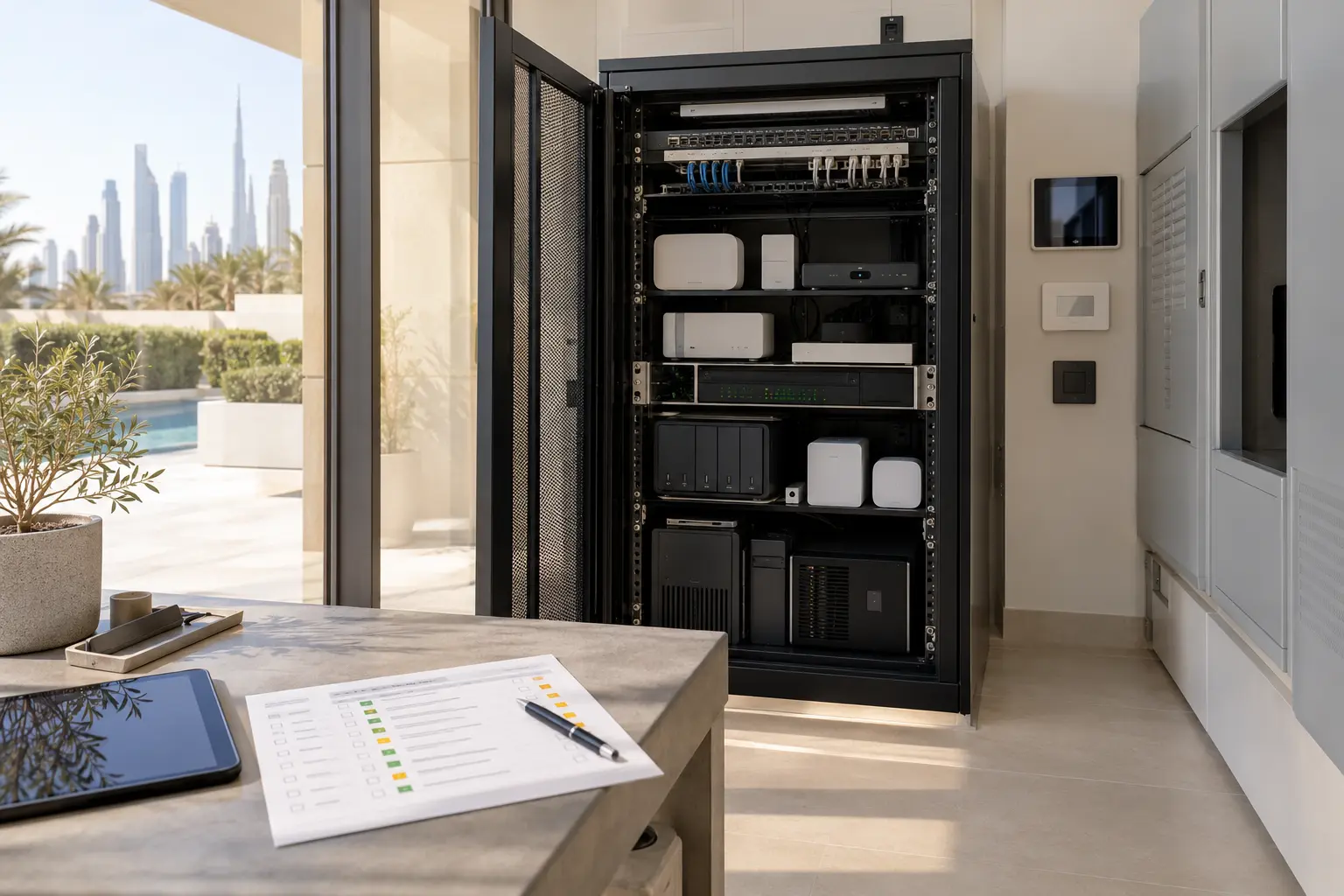
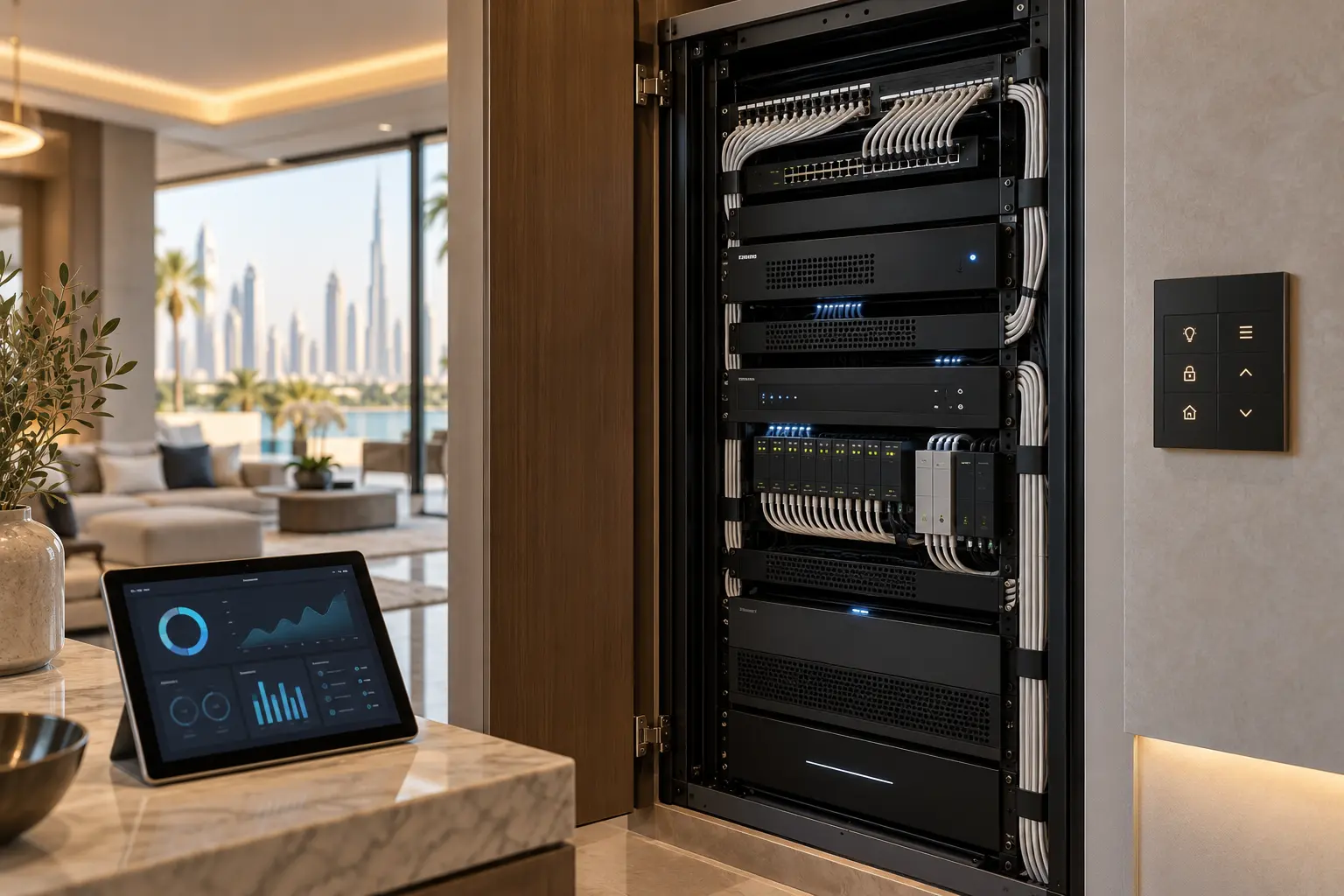
Then map the hidden infrastructure with a qualified specialist. Record control processors, lighting modules, audio amplifiers, network switches, wireless access points, gateways, power supplies, UPS units and connection panels. Photograph labels and model numbers from safe viewpoints; do not remove electrical covers or disturb live wiring.
Separate installed equipment from active integration. A camera may be powered but absent from the owner app. A thermostat may be visible in the automation interface while using its own controller. A rack full of hardware does not prove that every component is working, licensed or still supported.
Identify the platform and project ownership
Determine which systems perform the main functions and whether more than one platform is present. Lighting may use KNX, audio may have its own ecosystem and an automation controller may coordinate them. Record the exact software or firmware versions only after a specialist connects through the approved method.
For KNX, the editable ETS project is especially important. KNX Association describes the ETS project archive as the mechanism for storing and sharing project information, while restore points remain local. Its project archive guidance explains the archive workflow. An operating KNX installation does not guarantee that the current owner holds the editable project file.
Ask who legally and practically controls each relevant project file, administrator account and licence. Do not assume that knowing the Wi-Fi password grants programming rights. If a previous provider retains access, the owner should agree a formal handover and removal process rather than share one permanent login among several parties.
Secure accounts without breaking integrations
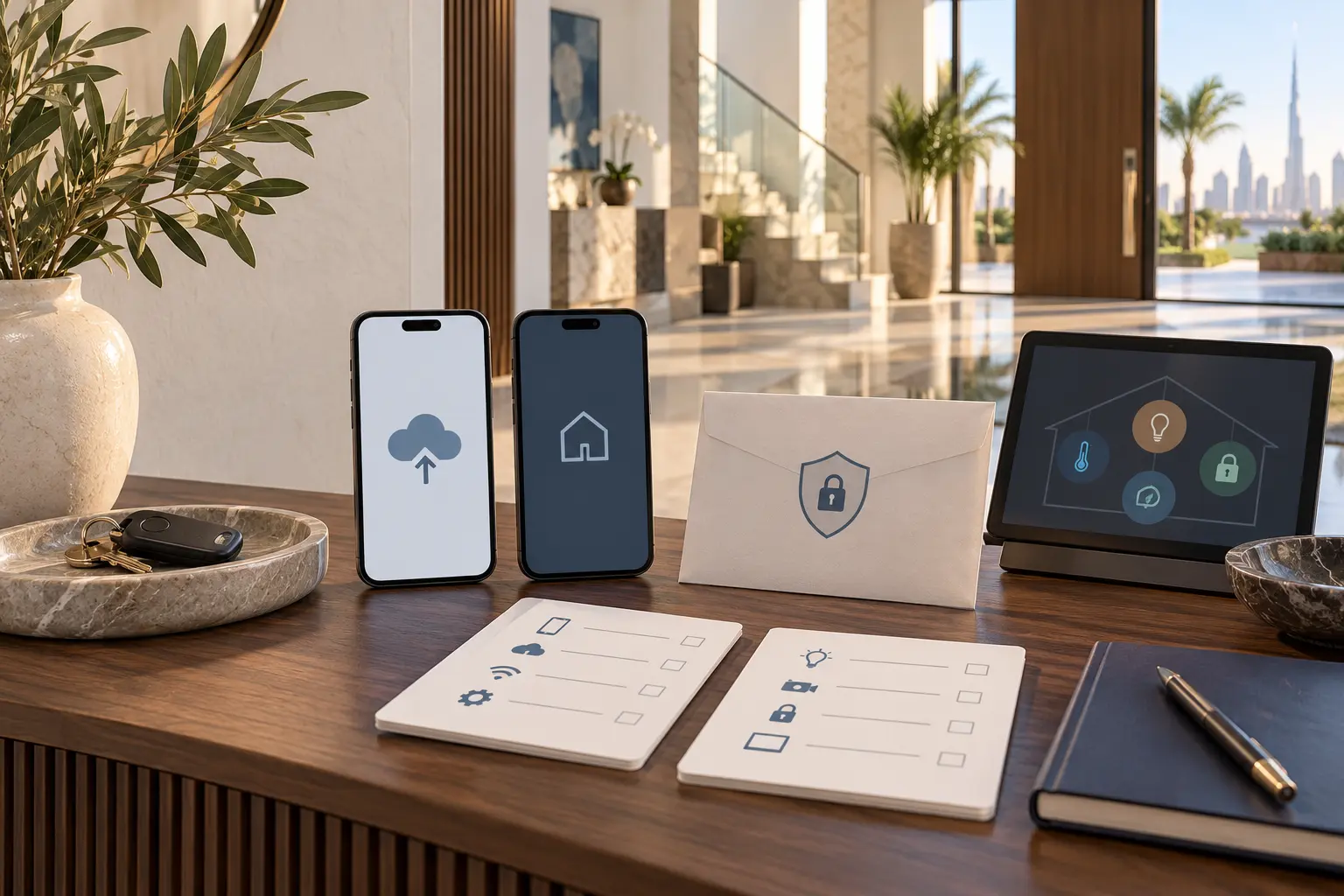
Create an account register listing the service, owner email, role, recovery method, subscription, connected devices and responsible support provider. Do not put passwords into the register. Use individual accounts and role-based access where the platform supports them.
Transfer primary ownership before removing the previous administrator. Confirm that recovery email addresses and phone numbers belong to the current owner. Review household members, guests, remote-support users and third-party integrations. Remove obsolete access only after the new owner can operate and recover the system.
Changing a password can disconnect gateways, voice assistants or remote-support tools. Plan the sequence and test each dependency. The smart-home handover checklist gives a broader owner-account and documentation framework.
Back up before firmware or hardware work
Ask for a current platform backup and verify how it would be restored. A backup filename is not enough; record the software version, controller identity, date, storage location and who has the authorised tools to use it. Keep an owner-controlled copy where licensing and platform rules allow.
For KNX, the association’s current Project Recovery Service covers specified ETS project and archive files that cannot be opened, subject to its stated requirements. That is a recovery route, not a substitute for obtaining the proper project file during handover.
Before an update, read the exact manufacturer release and compatibility notes. Older touchscreens, drivers or third-party integrations may not support a newer platform version. Document a rollback or replacement plan. Avoid combining an ownership transfer, network replacement and major firmware update into one untraceable change window.
Audit the network as a dependency
Smart-home faults can originate in the network even when an app labels a device “offline”. Map the internet router, switches, access points, controller connections, addressing approach and any remote-access service. Confirm which network equipment belongs to the property and which was supplied by an internet provider or previous occupant.
Do not reuse unknown remote-management accounts. Transfer or reset network ownership through the proper vendor process after configurations have been recorded. Keep controller, camera and intercom access restricted to the required users. A qualified specialist should review segmentation, firmware and exposed services without publishing sensitive network details.
Run a room-by-room coverage and wired-link check before blaming the automation controller. Our Dubai villa Wi-Fi planning guide explains how to document access points, wired backhaul and acceptance tests.
Test functions in a controlled matrix
Create a table with each room and function: physical lighting control, app control, scenes, shading, climate, audio, video, intercom, access and selected sensors. Test one function at a time and record the result. Distinguish “works locally” from “works remotely”; the latter may depend on internet, subscription or cloud status.
Include normal power and internet recovery. Do not simulate electrical faults unsafely. Use the agreed shutdown or isolation procedure with the relevant specialist, then confirm that controllers, networks and scheduled functions return in the documented order. The smart home without internet guide provides a useful set of household-facing questions.
Test names and controls from a resident’s point of view. “Relay 17” is not a useful room label. Check whether a guest can operate ordinary lights and cooling without an app. Record confusing button functions, duplicate scenes and automations that no longer match the household’s routines.
Prioritise recovery before expansion
Divide findings into four groups: safety or access escalation, failed essential functions, reliability and ownership fixes, and optional improvements. Stabilise everyday lighting, climate, shading, network and entrance operation before adding new voice control, AI features or decorative scenes.
For each issue, ask whether it can be repaired, reprogrammed, isolated or should be replaced. Include parts availability, licence access, documentation and future support—not only the age of the device. A hybrid plan may preserve dependable infrastructure while replacing an unsupported interface or gateway.
Compare any replacement proposal against a defined baseline. The villa automation quotation checklist helps separate equipment, labour, programming, making good, recurring costs and handover. Avoid a blanket replacement recommendation without an inventory and fault evidence.
Complete an owner-controlled handover
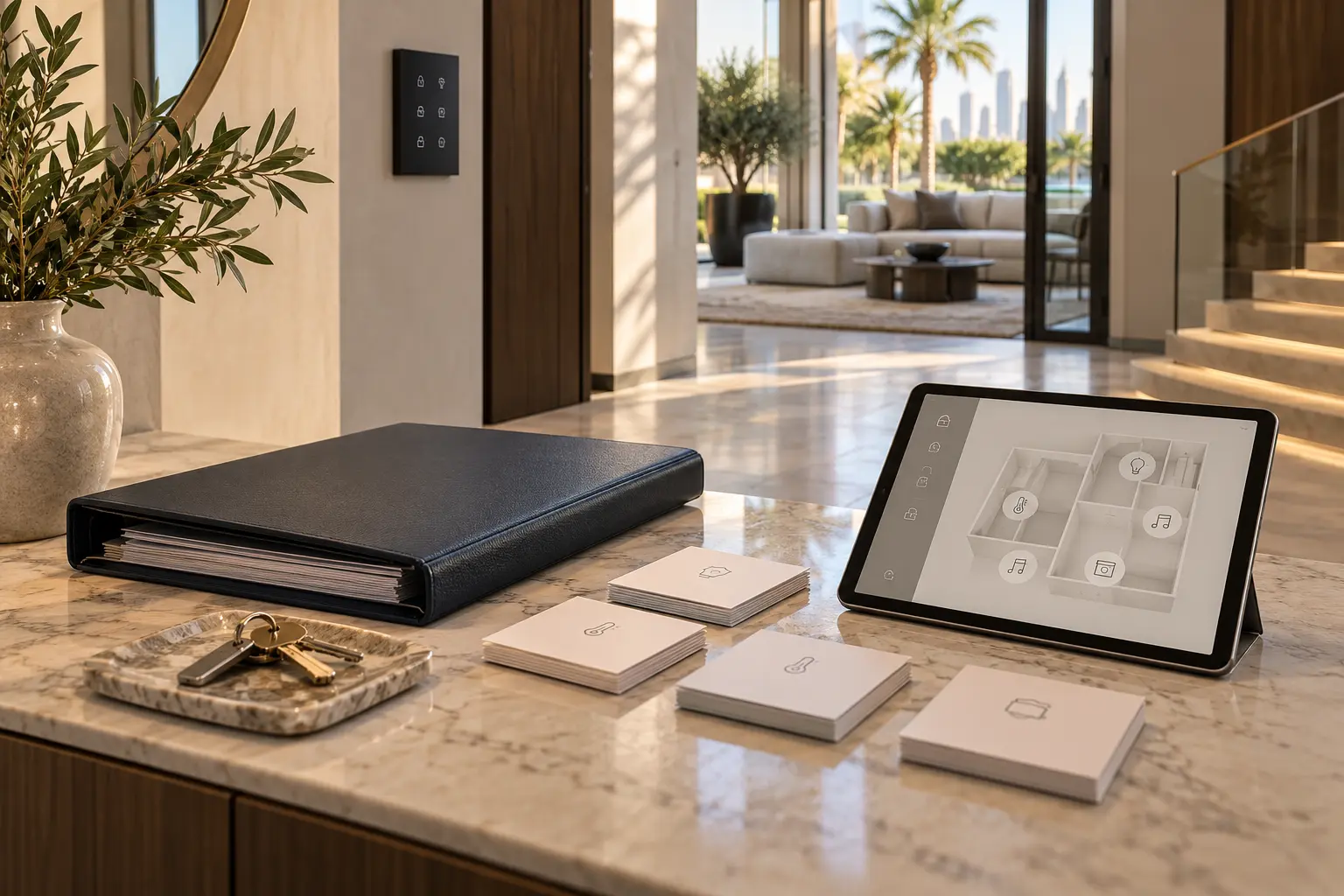
The takeover is complete when the owner has clear system boundaries, administrator control, current backups, as-built or updated diagrams, an equipment and licence register, support contacts and a record of unresolved limitations. Store security-sensitive documents separately from general household instructions.
Ask the support provider to demonstrate everyday control, adding or removing an authorised user, recovery after a normal outage and the correct way to request changes. Agree how backups and documentation will be updated after future work.
A well-managed takeover does not begin with a factory reset. It begins by preserving what exists, proving what works and transferring enough ownership that the home is supportable without relying on one undocumented account or installer.
Request an existing smart-home assessment with the platform name, property type and the functions causing concern. Do not send passwords, access codes, network diagrams or detailed security information through the initial enquiry.