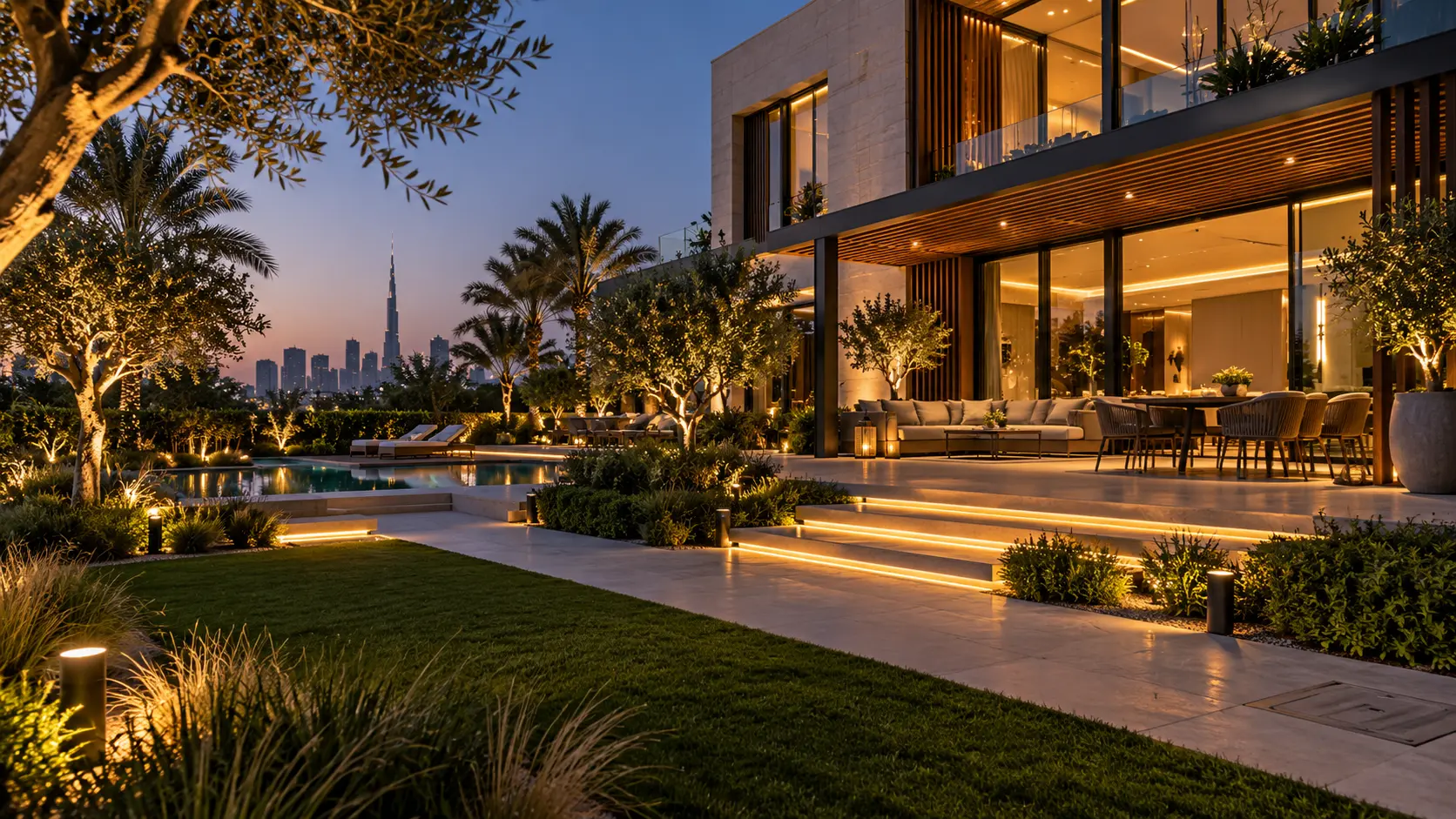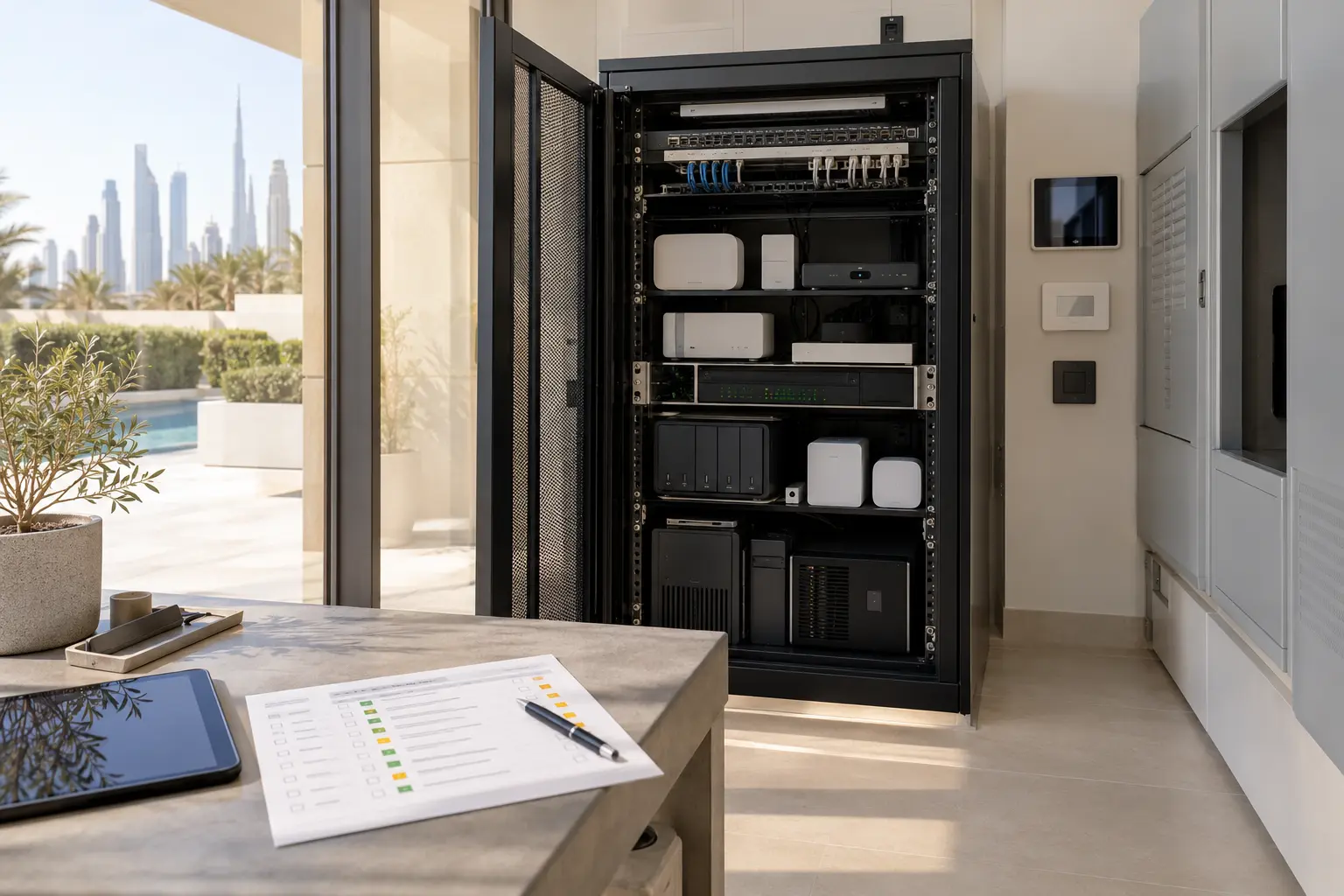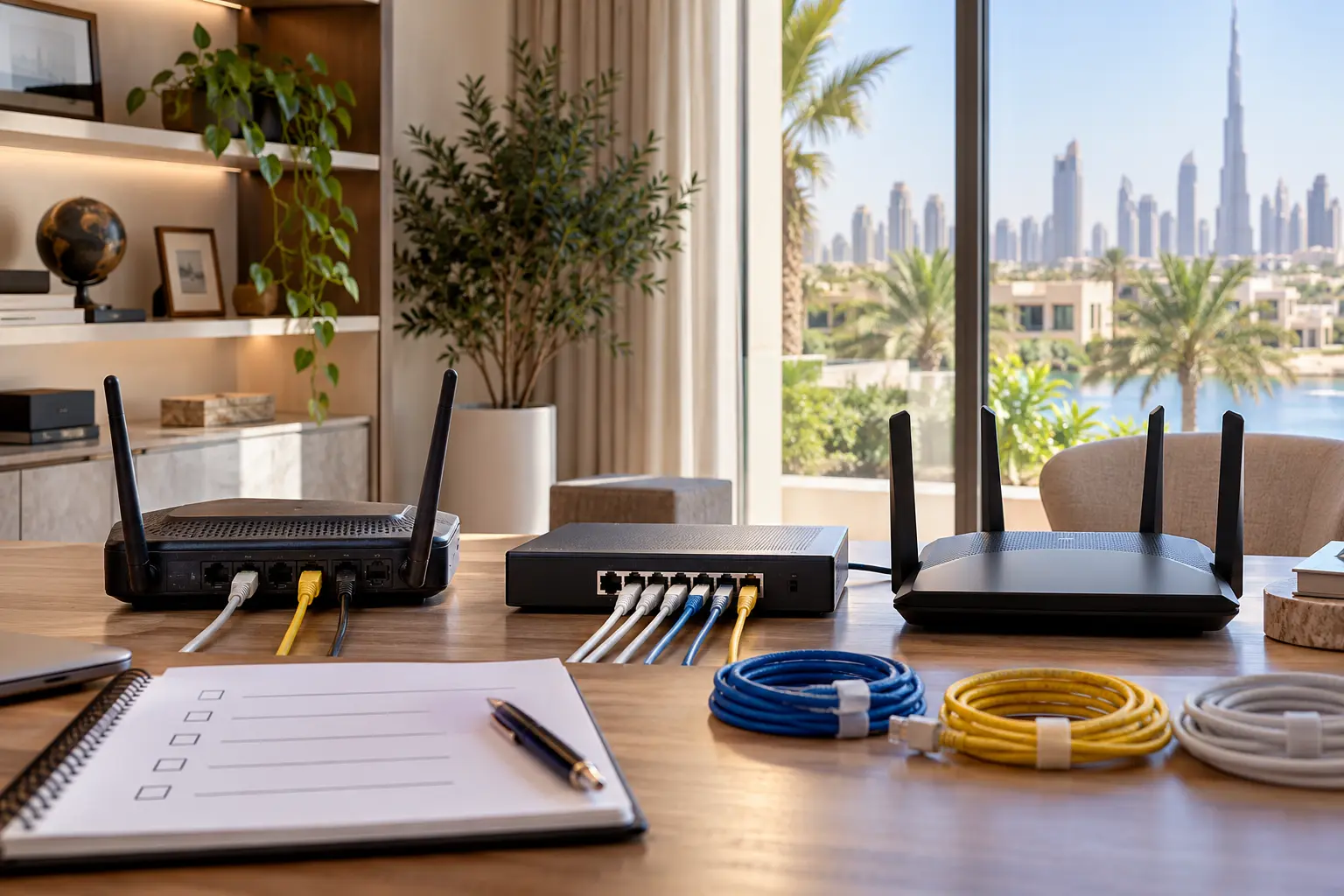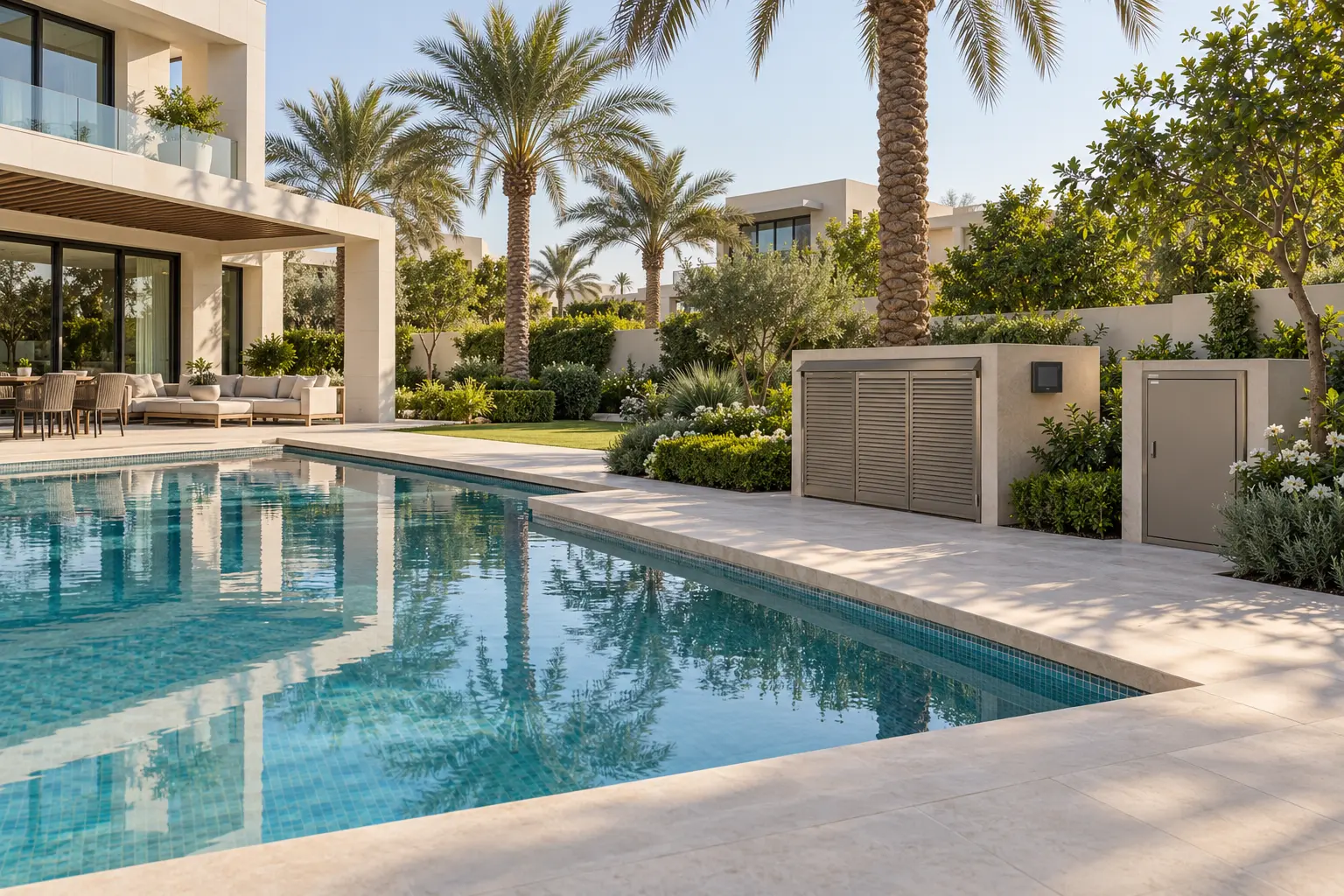
A villa pool, irrigation system, landscape lighting and smart home may all appear in one app, but they should not become one undocumented machine. Each system has different equipment, safety needs, service contractors and fallback controls. The useful goal is coordinated visibility and simple owner routines while specialist controllers retain their proper responsibilities.
This guide helps owners, landscape designers, pool contractors, MEP teams and automation integrators define those boundaries. It is not a pool-safety, chemical-treatment, hydraulic, irrigation or electrical design. Our outdoor smart-home planning service can coordinate the user experience and verified interfaces with the appointed pool, landscape and electrical specialists.
Start with four separate scopes
Create an equipment and responsibility schedule for the pool, irrigation, landscape lighting and wider home automation. For every pump, valve, heater, light, sensor and controller, record its purpose, model, power source, native control, network method, service access and responsible contractor.
Do not begin with “put everything in the smart home.” Begin with owner journeys: prepare the terrace for evening, pause irrigation for maintenance, check whether a pool schedule is active, or turn off decorative lighting at bedtime. Then decide which commands and status points are appropriate to expose.
Keep water treatment, pump protection, heater interlocks, valve sequencing and other equipment-protection logic inside the pool system unless the manufacturer and pool specialist explicitly approve an interface. Keep irrigation zone timing and valve protection inside the irrigation controller. Home automation can provide a convenient scene or status view without taking ownership of specialist safety logic.
Define a safe command boundary
For each integration point, label it as view, request or control. A view-only point may show pool temperature or irrigation status. A request may ask the native controller to start an approved mode. Direct control changes equipment state and therefore needs the strongest compatibility, permissions and fallback review.
Avoid generic relays when a supported integration exists, and never bypass a manufacturer controller or protective interlock to make an app button work. Confirm the exact regional model, firmware, interface licence, network requirement and functions exposed. Brand-family compatibility is not enough.
Pentair’s official IntelliCenter product page describes central control of supported pool devices including water features, lights and pumps through its own system and app. Jandy’s official AquaLink TCX page similarly describes schedules and remote control for supported equipment. These are examples of native pool-control responsibility, not endorsements or promises that a particular UAE installation is compatible.
Write an operating matrix
A one-page matrix prevents conflicting commands. Put operating modes in rows—normal day, guest evening, service, away, high wind or dust, network unavailable—and systems in columns. For each cell, define the desired state, who can change it and which controller is authoritative.
For example, an evening scene might request approved landscape-lighting groups and show the pool controller’s current mode without changing filtration. A pool-service mode may inhibit owner convenience scenes while the specialist works. An irrigation-maintenance mode may pause schedules locally for a defined period and automatically return control to the native system.
Never make a decorative “all off” button shut down filtration, sanitisation, freeze or equipment-protection functions. The exact pool and landscape specialists must decide what remains active.
Use schedules with ownership and expiry
Every schedule needs a controller of record. Do not create one pool-light schedule in the pool app and a second conflicting schedule in the smart-home processor. Record the days, start and stop conditions, holiday behaviour, manual override and owner.
Pentair’s official IntelliConnect information states that supported systems can schedule pool equipment and monitor connected-product status. Hunter’s official Hydrawise overview describes weather-data-based adjustments to irrigation, while its flow-monitoring page documents alerts and reporting for supported flow-meter installations. Those capabilities depend on the exact controller, sensors, configuration and available service; they do not prove water savings or fault detection for an unassessed villa.
Use weather inputs as one decision input, not as a substitute for landscape design. Plant type, soil, emitters, shade, season, local restrictions and observed condition remain part of the landscape specialist’s programme. A forecast service or internet connection can fail, so document the controller’s offline behaviour.
Preserve local fallback
The pool and irrigation systems should remain serviceable when the home-automation processor, internet or owner’s phone is unavailable. Keep the manufacturer’s approved local controller accessible to the responsible technician. Label isolation and service points according to the appointed contractors’ requirements, not with improvised automation labels.
Test three separate losses: internet unavailable, home-automation controller unavailable and native specialist controller unavailable. The expected behaviour will differ. The smart home without internet guide provides a framework for separating local, remote and cloud-dependent functions.
Remote access is convenience, not proof that the equipment is safe to operate unseen. Restrict commands that require someone to confirm pool occupancy, covers, valves, water level or maintenance condition.
Design the network for outdoor equipment
List whether each controller uses Ethernet, Wi-Fi, a proprietary radio, cellular service or a dry-contact interface. If Wi-Fi is required at a plant room or landscape cabinet, survey coverage with doors and covers closed. Dense walls, metal enclosures, distance and outdoor conditions can change performance.
Do not put a domestic wireless access point inside an unsuitable hot, wet or unventilated enclosure. Use equipment with the correct environmental rating and installation method, selected by the network and electrical specialists. The villa Wi-Fi planning guide explains wired backhaul, coverage validation, equipment locations and owner handover.
Keep outdoor controllers on a documented network segment with only the access they require. Change default credentials, use individual owner accounts where supported and remove contractor access that is no longer needed. Do not publish equipment IP addresses, camera views or gate details in shared project documents.
Coordinate pool, irrigation and leak alerts
A high-flow irrigation alert, low pool level and indoor leak alert are different events. Give each a clear description, recipient, confirmation method and escalation path. A notification is not a repair, and an app acknowledgement is not proof that water stopped.
Use measured normal ranges only after the relevant contractor has commissioned the system. Avoid setting arbitrary thresholds that create constant alarms. Hydrawise states that supported flow monitoring can help identify broken pipes, spray heads, faulty wiring or valves; the actual result depends on compatible metering, calibration and configuration.
For the building interior, use the separate water-leak detection guide to plan sensor locations, shut-off assessment and human response. Do not connect a main water shut-off to pool top-up or irrigation logic without hydraulic and specialist review.
Keep landscape lighting independent
Landscape lighting can share owner scenes with the terrace and pool area while retaining its own circuits and physical control. Divide it by activity: entry, path, dining, planting, feature and service. Avoid one giant circuit that prevents useful dimming or maintenance.
Use the outdoor smart-lighting guide for zones, equipment suitability, glare, schedules and after-dark commissioning. Pool lights remain within their approved pool-control architecture unless the pool manufacturer and specialist provide a supported interface.
Agree what happens after a manual change. A resident may want lights to remain on for one evening, then return to the normal schedule the next day. Make that expiry visible rather than leaving an indefinite override.
Commission with the specialists present
Commission each native system first. The pool contractor confirms the hydraulic equipment, approved operating modes, protection and water-treatment functions. The landscape contractor confirms zones, emitters, valves, schedules and plant requirements. The electrician verifies supplies, protection and outdoor installation. Only then should the automation integrator test the agreed interface.
Run journey tests in normal and fallback states: start an approved evening mode, apply and cancel a timed irrigation pause, observe a representative alert, remove internet safely, use the local controller and restore service. Check that a failed request does not display a false success state.
The handover pack should include the responsibility matrix, equipment schedule, native manuals, account ownership, network dependencies, approved commands, schedule owner, local fallback, alert recipients and change procedure. Add those records to the smart-home handover checklist.
Good outdoor integration is deliberately bounded. Let specialist controllers protect and operate their equipment, expose only verified commands and status, keep local fallback and test the complete owner journey with every responsible trade.
Request a pool and irrigation automation assessment with the property stage, installed controller models and outdoor areas in scope. Do not include access codes, passwords, private camera details or remote-login credentials in the initial enquiry.