A useful villa security design begins with decisions, not a camera count. The owner, security specialist, network team and automation integrator need to agree what each entrance or outdoor area requires, who can see it, what is recorded and what should happen when an event occurs. Without that brief, more cameras can create more noise without making the household better informed.
This guide helps Dubai villa owners and fit-out teams prepare that brief. Duneva's smart security and access planning service can coordinate entrances, cameras, intercoms, alerts and owner-control requirements before the appointed specialists confirm equipment and compliance.
Define the outcome at every location
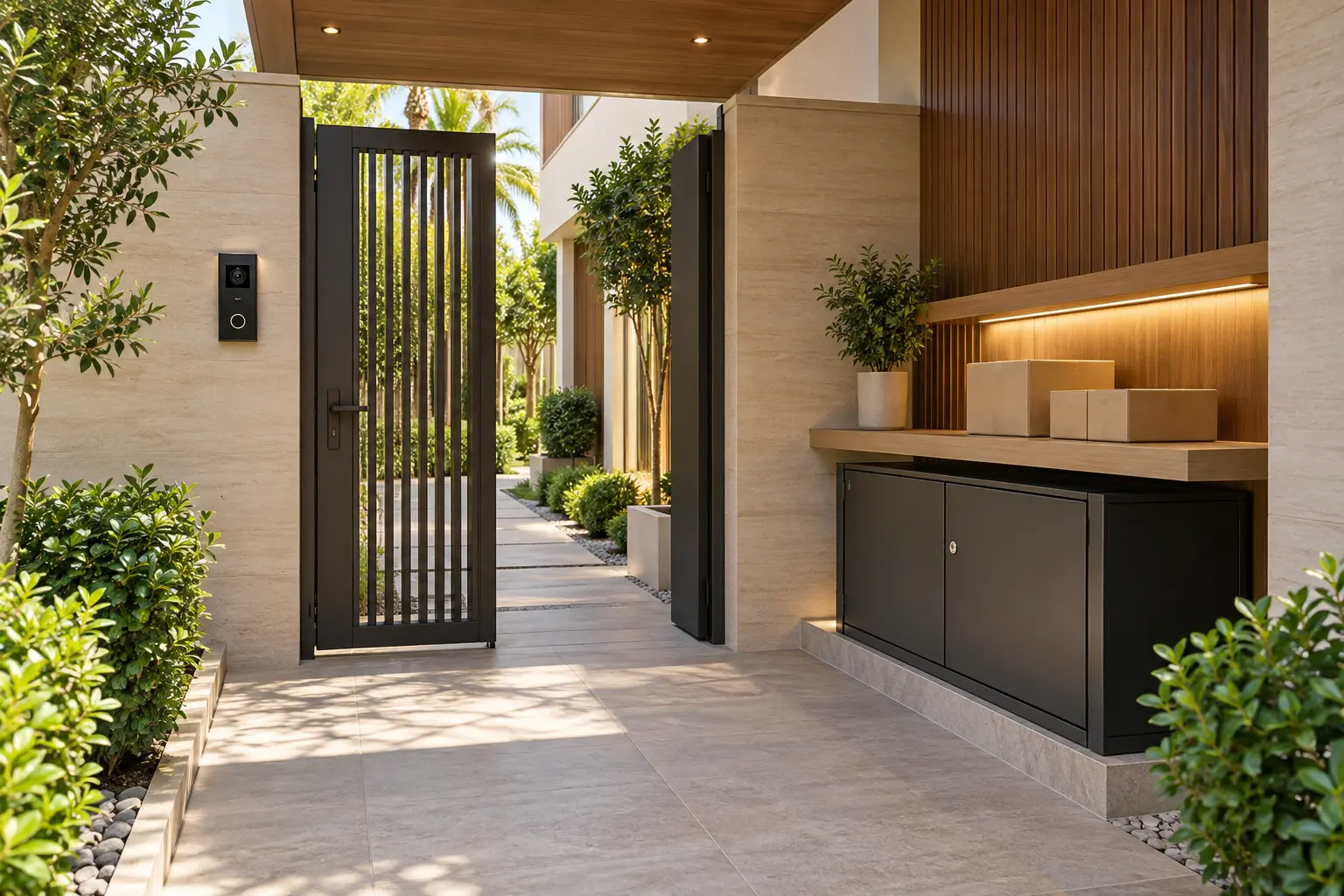
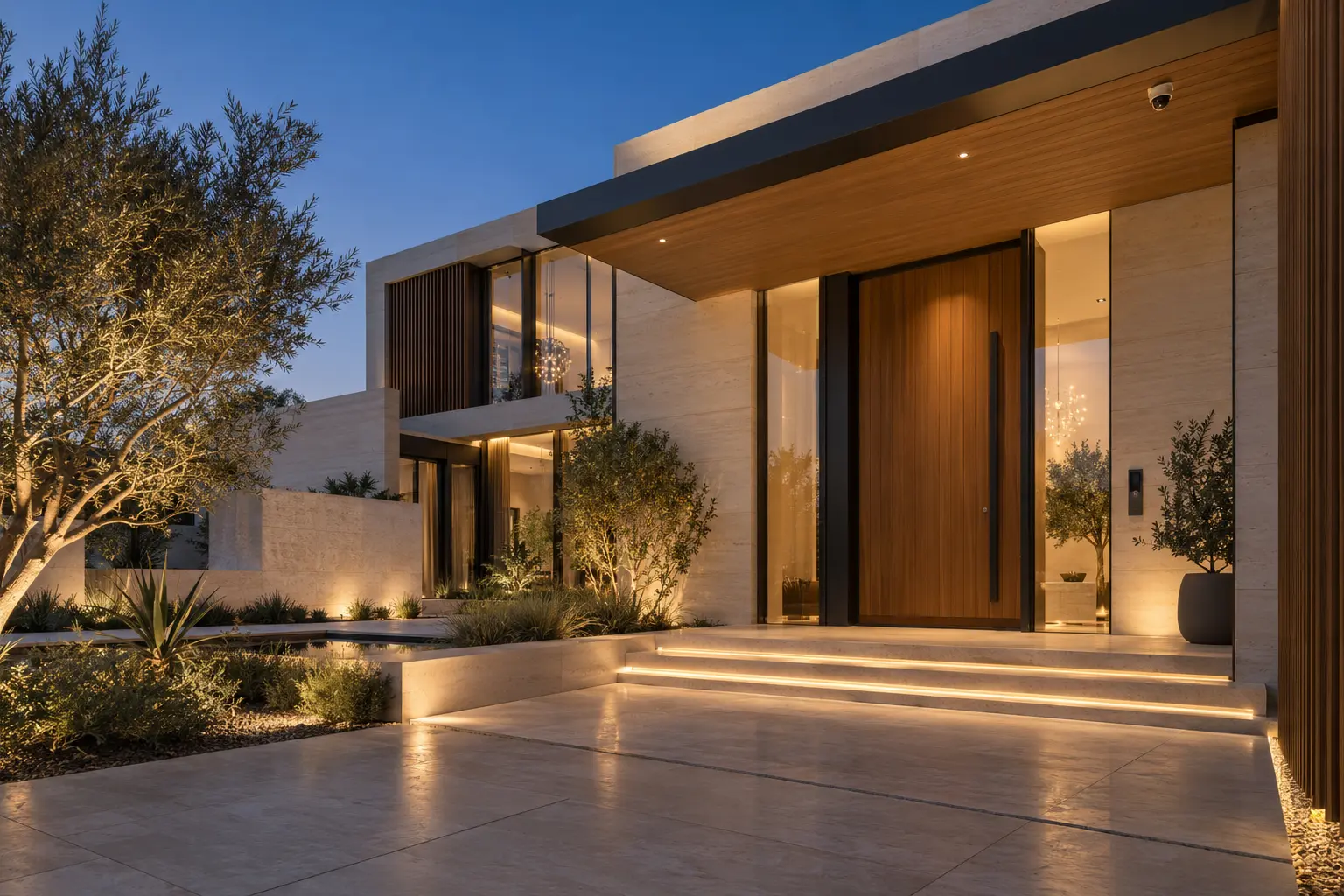
Walk the property boundary and the normal household routes. Include the vehicle gate, pedestrian gate, front entrance, service entrance, driveway, garage approach and agreed garden or pool boundaries. For every location, write the question the system should help answer. Examples include identifying a caller at the gate, checking whether a delivery remains at the entrance or reviewing a vehicle arrival.
Do not use one vague requirement such as cover the exterior. A camera intended to identify someone at a door has a different purpose from a wide overview of a driveway. Record the viewing area, expected distance, important time of day and the action a household member or property manager may take. The security specialist can then assess position, lens, lighting, recording and applicable requirements against a real outcome.
Coordinate this schedule with the smart entrance planning guide. The camera, intercom, lock, door, gate, power and network are related parts of the visitor journey, but each still needs its own safe operating boundary.
Design the view before selecting the camera
Mark the proposed view on a plan and inspect it from the actual mounting position. Check columns, landscaping, gate leaves, vehicle parking and future joinery that may block the image. A perfect view on an early drawing can disappear after planting or architectural details are installed.
Review both daylight and night conditions. Bright façades, deep shade, reflective stone, headlights and landscape lighting can affect what is visible. Ask the specialist how the selected equipment will be commissioned for the real scene instead of assuming a resolution label guarantees identification. Provide safe access for future cleaning, adjustment and replacement.
Keep cameras away from private interior spaces and avoid unnecessary views beyond the property. Confirm positioning, recording and signage or approval duties with the appointed security professional and the applicable authorities for the actual property. This planning guide is not a substitute for that project-specific review.
Separate live viewing, recording and alerts
These are three different functions. Live viewing lets an authorised person check a camera now. Recording stores video for later review. An alert draws attention to an event. Write down which locations require each function rather than enabling everything everywhere.
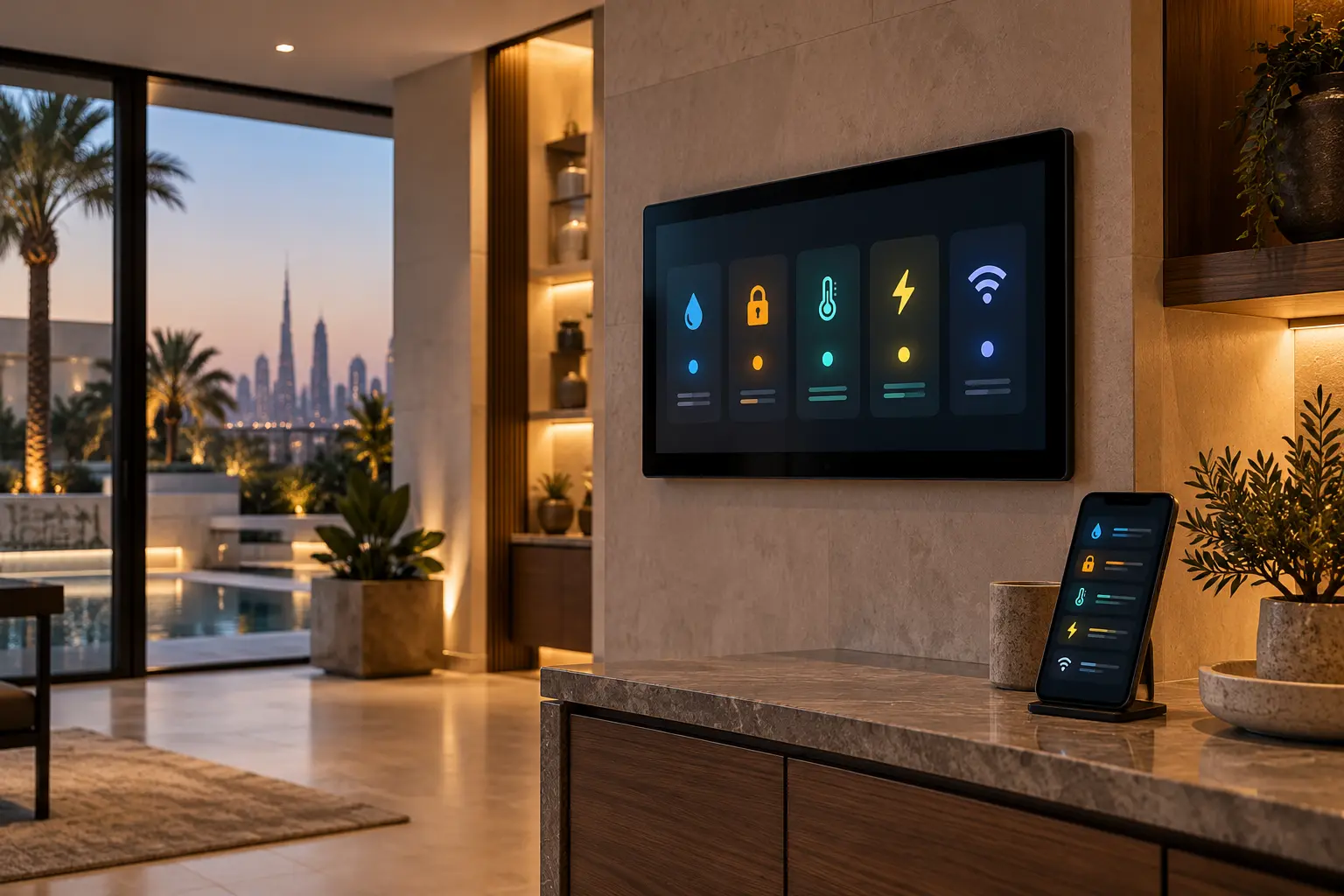
Control4's current security and surveillance overview describes cameras, sensors, doorbells and locks being brought into one control experience, while its current security guide explains that supported camera feeds can be viewed individually or together. Those are platform capabilities, not confirmation that every proposed camera, recorder or account will interoperate. Verify exact models, software, licences and UAE availability in the written specification.
For recording, define the recorder location, storage basis, expected retention policy, time accuracy and the person responsible for health checks and export. Avoid quoting a number of days until the selected resolution, frame rate, event rules, camera count and storage design have been calculated. Keep recorder administration separate from everyday viewing.
Make every notification earn attention
Start with a short event list: caller at the gate, person at the front path during an agreed period, selected door opened, camera offline or recorder fault. For each event, specify the recipient, time window, message, review step and escalation. If no one is expected to act, the alert may belong in a log rather than on every phone.
Apple's current Home camera guidance for the UAE shows why alert design is product-specific. Supported configurations can use time, presence, recorded clips, motion types and activity zones, and Apple notes that choosing specific motion can reduce clips and notifications. Treat this as one platform example. Confirm the camera, home hub, account, subscription and current software requirements before promising any feature.
Test normal sources of nuisance events, such as moving trees, street activity, pets, cleaning visits and headlights. Adjusting a zone or rule should follow a documented test, not an assumption that artificial intelligence will remove every false alert. Keep an obvious way for an owner to pause or change nonessential notifications without disabling recording or a separate certified security function.
Give the right people the right view
Create a permissions matrix for owner, family, property manager, household staff, temporary guest and service provider. Decide who may see live video, review recordings, export clips, change notifications or administer devices. Do not share one owner account or master password with every user.
Use named access where supported and review it when staff, tenants, managers or support companies change. The guest-ready smart-home guide explains why temporary visitors should receive narrow access rather than owner-level control. Keep camera history and administrator settings out of guest-facing room interfaces unless there is a specific approved need.
Document how access is removed and how the owner recovers control if a phone is lost or a service relationship ends. Store credentials and detailed security drawings in a protected owner record, never in a general website enquiry or an unprotected handover email.
Preserve boundaries between systems
A camera event may support a useful automation, such as illuminating the entrance or presenting the door station on an approved screen. That routine must not replace the dedicated functions of the recorder, access-control system, alarm or life-safety equipment. Each specialist should state what their system controls and what it only reads.
Use restrained responses. Flashing the entire villa, unlocking a door or sounding household audio because a generic motion event occurred can create new problems. A calm path light and a targeted notification may be more useful. Confirm manual operation and emergency egress independently of the smart-home scene.
Plan network, power and recovery
Record whether every camera, intercom and recorder uses wired network, wireless connectivity, local power or power over Ethernet. Map the switch ports, power supplies and cabinet location. The villa Wi-Fi and network checklist helps distinguish internet service from the local infrastructure that cameras may depend on.
Decide what should continue if the internet is unavailable. Remote viewing and cloud analysis may stop even when local recording continues, or the design may behave differently. Ask for a demonstration of the selected architecture. Include the recorder, switches and critical interfaces in the smart-home power-resilience plan where appropriate, with runtime and restart order confirmed from actual loads.
Commission complete security journeys
Test each required view by day and after dark. Walk the agreed route, ring the intercom, open the relevant entrance and confirm the right event reaches only the intended recipients. Review the recorded clip, time stamp and retrieval process. Then test an offline camera, a lost connection and an authorised user's removal using a controlled method agreed by the specialists.
At handover, retain the camera-purpose schedule, approved views, equipment inventory, network and power dependencies, recording policy, permission matrix, notification rules, owner accounts, export procedure, maintenance access and support responsibilities. Add those records to the smart-home handover checklist.
A well-planned CCTV system is understandable: each view has a purpose, each alert has a recipient and each user has only the access they need. That clarity is more valuable than a long equipment list.
Request a villa security-planning assessment with the property stage, entrances and systems you want coordinated. Do not send camera passwords, access codes, recordings or detailed security plans in the initial enquiry.