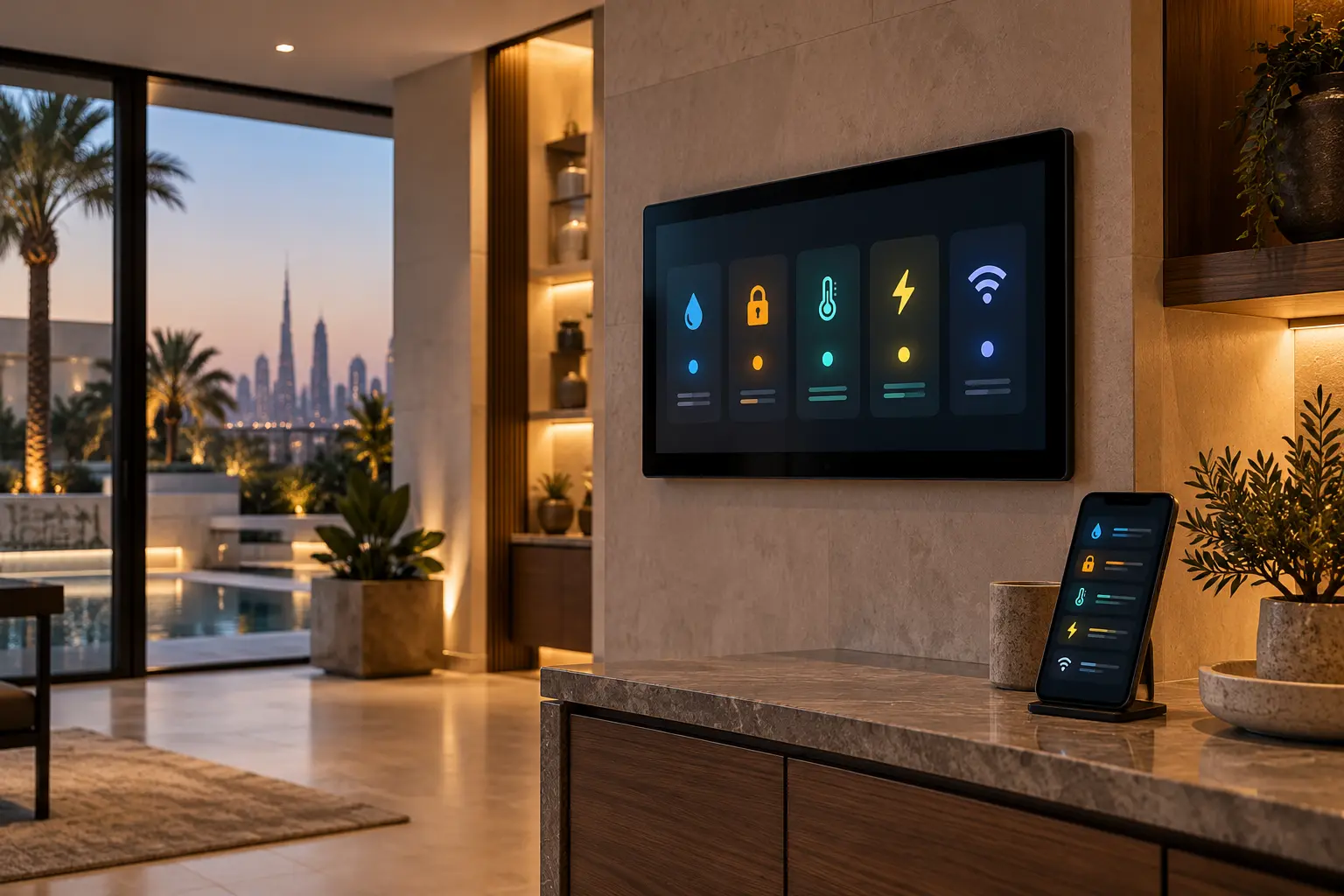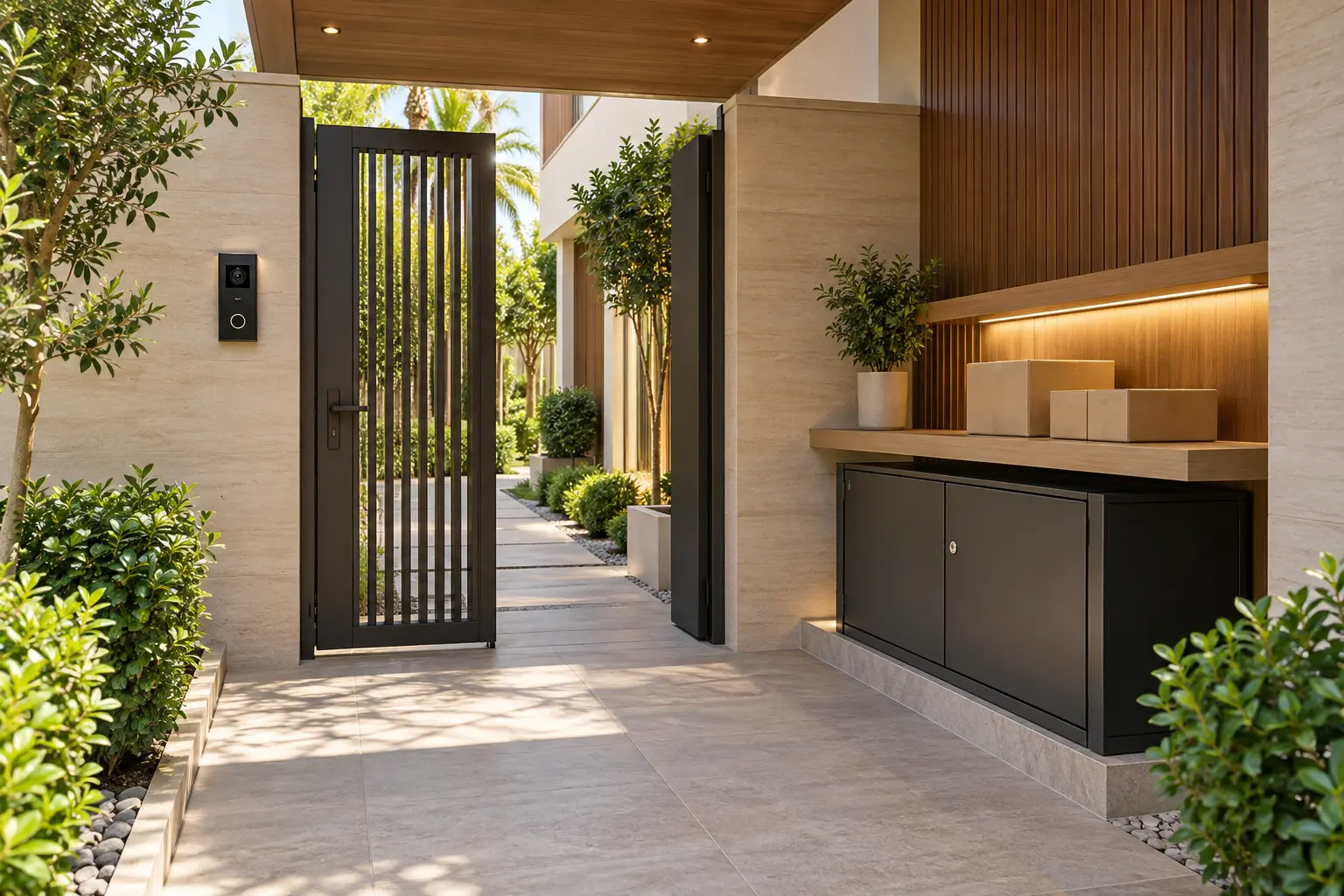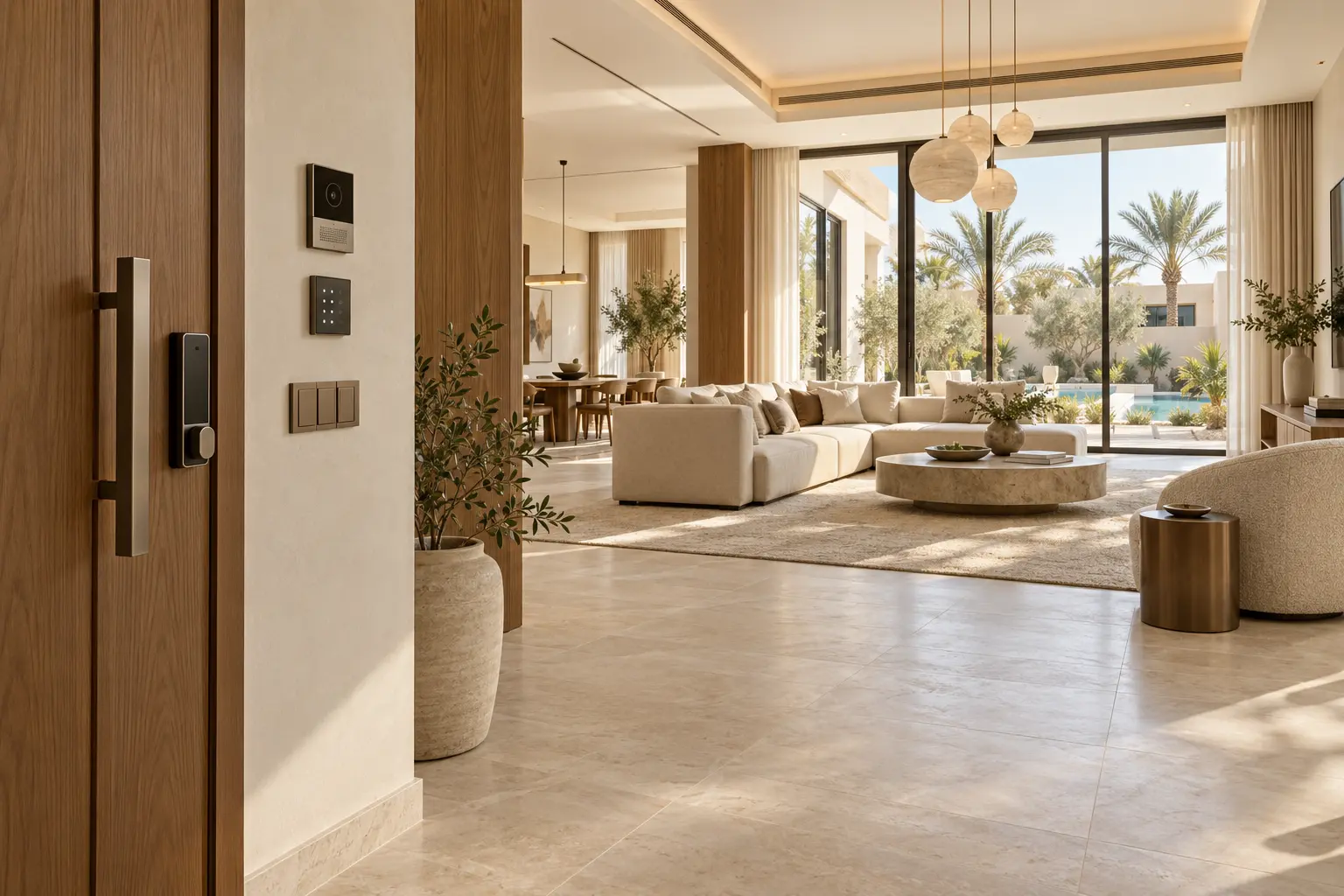
A guest-ready smart home should make a stay easier without giving a visitor the same access as the owner. In a Dubai holiday villa, the useful brief starts with the complete guest journey: arrival at the gate, entry through the door, comfortable use of the rooms, help when something fails and a clean reset after departure.
This guide is a planning framework for owners, property managers and fit-out teams. Duneva's smart security and access planning service can help map entrances, users, controls and recovery steps before products are selected.
Define people and permissions first
List the people who interact with the property: owner, family member, short-stay guest, property manager, cleaner, maintenance contractor and emergency responder. Give each role only the access it needs, for the time it needs it. A guest may require the pedestrian gate and front door; a maintenance visit may require a service entrance during a shorter window; an owner needs administration and recovery control.
Keep administration separate from everyday operation. Guests should not receive the owner's primary account, installer credentials, alarm master code or network administrator password. Where the platform supports individual users, use named or role-based access and document who removes it.
Map the arrival journey door by door
Walk the actual route from the community or driveway entrance to the room where a guest first settles. Record the vehicle gate, pedestrian gate, intercom, front door, lift or internal door where relevant. For each point, note the normal method, an alternative method and the person who can help.
The smart entrance planning guide explains why the door, frame, lock, intercom, power and network must be considered together. A temporary digital credential is not a substitute for a door that does not latch reliably. Keep a controlled physical-key process for appropriate entrances.
Use temporary access with a clear expiry
Choose a start time, end time and revocation rule for each stay. Include early arrival, late departure and cleaning windows deliberately instead of leaving indefinite access active. Test the exact credential on the exact door before the guest arrives, then confirm that it expires as intended.
Apple's current Home guest-access guidance says supported guests can receive local-only access to selected doors, locks and security-system accessories on a schedule. It also states that guest access requires a home hub and current supported software. That is one platform example, not a promise that a proposed lock, controller or UAE account configuration will provide the same functions. Confirm the product, software version, region and account requirements during specification.
Make everyday rooms work without an app
A guest should be able to enter a bedroom, turn on a light, adjust comfort and close a shade from visible physical controls. Use clear, household language on keypads and room guides. Labels such as Main lights, Bedside, Curtains and All off are easier to understand than project names or technical zone numbers.
Limit the number of scenes offered to short-stay visitors. Arrival, Evening and Goodnight can be useful if their effect is predictable, but a scene should not unexpectedly alter another occupied room. The smart-home keypad planning guide provides a practical method for testing labels and button priorities.
Separate guest connectivity from owner systems
Provide a managed guest Wi-Fi path where the network design supports it. Do not share the network-administration password or expose equipment-management interfaces. Test coverage in bedrooms, living areas and outdoor spaces that are part of the stay.
Use the villa Wi-Fi planning checklist to map activities and coverage. If a television, speaker or room controller is meant to be available, confirm how guests use it without gaining control of private owner devices.
The network specialist should explain what continues locally if the internet service is interrupted. Do not describe a property as fully operational offline until the agreed entrance, lighting, comfort and communication journeys have been tested.
Set comfort boundaries that protect the property
Decide the normal temperature range, occupied schedule and recovery behaviour with the HVAC specialist. A guest control should be simple, but it should not bypass equipment protections or create hidden schedules that reverse their choice. Explain agreed limits plainly.
Curtains and blinds need the same clarity. A bedroom control can offer Open, Privacy and Close, while automation respects sleep and manual overrides. Avoid routines that surprise guests by moving shades, switching off lights or changing AC while someone is still in the room.
Protect privacy by design
Create a room-by-room privacy list. Identify cameras, microphones, intercom history, entry logs, voice assistants and sensors that could reveal occupancy or routines. State which devices are active, who can see their data and how long access remains available. Cameras must never be placed in private interior spaces, and any security setup must follow applicable requirements.
The voice-control and privacy guide helps distinguish useful commands from personal content and account exposure. Remove owner calendars, personal photos, purchase profiles and private media accounts from guest-facing screens. Sign out of temporary entertainment sessions during reset.
If a function requires a subscription, app or personal account, disclose that before arrival and provide a reasonable physical fallback for essential room use.
Create staff and turnover modes carefully
A cleaning or turnover mode should support the task without opening the whole property. It may provide selected lighting, approved entrances and a comfortable working temperature during a defined window. It should not expose owner rooms, camera history or administrative settings.
Use a written departure checklist: revoke the guest credential, remove temporary users, sign out of media services, clear personal casting sessions, restore agreed scenes, inspect physical keys and test the next arrival route. Do not erase diagnostic history or change system software during routine turnover.
Record exceptions. If a guest reports that one keypad label was unclear or the bedroom Wi-Fi failed, add it to the service list with the room and time. A vague note that the smart home was difficult to use is hard to reproduce.
Prepare recovery before the stay
Write a one-page recovery card for the property manager. Include the safe physical fallback for entry, the person authorised to issue a replacement credential, the location names used in the system and the escalation route for security, electrical, network or HVAC faults. Keep passwords, alarm codes and sensitive diagrams in a protected owner record.
Test one realistic outage. Confirm what happens if the internet is unavailable, a guest phone battery is flat or a controller restarts. The power-resilience guide helps identify priority loads and controlled restart steps. Do not ask an untrained visitor to open an electrical cabinet.
Commission the stay, not just the equipment
Run a rehearsal with someone who did not configure the system. Ask them to arrive, enter, use the main rooms, adjust the bedroom, find help and leave using only the intended guest instructions. Note every point where they need the owner's account or an unexplained workaround.
At handover, retain a permissions matrix, entrance schedule, control guide, network ownership record, device inventory, reset checklist and emergency escalation route. Review access after every stay and review the overall design when the property manager, platform or operating model changes.
A guest-ready smart home is calm because permissions are narrow, room controls are obvious and recovery does not depend on one remembered workaround. Plan the journey, preserve physical control and test the reset before the next arrival.
Request a guest-ready villa assessment with the property type, entrances, guest rooms and current control platform. Do not send access codes, passwords or private security details in the initial enquiry.