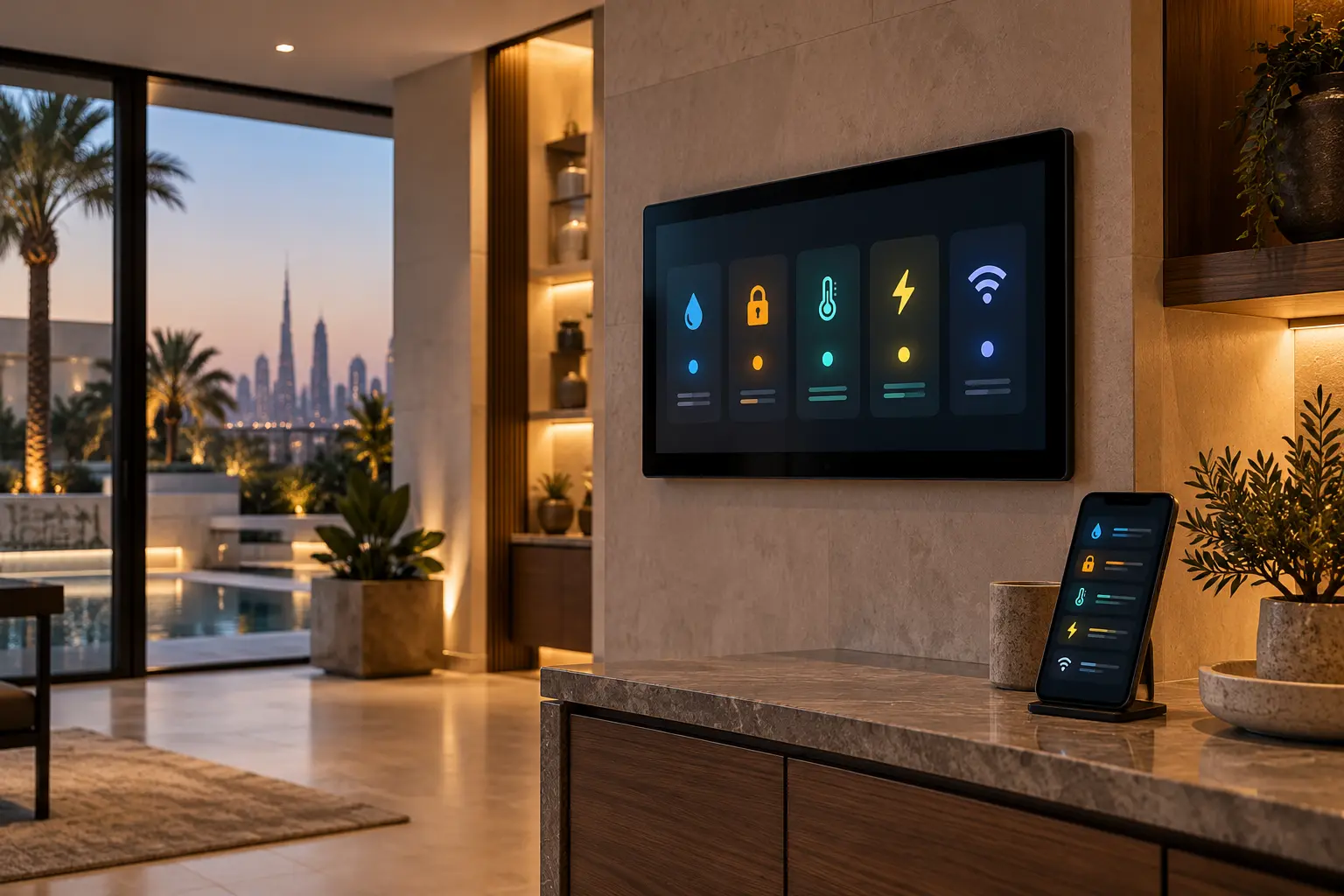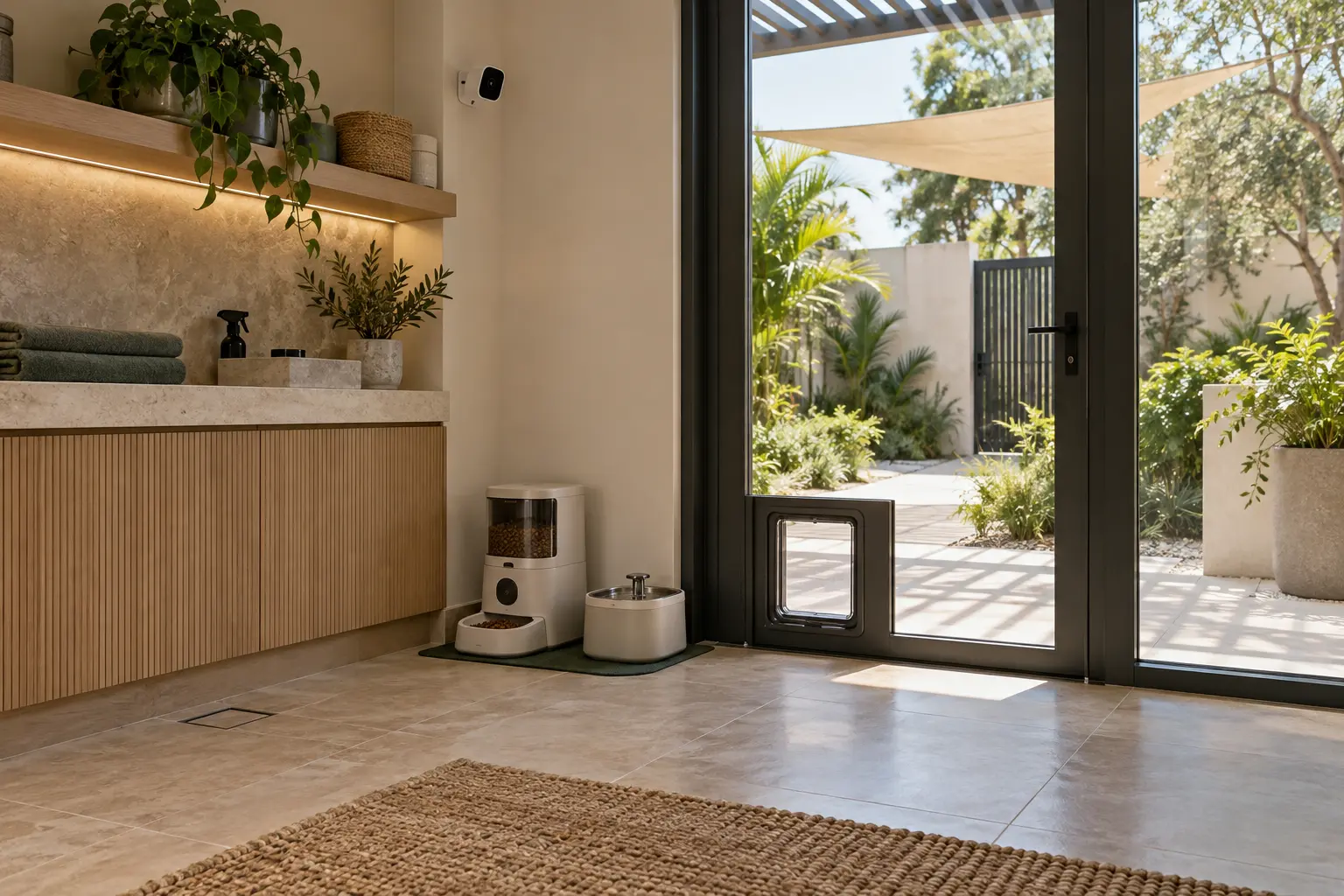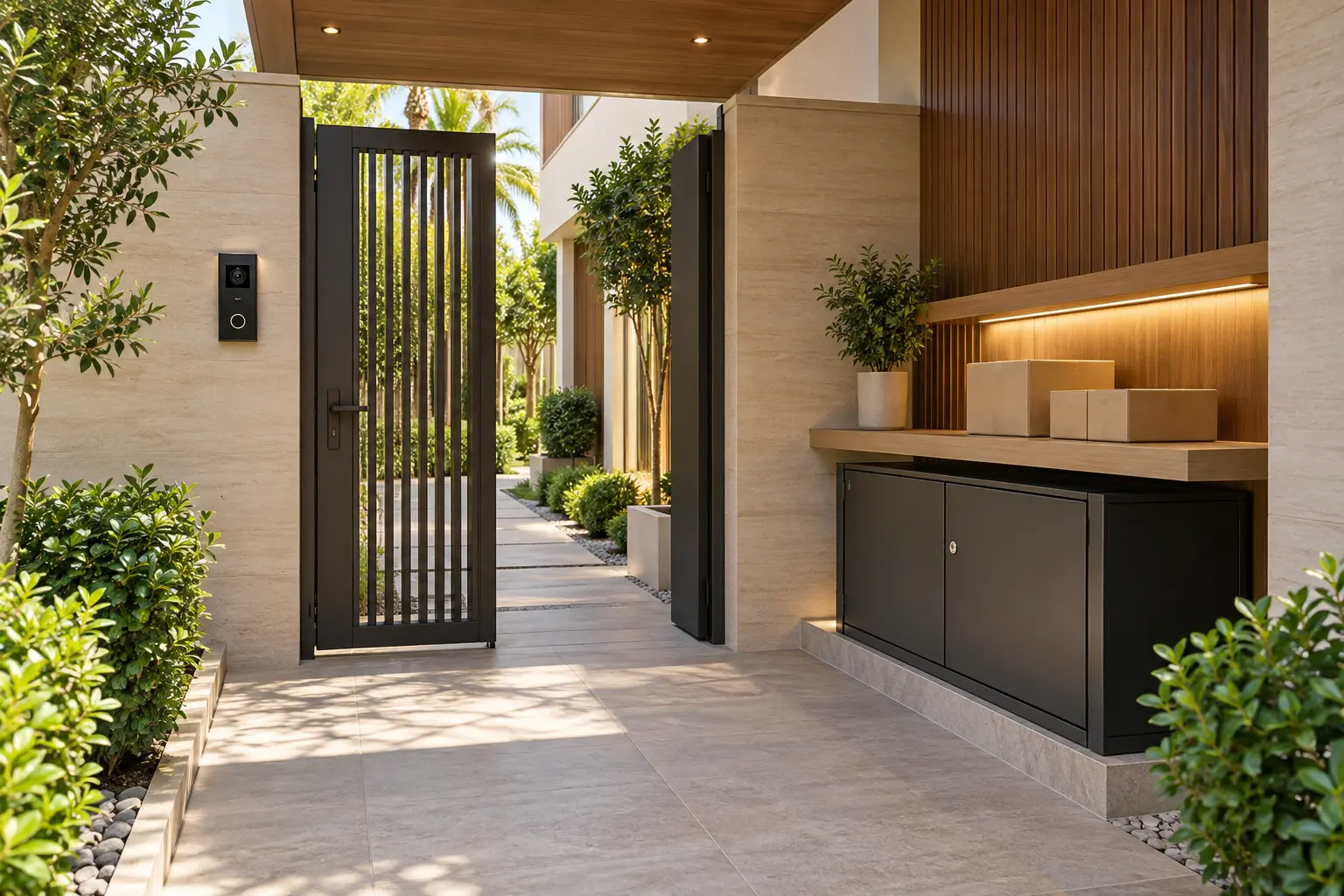
A useful delivery entrance is not simply a smart lock beside a shelf. It is a complete route: the courier or contractor reaches the correct gate, the household can identify why they are there, the person receives only the access needed, the parcel is placed somewhere protected, and the property returns to a secure state. Each step needs a physical fallback when a phone, network or cloud service is unavailable.
This guide helps Dubai villa owners, architects, security teams and integrators prepare that route before gates, joinery and cabling are fixed. Duneva’s smart security and access planning service can coordinate approved door, intercom, camera and permission interfaces with the wider home. It does not replace the appointed security, door, gate, electrical or building specialists.
Map every delivery and service journey
Start outside the property boundary. List the pedestrian gate, vehicle gate, main entrance, garage connection, side entrance and any dedicated service door. Give each one a plain-language name that appears consistently on drawings, notifications and handover documents. A message saying “service gate call” is more useful than “device 04”.
Now write the journeys separately. A small parcel may only need a covered drop point. A grocery delivery may require an attended handover. A maintenance contractor may need the service gate and plant-room route during an agreed window. Household staff may need recurring access but not administration of the system. Do not make one broad credential solve all four situations.
Walk the route with doors and gates in their finished positions. Check visibility, lighting, shade, drainage, step-free movement where required and whether someone waiting outside blocks vehicles or neighbours. The smart entrance planning guide provides the wider door, frame, intercom and physical-fallback checklist.
Design the parcel zone as a physical space
Choose a location that is obvious to an authorised visitor but not exposed to the street. It should be weather protected, adequately lit and outside the secure family area unless the owner explicitly chooses otherwise. Decide whether the zone is an open shelf for attended deliveries, a lockable cabinet for unattended parcels or a small lobby with a separately controlled inner door.
Coordinate dimensions with the parcels the household actually receives. Confirm cabinet ventilation where needed, drainage, door swing, hinges, lock service access and how a resident retrieves an item from inside the property. Avoid a box that can trap water, obstruct a fire or escape route, or force a courier to lean through a moving gate.
A contact sensor can report whether a cabinet or lobby door is open, but it cannot confirm the identity or condition of the item inside. If a delivery needs temperature control, signature or personal verification, keep it in an attended process rather than implying that a general parcel cabinet provides those conditions.
Separate recognition from permission
An intercom or camera helps a resident see and speak with a visitor. It should not automatically unlock a gate because a person or package was detected. Decide who answers calls, what information they need, which entrance they may release and what happens when nobody responds.
Google’s current camera and doorbell alert guidance explains that available alerts depend on the camera and configuration, and that detection is not perfect. It also notes that low light can shorten the distance at which a supported doorbell detects a package. Treat a “package seen” event as a prompt to check, not proof that a delivery is secure or belongs to the household.
Frame the camera around the gate, call point and parcel zone while avoiding neighbouring property and unrelated private activity. Use the CCTV and security-alert planning guide to define views, notification recipients, recording permissions and retention.
Give every role the minimum useful access
Create roles for owner, family, household staff, property manager, regular contractor and one-off visitor. For each role, record the approved entrance, days or times, expiry, local fallback and person responsible for revocation. Keep installer accounts, owner administration and everyday access separate.
Apple’s current UAE Home guest-access guidance describes product-specific guest access to supported doors, locks and security accessories during selected times, while noting that remote and guest access require a home hub. That is a useful example of time-bounded permissions, not a promise that every gate, lock, account or UAE project will support the same workflow. Verify the exact hardware, software, hub, region and account requirements.
A courier should not receive a reusable staff code. A contractor should not keep access after the visit. A regular employee should not need the owner’s phone or alarm master credential. The guest-ready smart-home guide offers a broader permissions and expiry framework.
Keep remote release narrow and deliberate
If an owner can release an entrance remotely, make the selected door unmistakable in the interface. Show its plain-language name and current supported state. Do not place “open vehicle gate” beside “release parcel cabinet” without clear separation and confirmation.
Agree whether video, live conversation or an onsite person is required before release. Record how long a gate remains open, how it closes, what safety devices remain under the gate specialist’s control and how the owner knows the route is secure again. Never bypass approved gate-safety, obstruction or emergency controls with a general automation relay.
For a two-door service lobby, define interlocking or sequential behaviour only with the security and door specialists. A smart-home scene should not create a hidden trapping or egress condition. Provide visible local controls for authorised users and a safe manual procedure for outages.
Plan notifications around action
Use a short event list: visitor called, approved door released, parcel cabinet opened, door left open and access attempt rejected. Decide which events deserve an immediate alert and which belong only in an owner-visible history. Too many routine notifications encourage people to ignore the important one.
Every alert needs a next action. “Service door open for ten minutes” should identify who checks it and how. Avoid vague security language such as “threat detected” when the system only knows that a contact remained open. Do not include access codes, full household schedules or camera credentials in an ordinary push notification.
If different family members control the home, document who receives which alert. Changes to recipients should be part of the owner handover, not an undocumented installer setting.
Design for power, network and phone failure
Trace the dependencies for the intercom, camera, gate controller, lock, cabinet sensor, network switch, access controller and resident notification. Confirm which functions are local, which need internet access and what each component does after power returns.
The villa Wi-Fi planning checklist helps define outdoor coverage and wired connections. The smart-home power-resilience guide helps record approved backup and restart order. Do not assume a battery doorbell keeps a gate controller, network or electric lock operating.
Create a fallback that does not expose the whole property. It may be an attended handover, controlled physical key or alternative call route. Keep any emergency and life-safety release independent and under the responsible specialist.
Commission the real route
Test in daylight and after dark with the finished landscaping, gates and joinery. Rehearse a small parcel, an attended delivery, a recurring staff arrival, an expired contractor credential, no internet, a resident phone with no charge and restoration after a power interruption. Confirm camera framing, audio, lighting, release, closing, notifications and the retrieval path.
At handover, retain the entrance schedule, role matrix, approved time windows, door and gate ownership, alert list, device inventory, network and power dependencies, physical fallbacks and revocation procedure. Add the records to the smart-home handover checklist.
A good service entrance keeps the experience simple because the physical route and permissions are specific. It helps the household receive deliveries without turning a convenient drop-off into broad, permanent access.
Request a parcel and service-entrance assessment with the villa stage, entrance types and current intercom or gate systems. Do not include access codes, camera credentials or private household schedules in the initial enquiry.