A smart pet-care setup should support an agreed care routine, not replace it. The useful work is practical: reliable lighting around feeding and access points, appropriate indoor comfort controlled by the HVAC system, a pet door that suits the building envelope, selective camera alerts, visible water and feeding checks, and a named person who will respond when something is wrong.
This guide helps Dubai villa owners, designers and integrators organise those decisions before devices are purchased. Duneva’s smart security and access planning service can coordinate camera, door and permissions questions with the wider home brief. Feeding quantities, exercise, medication, safe temperatures and animal-health decisions remain with the owner and their veterinary professional.
Begin with a care map, not a gadget list
Draw the pet’s normal route through the home: sleeping area, feeding point, water, litter or toileting area, internal doors, garden access and the place a carer enters. Mark which doors must stay closed for household security, which rooms are always out of bounds and where equipment can be cleaned without moving furniture or disconnecting cables.
Now write ordinary journeys. Morning might include a low light at the feeding station and access to a secure shaded area. Away mode might confirm that the water point is visible, selected doors are secure and a carer has the correct temporary access. Night might close a pet door at an agreed time while leaving a physical release procedure for the owner.
Keep the plan specific to the actual animal. A cat, a small dog and a large dog have different access, feeding and environmental needs. Automation should implement decisions already agreed by the owner and appropriate specialists; it should not infer welfare requirements from breed or size.
Keep comfort under the HVAC design
A room sensor or smart thermostat may help the owner see whether an occupied pet area is within the range their veterinary professional recommends. It does not prove that the whole room is comfortable, and it does not replace correct ventilation, shading or maintained cooling.
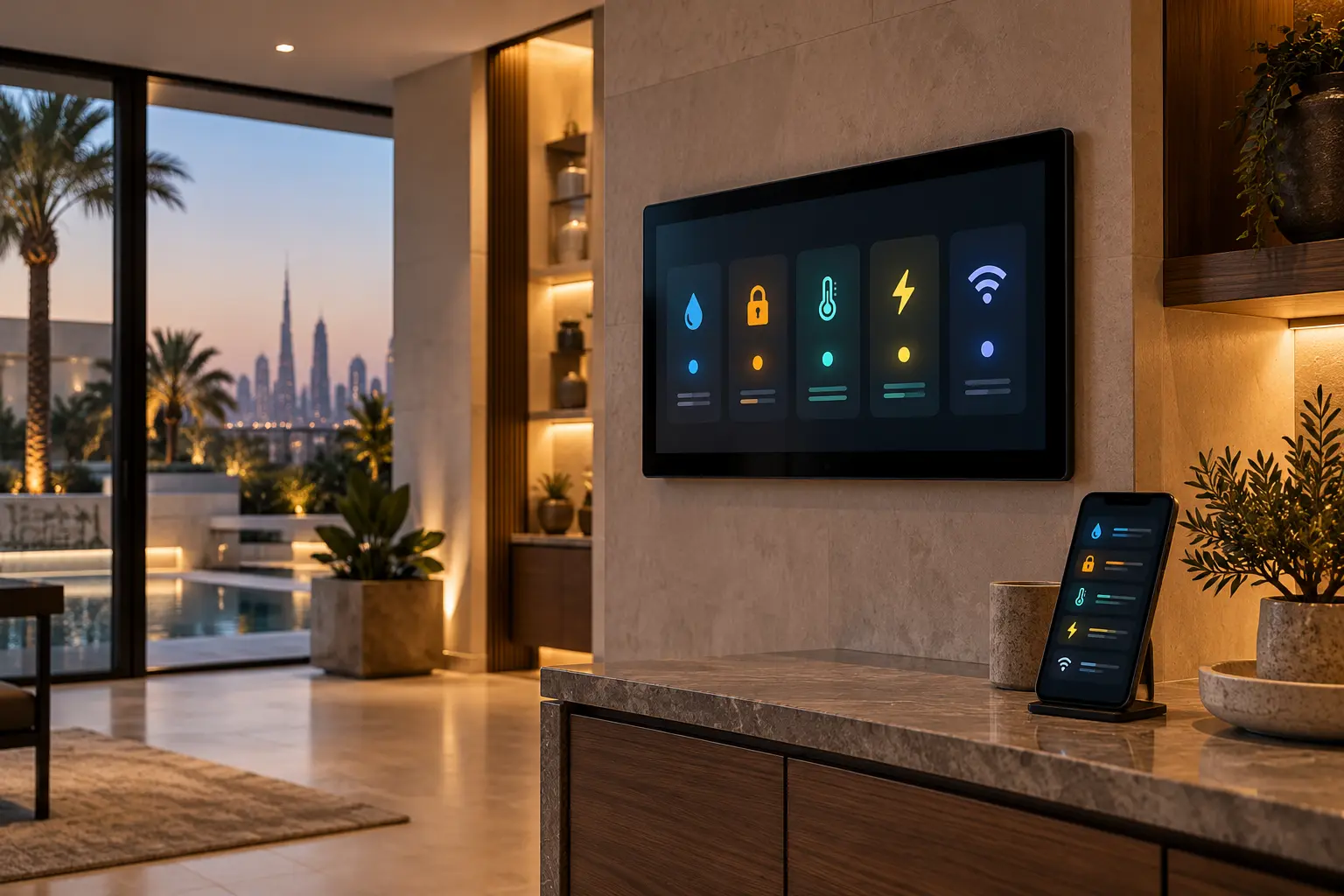
Ask the HVAC specialist to identify the controlling thermostat, sensor position, safe operating range, normal schedule and behaviour after a power restart. Avoid placing the only sensor in direct sun, beside a supply grille or above heat-producing equipment. A dashboard should make the controlling source clear instead of presenting a decorative reading from an unrelated sensor.
Use the indoor air-quality and ventilation planning guide for sensor placement and alert design. Keep alert wording factual: “pet room temperature is outside the agreed range” is more useful than a claim that the pet is unsafe. The response card should say who checks the room and which HVAC specialist to contact.
Treat the pet door as an access and envelope detail
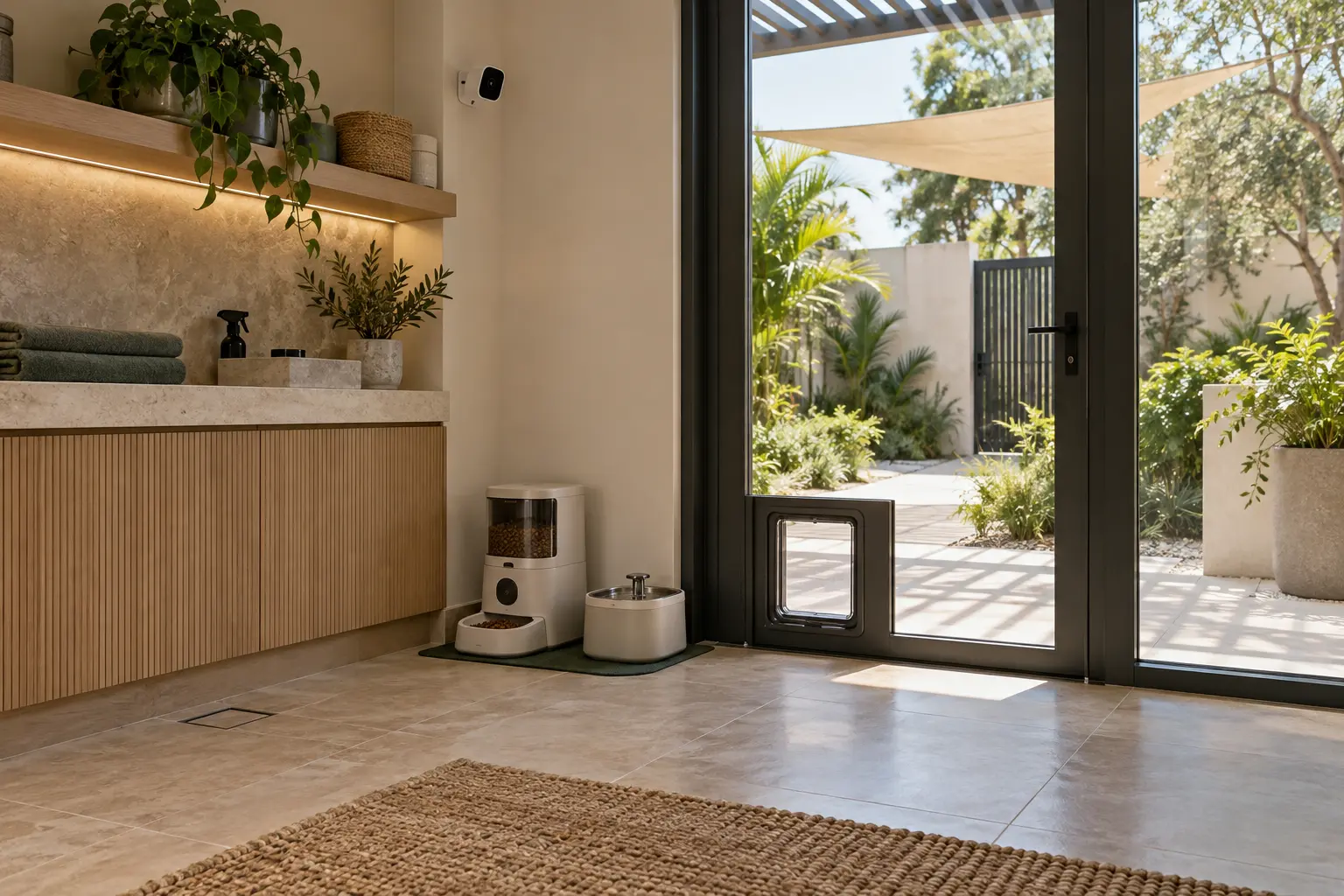
A connected pet door affects security, waterproofing, insulation, glass or wall construction and the animal’s route. Select the location with the architect, façade or door specialist and security team before cutting a finished surface. Confirm the opening size, height, weather exposure, drainage, fixing, service access and how the door behaves when batteries, the hub or the internet are unavailable.
Sure Petcare’s current Microchip Pet Door Connect information is a useful product-specific example: its app connection requires the company’s hub, while supported functions include notifications, locking and timed curfews. It also documents different installation accessories for doors, walls and glass. Those capabilities do not establish suitability, local availability or compatibility for a particular Dubai villa.
Decide whether the pet door is simply selective for registered pets or is expected to participate in a whole-home routine. Never make the pet door the only emergency path. Provide the owner with the local controls, battery-change procedure, manual-state explanation and a safe way to isolate the opening during service.
Use cameras for defined questions
A camera should answer a named question, such as whether the feeding area was visited, whether a pet returned through a door, or whether a carer arrived during an agreed window. It should not turn every movement into a notification. Select the view carefully so it avoids private neighbouring areas, household staff rest spaces and unrelated family activity.
Google’s current camera and doorbell alert guidance says available alerts depend on the camera and subscription, can be configured per camera and are not perfectly accurate. Its examples include false animal events. Treat “animal detected” as a prompt to inspect the event, not proof of the pet’s identity, condition or location.
Review the CCTV and security-alert planning guide for permissions, retention and handover. Agree who can view live video and recordings, how long access lasts and how a carer’s access is revoked. Do not send camera credentials or private household footage through an ordinary support chat.
Make feeding automation observable and recoverable
An automatic feeder may schedule portions, but the care plan still needs storage, cleaning, inspection and a human check that food actually reached the bowl. Keep the unit on an easy-clean, dry surface with space to remove its hopper and bowl. Confirm the food type and portion settings against the manufacturer’s instructions and the pet’s professional care plan.
PetSafe’s current Smart Feed setup guidance documents scheduled meals, cleaning, a 2.4 GHz network requirement for the cited models and optional backup batteries. That is a product example, not a recommendation or promise that every feeder continues identically during an outage.
Test an ordinary scheduled feed while someone watches the mechanism. Then test the low-food, jam or offline indication supported by the exact model. The alert should identify the feeder and next action. Do not create a whole-home scene that changes a feeding schedule without a deliberate owner confirmation.
Plan water and leak response separately
A water fountain or automatic bowl still needs physical cleaning, refill and daily observation. If an appliance has a mains water connection, the plumber should define the connection, isolation valve, drainage and service access. Place any leak sensor where escaping water is likely to collect and where it can be inspected.
Use the water-leak detection planning guide to separate notification from automatic shut-off. An alert near a pet water station should not casually close the whole villa supply. Any valve action needs a clear plumbing boundary, a named responder and a tested restoration process.
Give carers only the access they need
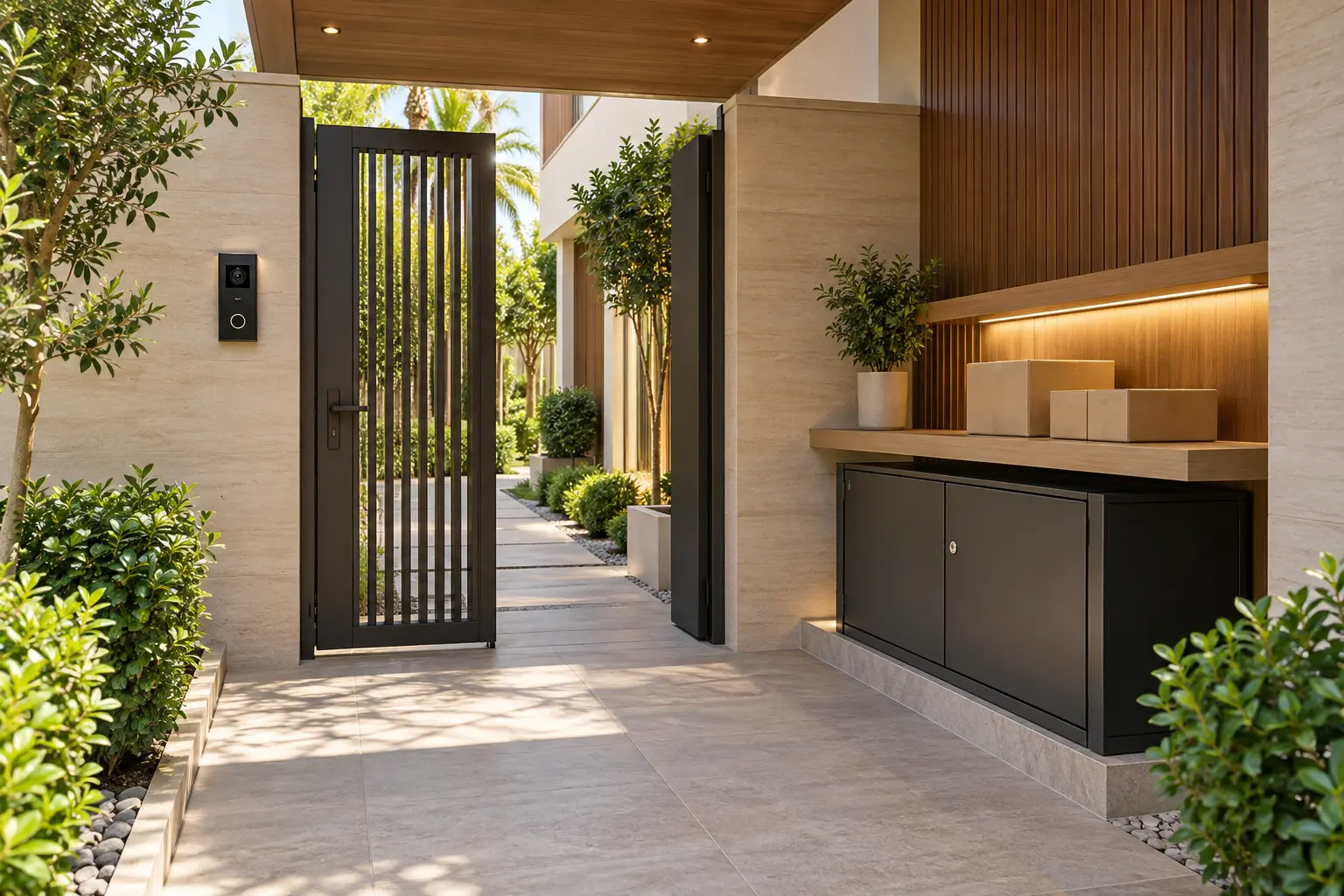
A pet sitter may need the entrance, pet zone and garden route for a defined period, not permanent access to cameras, bedrooms or resident routines. Use individual or temporary credentials where the selected access system supports them, and keep a physical contingency agreed with the owner.
The guest-ready smart-home guide provides a role-based access framework. Add a short carer handover: approved route, pet door state, feeding equipment, water check, relevant lights, emergency contact and the process for reporting a fault. Keep alarm codes and private schedules in the owner’s secure channel.
Test failure modes before relying on a routine
Run controlled checks for internet loss, a flat device battery, feeder power interruption, an offline camera and a pet-door hub failure. Do not create unsafe conditions or leave an animal unattended for the test. Confirm which local functions continue, what the owner sees, who receives each alert and how the equipment returns to normal.
Include essential devices in the smart-home power-resilience plan, but do not assume a UPS can support cooling or every appliance. Record power supplies, batteries, replacement intervals and restart order in the handover.
A successful pet-care routine is deliberately modest. It gives the owner clearer information and simpler controls while preserving daily observation, human responsibility and professional animal care.
Request a smart pet-care planning assessment with the property stage, pet areas and systems you want coordinated. Do not include veterinary records, access codes, camera credentials or private household schedules in the initial enquiry.