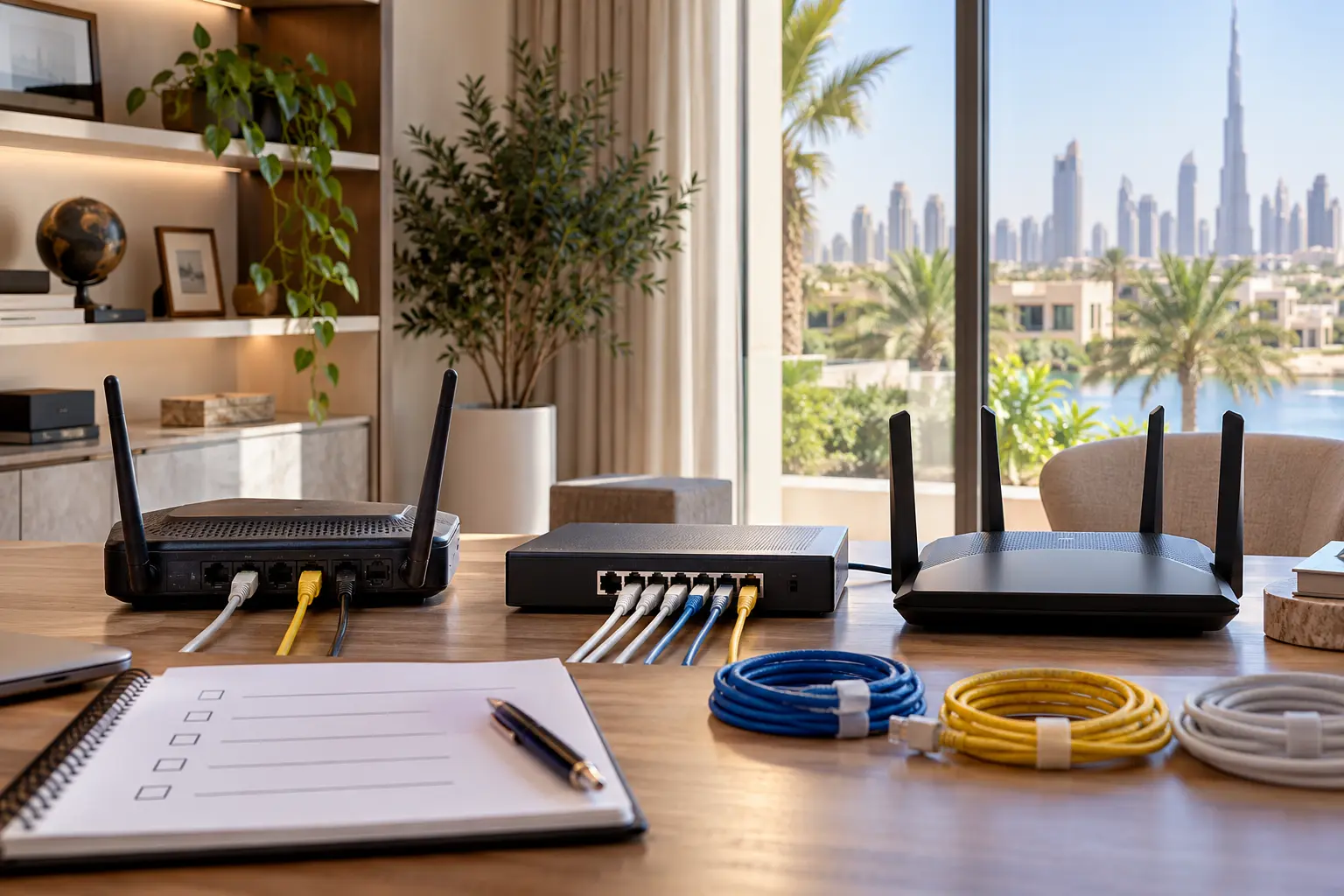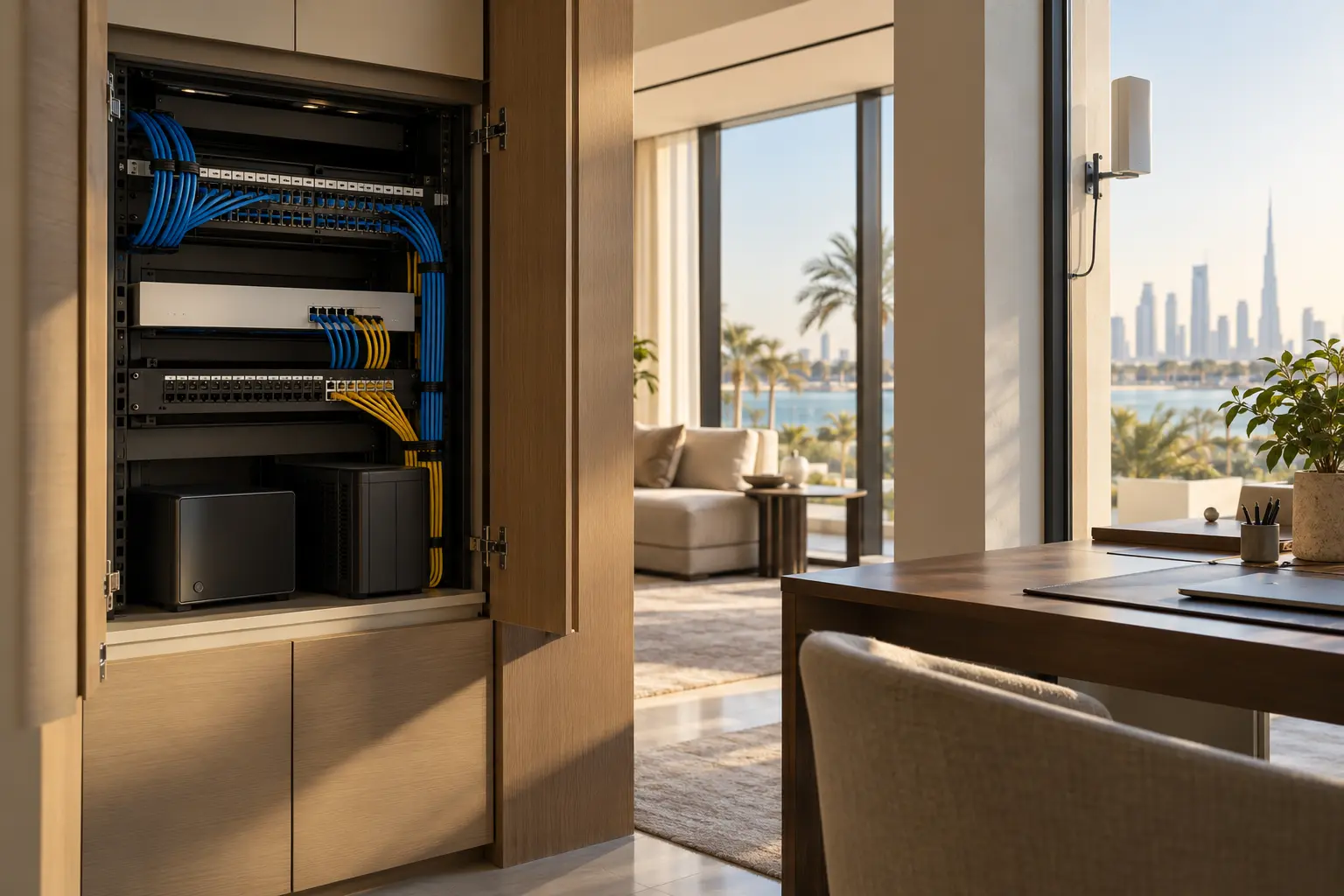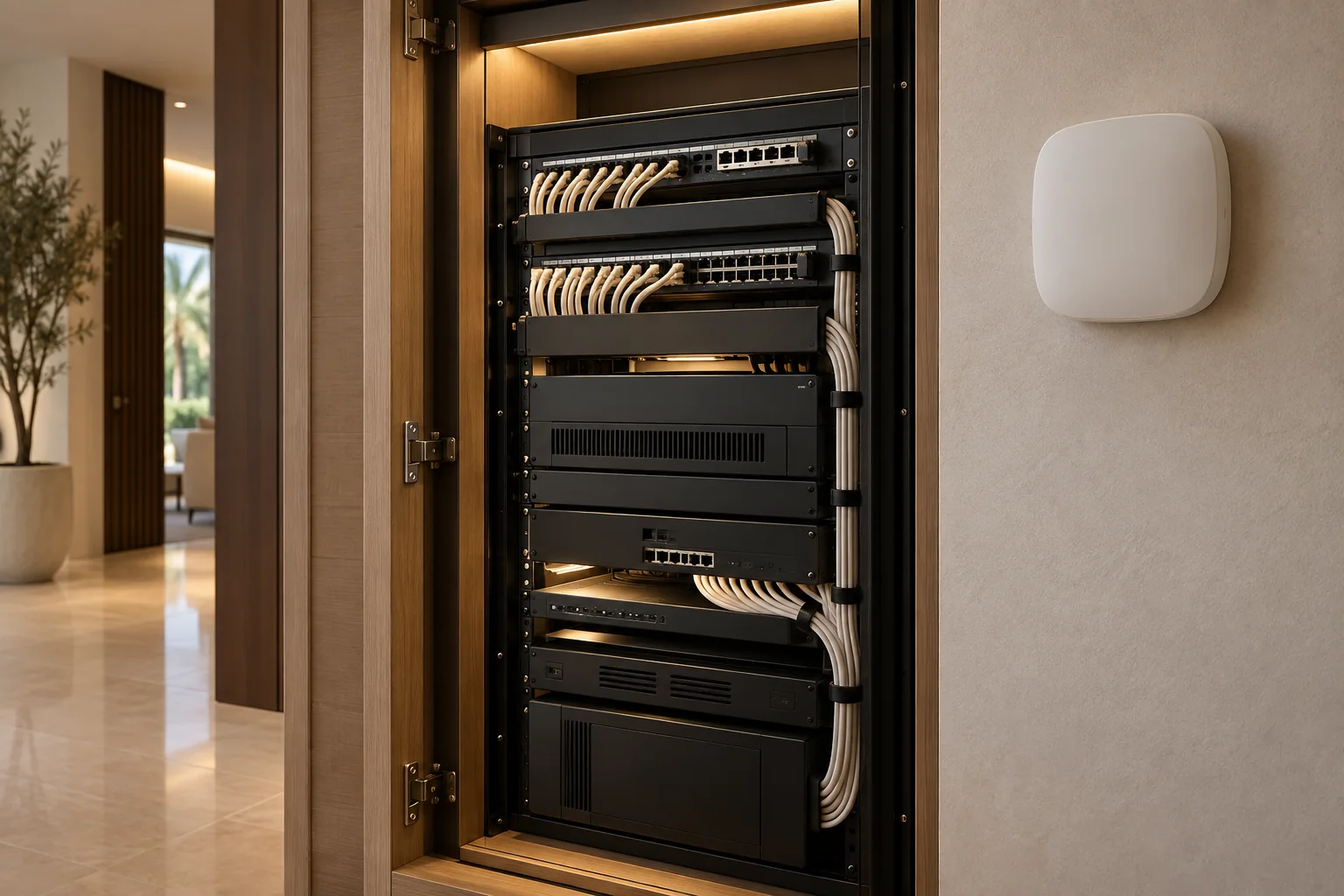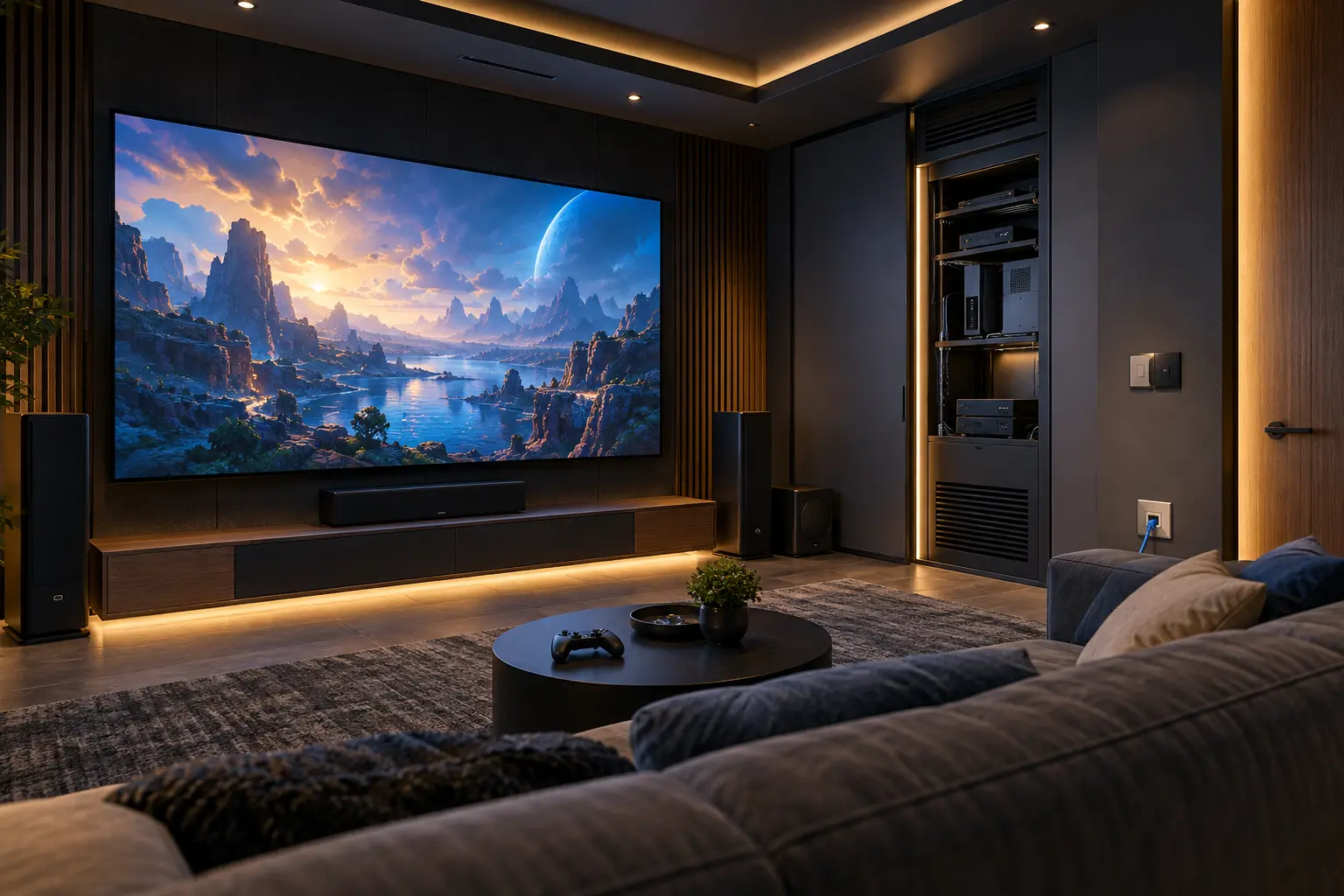
A fast internet package does not by itself create a responsive gaming room. The experience passes through several separate paths: the console or PC to the home network, the home to the game service, the source through any AV equipment to the display, and the controller or headset back to the player. Each path can add delay, instability or a failure point.
This guide helps Dubai villa owners, interior designers, AV teams and network specialists plan those paths before walls and joinery close. Duneva’s villa Wi-Fi and network planning service can organise wired points, wireless coverage, cabinet requirements and testing. Game servers, internet routing and platform availability remain outside the home integrator’s control.
Define the room and the games first
List the sources: consoles, gaming PC, handheld dock, streaming device and any simulator or racing equipment. Record the intended display, audio system, voice-chat headset, seating positions and whether the room also serves as a cinema. Competitive online play, local multiplayer and cinematic single-player gaming place different emphasis on the design.
Write complete journeys. A typical one might be: choose the console, set the display to its supported low-latency mode, select the correct audio path, confirm the wired network and start voice chat. Another may switch to a movie and restore the preferred picture processing. The room should not require five remotes or an installer’s app for either journey.
Do not promise a particular ping or response time from a floor plan. Internet route, server location, platform load and the game itself affect the result. The project can create a controlled local path and record what was measured at handover.
Give fixed gaming devices a wired path
Plan dedicated Ethernet cabling from each fixed console, PC or dock position to the managed network location. A hardwired route reduces dependence on radio conditions in the room and makes faults easier to isolate. Show the outlet, cable category, patch-panel termination, switch port and equipment label on the drawings.
Keep the path within the qualified network designer’s requirements for length, bend radius, separation and testing. Avoid hiding an unmanaged switch behind the display without power, ventilation or documentation. If multiple devices share one outlet, specify the local switch and its management instead of letting it appear as an unrecorded workaround.
PlayStation’s current connectivity support documents both wired and wireless internet setup for supported consoles. That confirms the available connection choices, not the performance of a particular villa. Use the Dubai villa network-planning guide for cable routes, access-point placement and acceptance records.
Design Wi-Fi for mobile and temporary devices
Wireless remains useful for handhelds, phones, guest devices and controllers that require it. Survey the finished room with doors, acoustic panels, joinery and the actual equipment in place. Dense materials, equipment cabinets and neighbouring networks can change coverage after construction.
Do not select an access-point location because it looks central on a drawing. The network specialist should model or survey the wider villa, choose channels and power appropriately, and confirm roaming behaviour. A gaming room may have excellent signal strength but still experience interference or congestion.
Keep owner, guest and smart-device access separated according to the chosen network design. A visiting player should not require administrator credentials. Document whether consoles need local discovery, casting or peer-to-peer features across a network boundary, and test only the access deliberately permitted.
Measure latency, loss and stability separately from speed
Download and upload capacity matter for game installations, patches, cloud saves and streaming. One speed-test result does not describe every game or time of day.
Create a repeatable baseline from each fixed gaming position. Record the device, connection type, date and time, selected test, latency, packet-loss result where available, download and upload result, and whether other large transfers were running. Use the console or game’s supported diagnostic tools as well as an agreed network test.
Microsoft’s current Xbox QoS packet-tagging documentation explains that supported Xbox traffic can be tagged for networks that understand prioritisation, while warning that managed network configurations can also create connectivity issues. Do not switch on QoS or copy a business-network rule without the network specialist verifying the entire path.
Control large downloads without overengineering play traffic
Modern game updates can compete with streaming, backups and other household transfers. Decide whether the network should schedule large downloads, provide reasonable per-device limits or simply expose usage so the owner can act. Any policy must preserve work, security and communication services elsewhere in the home.
Prioritisation does not create internet capacity or shorten the physical route to a remote server. It can only influence supported traffic where the equipment and configuration recognise it. Record the rule, the reason for it and how to disable it. Re-test voice chat, matchmaking, downloads and other household services after a change.
Avoid blanket port-forwarding from an online forum. Use the console platform’s current troubleshooting guidance and the router’s supported security model. If multiplayer or NAT behaviour fails, capture the exact device, game, time and error before changing the firewall.
Trace the video path from source to pixels
Network delay and display delay are different. Draw every component between console and screen: wall plate, cable, matrix, AV receiver, extender, processor and display input. Each device must support the intended resolution, refresh rate, colour format, HDR mode and gaming feature as one end-to-end path.
HDMI Licensing Administrator’s current Auto Low Latency Mode guidance describes how a compatible source can signal a compatible display to enter a low-latency mode. Its gaming overview also identifies features such as Variable Refresh Rate and Quick Frame Transport. These are capability names, not proof that every source, intermediary, cable and display supports the desired combination.
Check the exact product manuals and input settings. An AV receiver or matrix that passes a film format may not pass the selected gaming format. Likewise, a display’s cinema processing can improve movie presentation while adding delay that is unwanted for play. The control scene should select only tested combinations.
Use the home-cinema planning guide for screen, seating, speaker and acoustic decisions. A shared room needs a clear gaming mode and cinema mode rather than one compromised preset.
Keep audio responsive and voice chat private
Choose whether game audio reaches the display, an AV receiver, a headset or a combination. Confirm supported formats and test lip synchronisation with the actual source. Do not add processing simply because it exists; compare the complete path and retain a known working fallback.
Plan voice chat so microphones do not expose the wider household. Provide a visible mute action, sensible headset charging and a network path that does not depend on a guest accessing owner credentials. Parents or owners should configure platform privacy and family settings directly in their accounts.
If the room uses speakers late at night, coordinate a lower-level scene and acoustic containment rather than relying only on volume automation. Keep hearing-safety decisions with the user and relevant professionals.
Ventilate, power and label the equipment
Consoles, PCs, receivers and network equipment create heat. The joinery and MEP teams should calculate ventilation and service clearances from the exact equipment instructions. Do not seal devices into a decorative cabinet or place a wireless access point inside metalwork.
The equipment-cabinet planning guide covers thermal design, power domains and service access. Label power supplies, network ports, HDMI paths and remote sensors. Include the gaming room in the smart-home power-resilience guide without assuming every gaming load belongs on backup power.
Commission real journeys, not isolated components
Test the room with the finished network, current device software and the intended accounts. Check wired and wireless connections, one online game, voice chat, a large download, local media playback, HDR or high-refresh modes where specified, audio return and the switch back to cinema viewing.
Record results without turning them into permanent guarantees. Note the server or service, time, connection, display input and mode. Repeat after any network, matrix, receiver or display change. The owner handover should include the signal-path drawing, cable and port schedule, tested modes, account ownership, local controls and a recovery sequence.
A well-planned gaming room feels immediate because the infrastructure is clear, measured and maintainable. It does not depend on marketing labels or one unexplained “game mode.”
Request a gaming-room network and AV planning assessment with the room stage, devices, display and online-use priorities. Do not send account passwords, IP addresses, firewall exports or private network credentials in the initial enquiry.