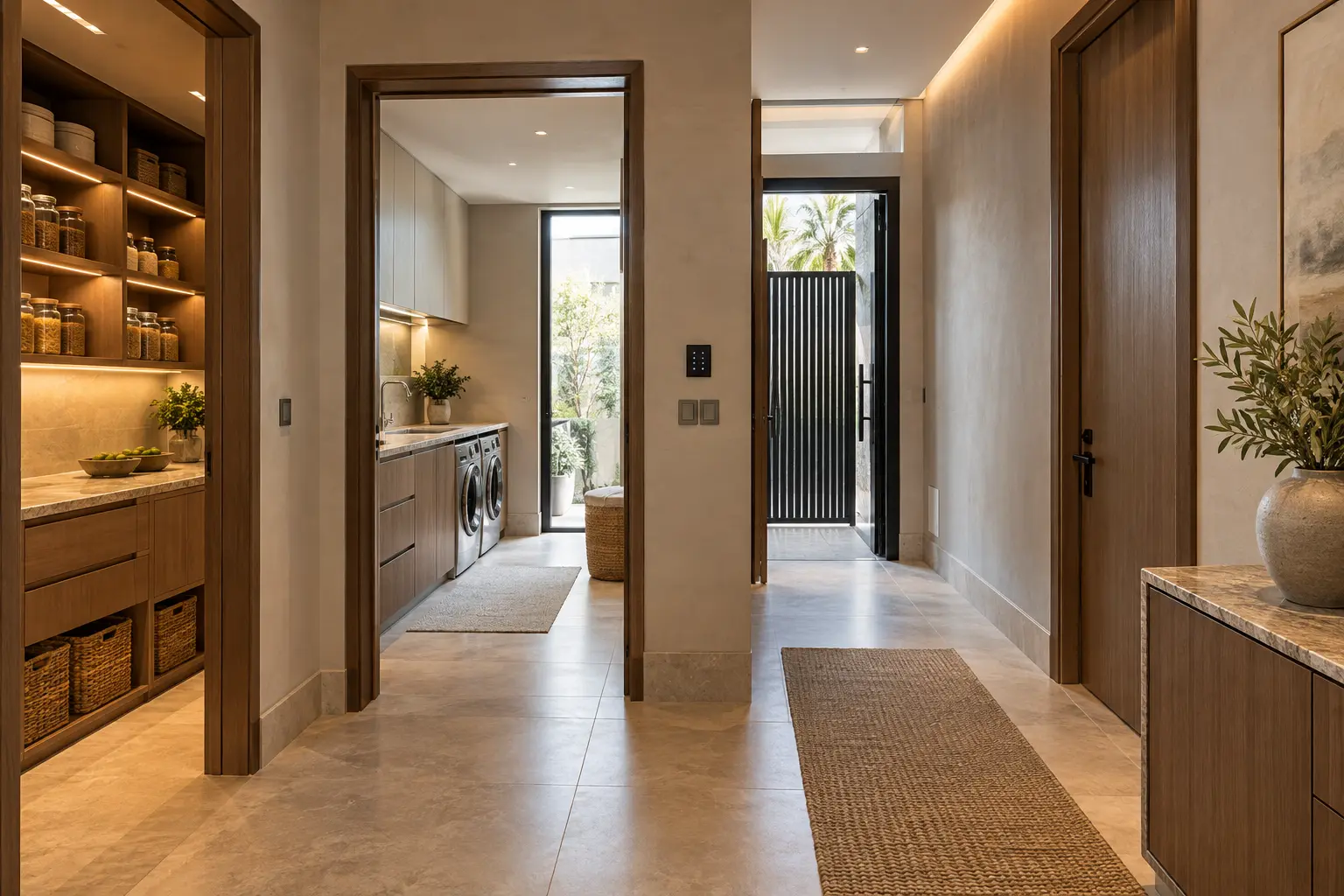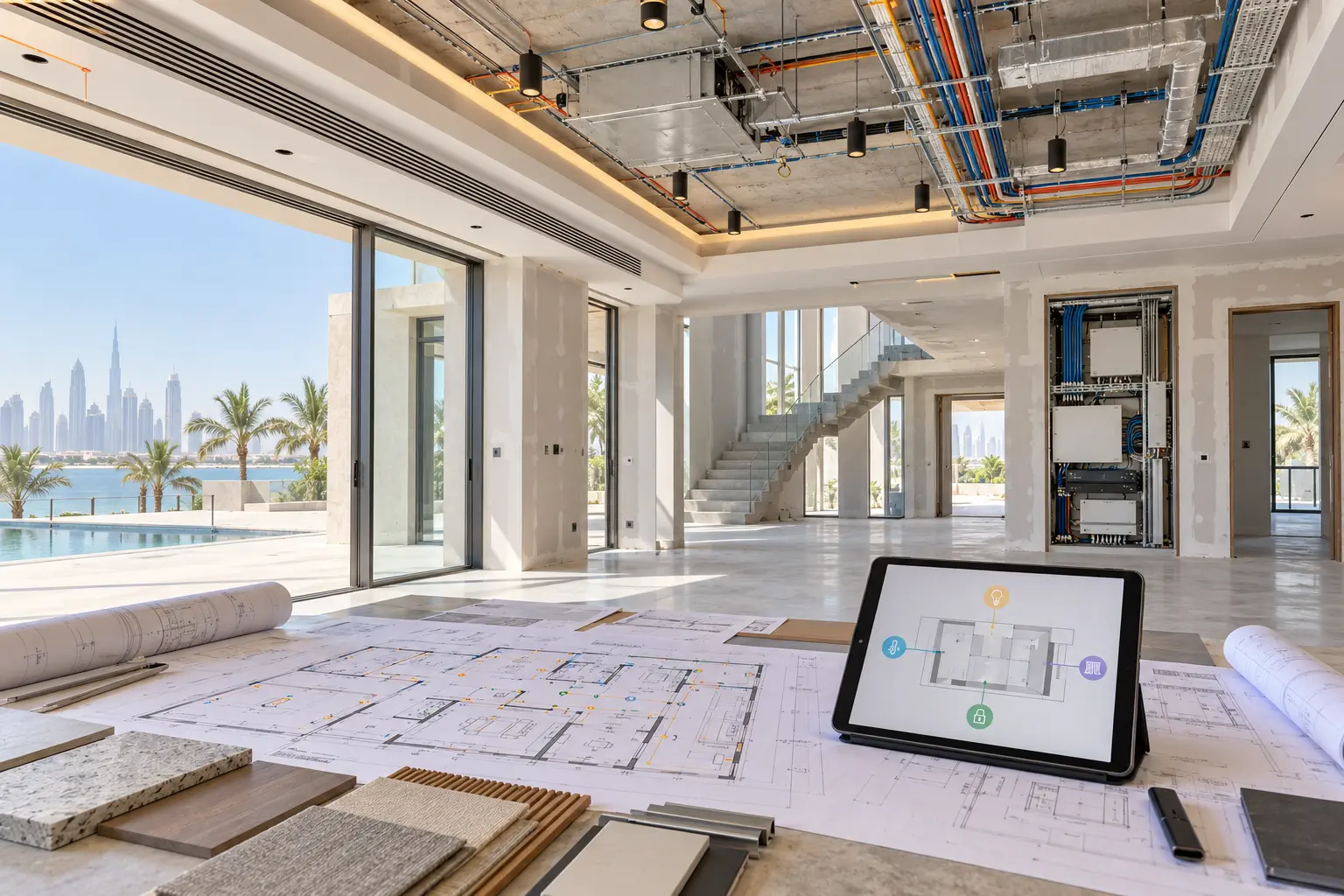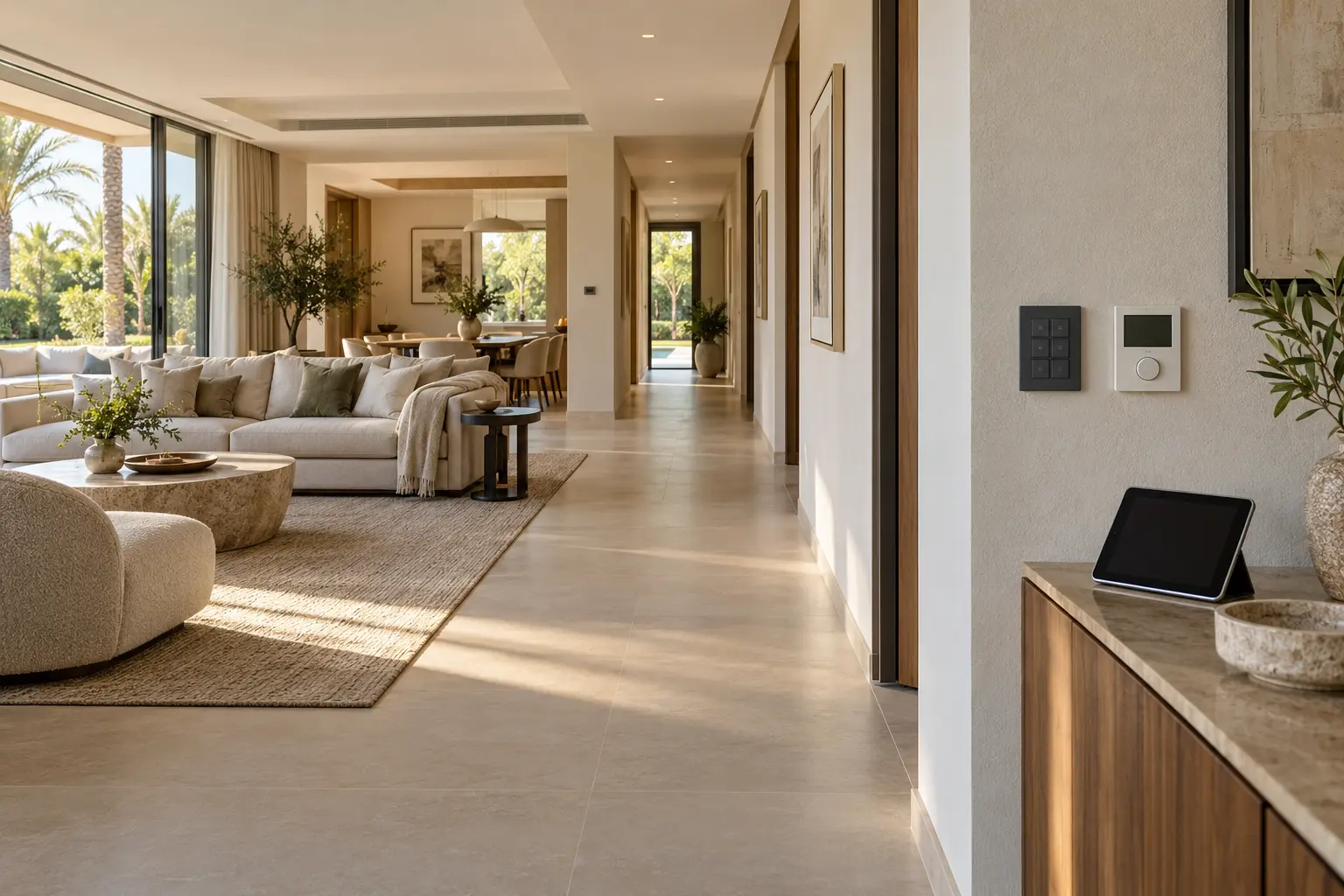
A multigenerational villa does not have one “typical user.” A child may need one obvious bedroom light. An older relative may prefer a familiar physical switch. Another resident may want detailed control from a phone, while a guest or household employee needs only the functions relevant to their room or work. A useful smart home gives each person a clear route without making everyone learn the same interface.
This guide helps owners, architects, interior designers and fit-out teams create that brief. It does not diagnose accessibility needs or replace advice from occupational therapists, accessibility specialists or medical professionals. Our villa home-automation planning service can coordinate household routines with the selected lighting, shading, climate, network and control systems.
Interview people, not age groups
Begin with each regular occupant. Ask which rooms they use, what they operate today, what feels difficult and what they want to keep familiar. Age alone does not define ability or preference. One older resident may be comfortable with apps, while a younger person may need larger controls, quieter notifications or fewer choices.
Include temporary users: visiting relatives, carers, nannies, cleaners, drivers and maintenance teams where relevant. They should not receive owner-level access simply because they need to perform one task. Map a morning, arrival, mealtime, bedtime and away routine for each role.
Turn those conversations into a room schedule with user, action, preferred control, feedback and fallback. Avoid putting medical information or personal routines into general contractor documents.
Keep frequent actions physical
Every frequently used room should have an understandable physical route for normal lighting and other agreed functions. A phone, voice assistant or touchscreen can add detail, but it should not be the only way to turn on a light or close a curtain used every day.
The smart-home keypad planning guide explains how to choose button priorities, consistent positions and household language. Limit the number of choices at each location. Keep the top or largest action consistent across similar rooms, and separate room commands from whole-home or security-sensitive functions.
Use labels that describe the result: Main, Reading, Night and Off are more predictable than Scene A. Lutron’s official HomeWorks keypad personalisation guidance shows that supported keypad families can use selected text sizes, case and text or icons. The exact device, language, visibility and tactile requirements still need a physical sample and project-specific review.
Design for perception, dexterity and memory
Ask whether users need larger text, stronger contrast, tactile feedback, fewer buttons, a longer timeout, audible confirmation or quiet operation. Check the control at the installed height and in daytime and evening light.
W3C’s current overview of older users and accessibility describes how changes in vision, dexterity, hearing and memory can affect interaction with digital tools. Its guidance applies to websites and applications, not directly to every wall control, but the human questions are relevant: can information be perceived, can the control be operated, and is the result understandable?
Do not assume an impairment or make a private area feel clinical without the resident’s agreement. Prototype keypads, tablet views and notifications with the actual users. If a resident uses assistive technology, involve the appropriate specialist and verify the exact integration rather than promising generic compatibility.
Make feedback obvious but calm
A control should show that the command was received and make the resulting state understandable. The feedback may be a changed light level, keypad indicator, on-screen status or restrained audio response. Avoid several devices announcing the same event or a bright confirmation light disturbing a bedroom.
Critical alerts should have a named recipient and escalation route. A child, guest or older relative should not become responsible for interpreting an unexplained technical notification.
Give every person the minimum suitable access
List the platforms that hold owner, resident, guest and installer access. Decide who can control locally, control remotely, change automations, view cameras, review activity and invite other users. Do not share one administrator login across the household.
Apple’s current Home sharing guidance distinguishes residents from scheduled guests and lets the owner manage remote control and permission to add or edit accessories. It also warns that removing someone from the Apple Home may not remove separate access granted in an accessory manufacturer’s app. That is a useful handover check for any multi-platform installation: review each account, not only the main dashboard.
Google’s official Nest family-account guidance similarly documents different access levels for supported products and explains that full access can include settings and activity history. These examples are not universal roles. Confirm what the exact UAE-supported platform and device versions expose before inviting anyone.
The voice-control and privacy guide provides a separate framework for personal content, microphones and commands that should remain private.
Plan comfort without control battles
Shared living areas can create competing preferences. Define who can change the temperature, lighting and shading, what range is permitted and how a temporary change ends. A scene should not silently alter a bedroom or private study because it shares a floor.
For climate, identify the actual zone and compatible controller before creating schedules. The smart AC compatibility guide explains why a thermostat-looking interface does not prove that every function can be integrated. Keep a local override where supported.
For lighting and curtains, give private rooms local control and make whole-home commands explicit. Test routes between bedrooms, bathrooms, kitchens and entrances at night with the people who use them.
Create safe child and guest experiences
Children need age-appropriate controls and clear boundaries. Keep administrator settings, access logs, cameras and whole-home commands out of casual interfaces. Avoid a hidden gesture that can open a gate or disable a routine.
Guest rooms should work without an app download. Provide obvious light, curtain and temperature controls. Temporary access should have a defined start, end and owner. Use the smart entrance planning guide to map visitors, deliveries, household staff and physical fallback at doors and gates.
Preserve privacy between generations
Do not assume that one family account means everyone should see the same data. Camera views, door history, presence, personal calendars, audio history and room routines can reveal more than the household intended. Agree which spaces are private, which alerts are shared and who can review history.
Avoid cameras in private areas and do not treat monitoring as a substitute for consent or care. If the household is considering medical-related technology, separate that specialist assessment from ordinary convenience automation.
Test recovery with each user group
Demonstrate what happens without internet, after a phone replacement and during a safe controller restart. Confirm that essential physical controls still work according to the approved design. The smart home without internet guide offers a structured test for local, remote and cloud-dependent functions.
At handover, ask each regular user to complete their own common journeys rather than watching one technical demonstration. Test readable labels, comfortable reach, feedback, app permissions, guest expiry and the support route.
Review the setup when the household changes. A new resident, carer, child’s independence, accessibility need or staff change may require permissions and routines to be revised. Use the smart-home handover checklist to keep accounts, room names and documentation current.
A multigenerational smart home succeeds when technology adapts to people. Start with real routines, keep common actions physical, grant only suitable access and test the result with everyone who will use it.
Request a multigenerational villa assessment with the property stage, rooms in scope and the types of controls your household prefers. Do not include passwords, access codes, medical details or private camera information in the initial enquiry.