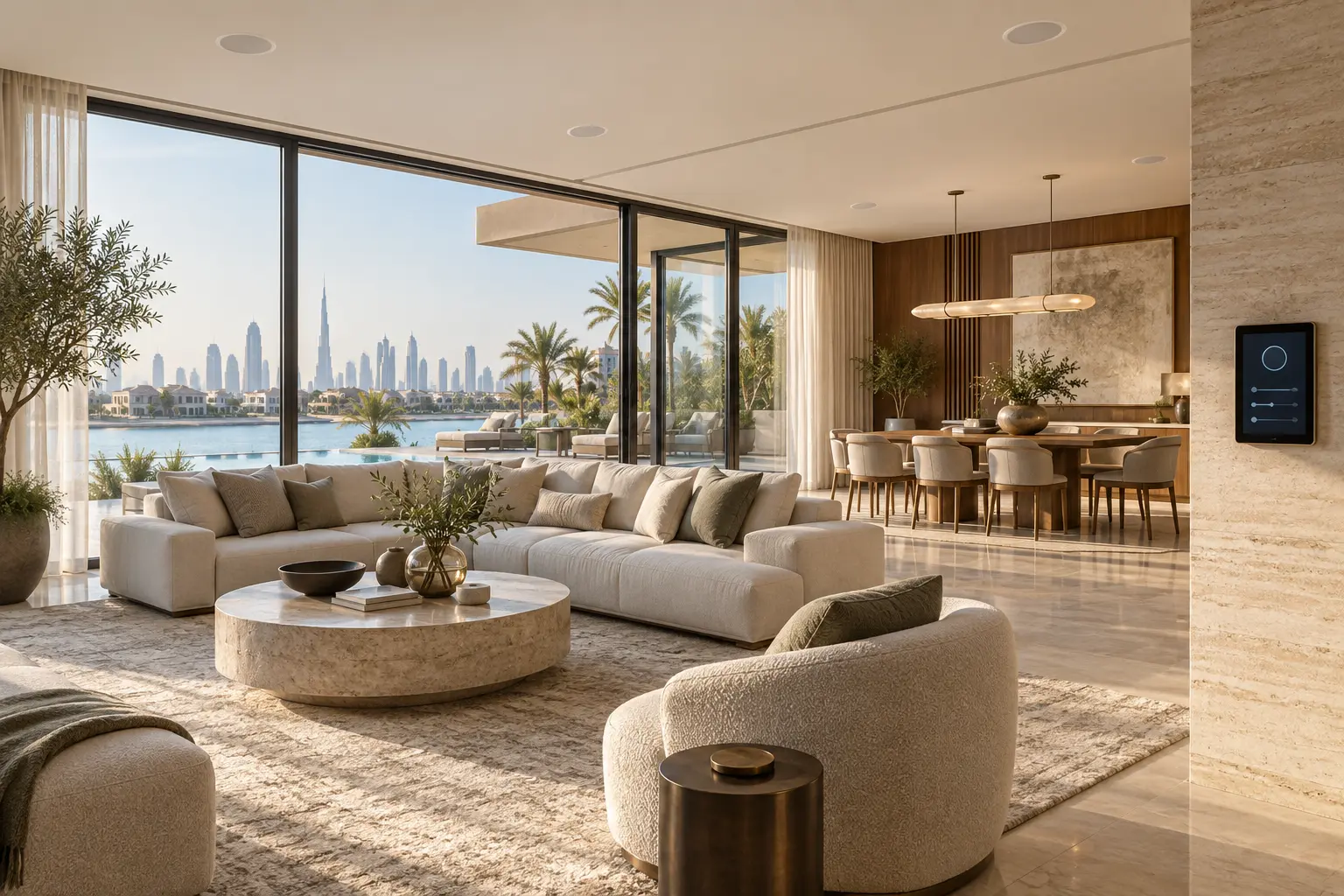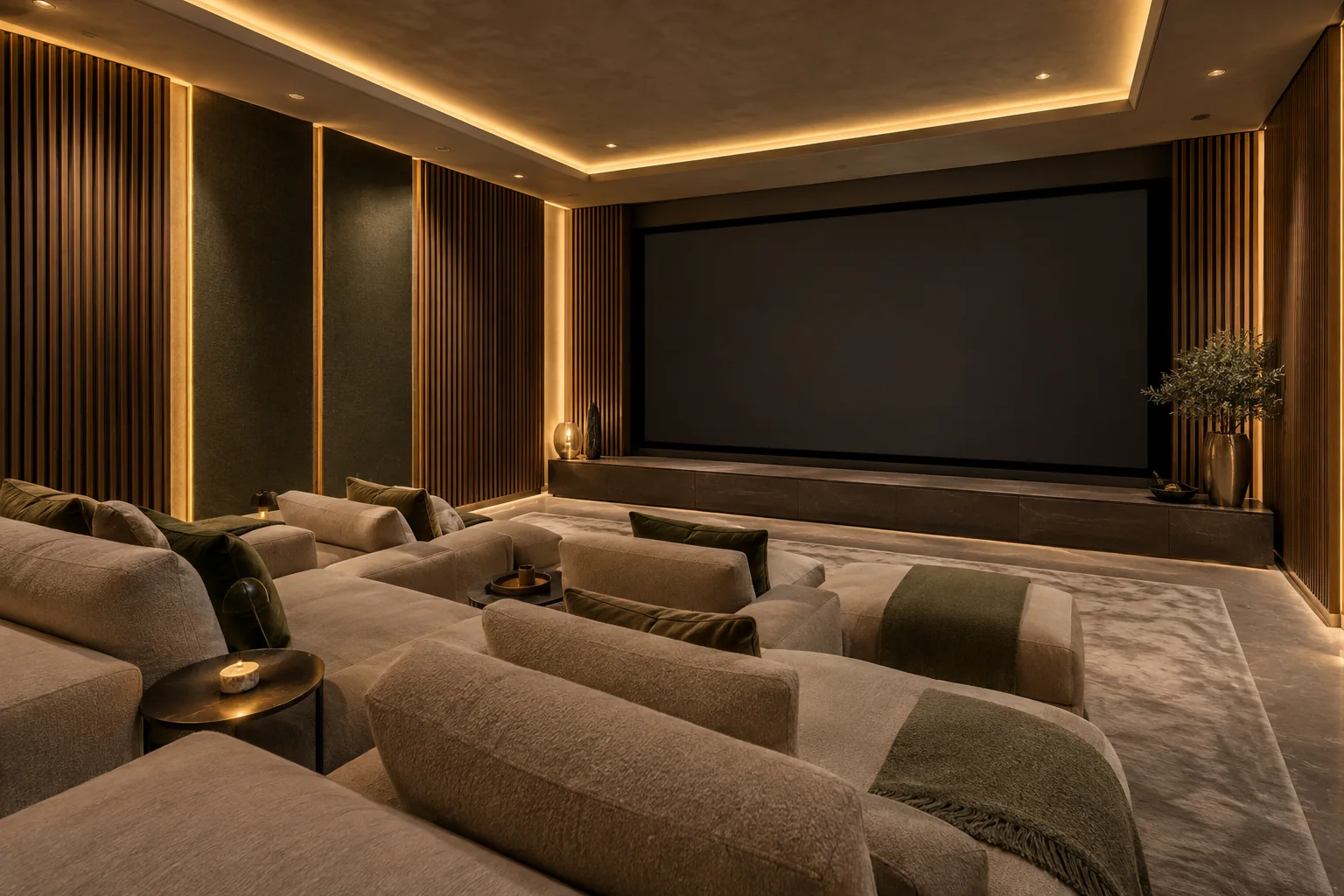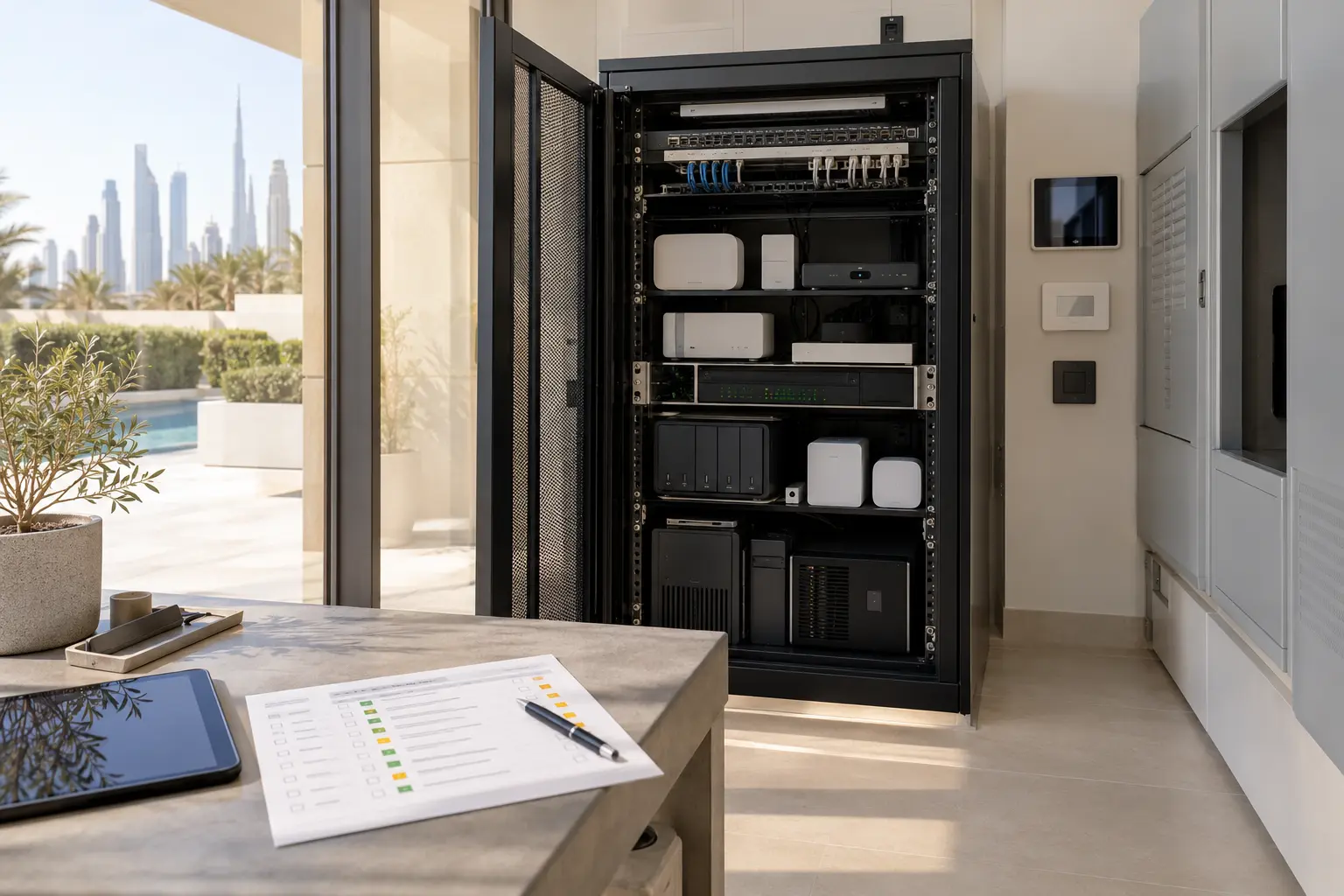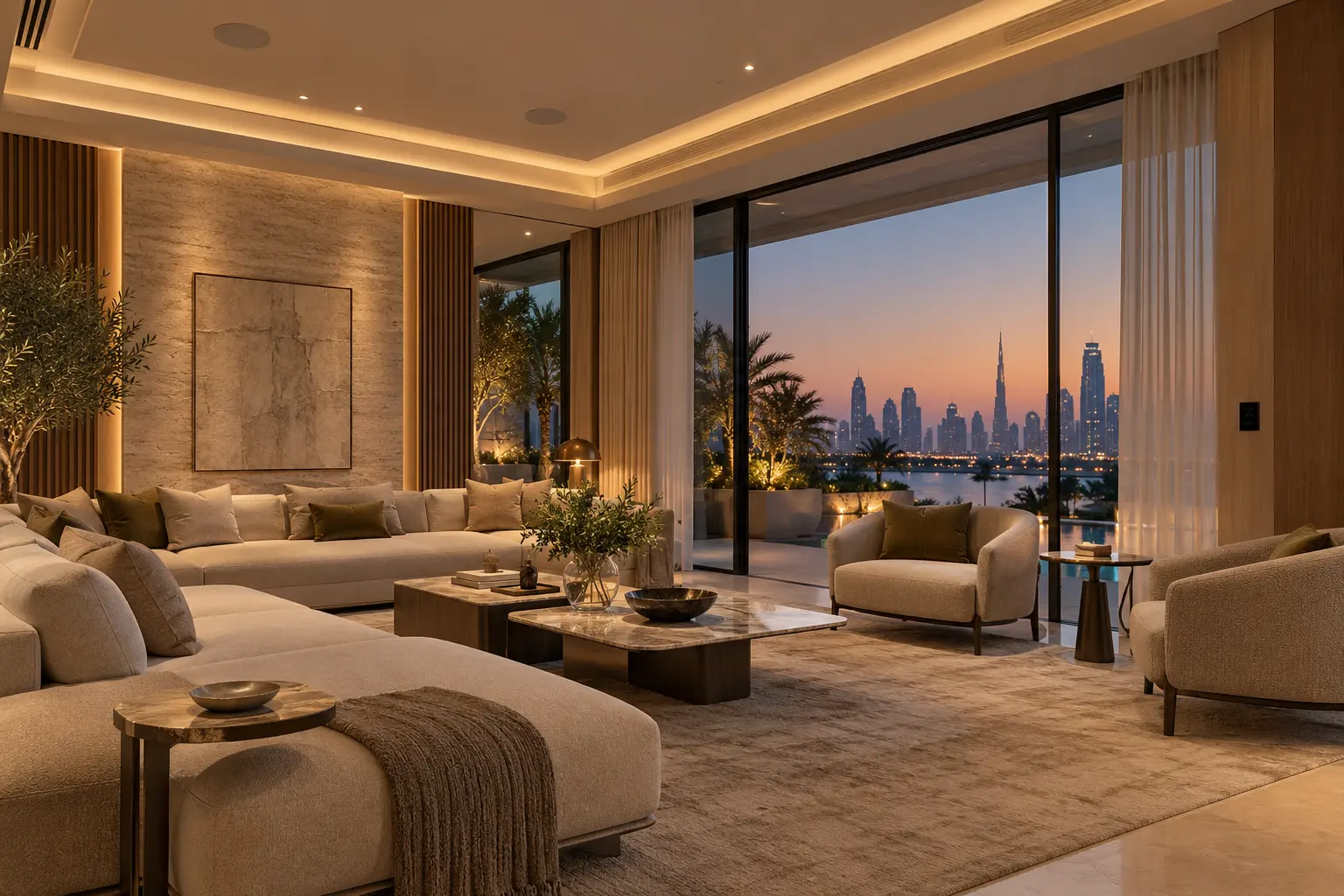
A majlis or formal entertaining room has to work before, during and after guests arrive. Lighting, music, curtains, temperature and entry routes may all change together, yet the room should remain easy to use without an owner's phone. The best automation brief begins with those real journeys rather than a list of devices.
This guide helps Dubai villa owners, designers and fit-out teams define the experience before equipment is selected. Duneva's home cinema and multiroom audio service can coordinate room controls, entertainment, lighting and related systems with the wider villa design.
Start with the ways the room is used
List the room's normal modes in plain language. A useful schedule may include everyday sitting, family gathering, formal reception, dining overflow, television or presentation, quiet conversation, cleaning and closed-house mode. Note how many people each mode serves, where they sit, which entrances are used and whether adjacent rooms join the occasion.
Avoid a vague request such as make the majlis smart. For every mode, describe the desired result and the person who initiates it. A formal reception may need the entrance and circulation lighting ready before guests arrive, background music at a restrained level, selected curtains positioned for privacy and a comfortable room setpoint. Cleaning needs full practical light and simple local control, not a decorative scene.
Walk each journey on the plan. Include the vehicle or pedestrian arrival, front door, guest washroom, service route and outdoor terrace if they are part of the event. The smart entrance planning guide helps keep gate, intercom and door decisions connected without giving a general room scene control of dedicated access or life-safety functions.
Build lighting in layers
Separate the lighting by purpose: welcoming light at the entrance, comfortable illumination for faces, accent light for art or finishes, table or task light, and low-level circulation after the gathering. Each layer should be controllable and dimmable only where the selected fixture, driver and control equipment are compatible.
Create a small scene table instead of dozens of similar names. Record which circuits change, the intended level, the fade behaviour and what a second press should do. Lutron's current HomeWorks overview describes whole-home lighting and window-treatment scenes, including entertainment routines and keypad control. Treat those as examples of platform capability; the appointed specialists must confirm the exact products, loads, interfaces and regional availability in the project specification.
Keep an obvious physical control at the main room entrance and another where hosts actually sit if appropriate. The smart-home keypad planning guide explains how to prototype labels, button priorities and scene scope before wall plates are ordered. Guests should be able to turn the room on, adjust a basic level and turn it off without learning the full automation system.
Give audio its own zone logic
Decide whether the majlis normally plays independently, follows an adjoining dining space or can join a wider entertaining group. Write the default and the exception. If the room supports television, presentations or focused listening, define how that source differs from background music and where the main listening positions are.
Speaker placement should be coordinated with seating, ceiling features, air-conditioning grilles, sprinklers, access panels and lighting. A symmetrical drawing is not enough if it creates uneven coverage or puts sound directly over one seat. The multiroom audio zoning guide covers source independence, grouping, speaker coordination and volume limits in more detail.
Set a sensible starting volume for each scene and decide whether changing a group preserves each room's relative level. Avoid a single all-home party button that unexpectedly starts music in bedrooms or staff areas. Streaming services, household accounts, subscriptions and UAE availability should be confirmed before purchase, and normal operation should not depend on one person's phone.
Coordinate curtains, shades and privacy
Mark each window or opening on a schedule and state whether the goal is glare control, privacy, darkness, view preservation or a combination. Fabric openness, lining, side gaps and stacking affect the result. Do not promise blackout or complete privacy from a scene name alone.
Define when a treatment may move automatically and how a person stops it. A welcome scene might position selected curtains before guests arrive, but movement during a quiet conversation can be distracting. A manual change needs a clear return rule: until the next scheduled event, for a defined period or until Resume is selected.
Coordinate pockets, fixing zones, motor side, power and service access before finishes close. Use the motorized curtain-pocket planning guide for the construction details, and preserve the product controller's protective functions where they apply.
Treat climate as a comfort boundary
A crowded room can behave differently from an empty one, but the automation system should not replace the HVAC designer's load calculations, ventilation design or controls. Ask the appointed HVAC specialist what setpoints, modes and interfaces are safe to expose, then define what the majlis scene may request.
Start pre-conditioning only when there is a dependable event or owner command. Avoid aggressive setpoint changes that create noise, drafts or unnecessary running. If occupancy information is used, document what the room does when the last person leaves and how it avoids switching off while guests remain still.
Keep a local temperature control or approved fallback. Record which party owns the thermostat, fan-coil or building-management interface and what happens if the smart-home controller is unavailable. The comfort target should be tested during a realistic gathering, not inferred from an empty-room demonstration.
Design host, guest and staff controls separately
The host may need scene selection, music browsing and curtain control. A guest may need only lighting, temperature within an agreed range and basic volume. Household staff may need cleaning light and a room-off command without access to private media, security or owner accounts.
Create a permissions matrix for wall controls, remotes, touchscreens, apps and voice assistants. Use named access where supported and avoid shared owner credentials. If voice control is included, verify supported languages, room names, account ownership and privacy settings, and retain physical controls for everyday actions.
Control4's current smart-home experience gives examples of coordinated entertaining scenes across lighting, music and outdoor features. Those examples do not establish compatibility with every device. Confirm exact models, drivers, licences and system boundaries in writing.
Plan the end of the event
A room needs a graceful reset rather than a dramatic whole-house shutdown. Define what End Gathering does: stop or lower selected audio, restore practical circulation light, return agreed curtains, release a temporary climate request and leave entrance or security systems under their dedicated controls. Allow the host to choose it rather than relying only on a fixed time.
Create a separate closing check for doors, loose remotes, portable sources and equipment left on. A scene can report supported device states, but it cannot prove that every window is secure or every guest has departed. Keep human confirmation where it matters.
For recurring gatherings, decide whether favourite settings are owner-editable and how changes are recorded. Avoid reprogramming the whole room because one evening required a different music level.
Commission complete journeys
Test everyday, reception, presentation, cleaning and closing modes with the actual seating layout. Check the room from the entrance, main host position and guest seats. Confirm lighting fades, audio starting levels, curtain movement, climate request, local overrides and labels. Then test a lost internet connection, unavailable streaming source and smart-home controller restart using an agreed controlled method.
At handover, retain the room-mode schedule, lighting and shade circuits, audio zones and sources, control labels, permissions, HVAC boundary, network and power dependencies, owner accounts, override rules, reset routine and support responsibilities. Add these records to the smart-home handover checklist.
A successful smart majlis feels prepared without feeling complicated. A few clearly named modes, quiet physical controls and documented boundaries let the room support hospitality while every specialist system remains understandable.
Request a majlis and entertaining-space assessment with the property stage, room layout and systems you want coordinated. Do not include passwords, access codes or private security details in the initial enquiry.