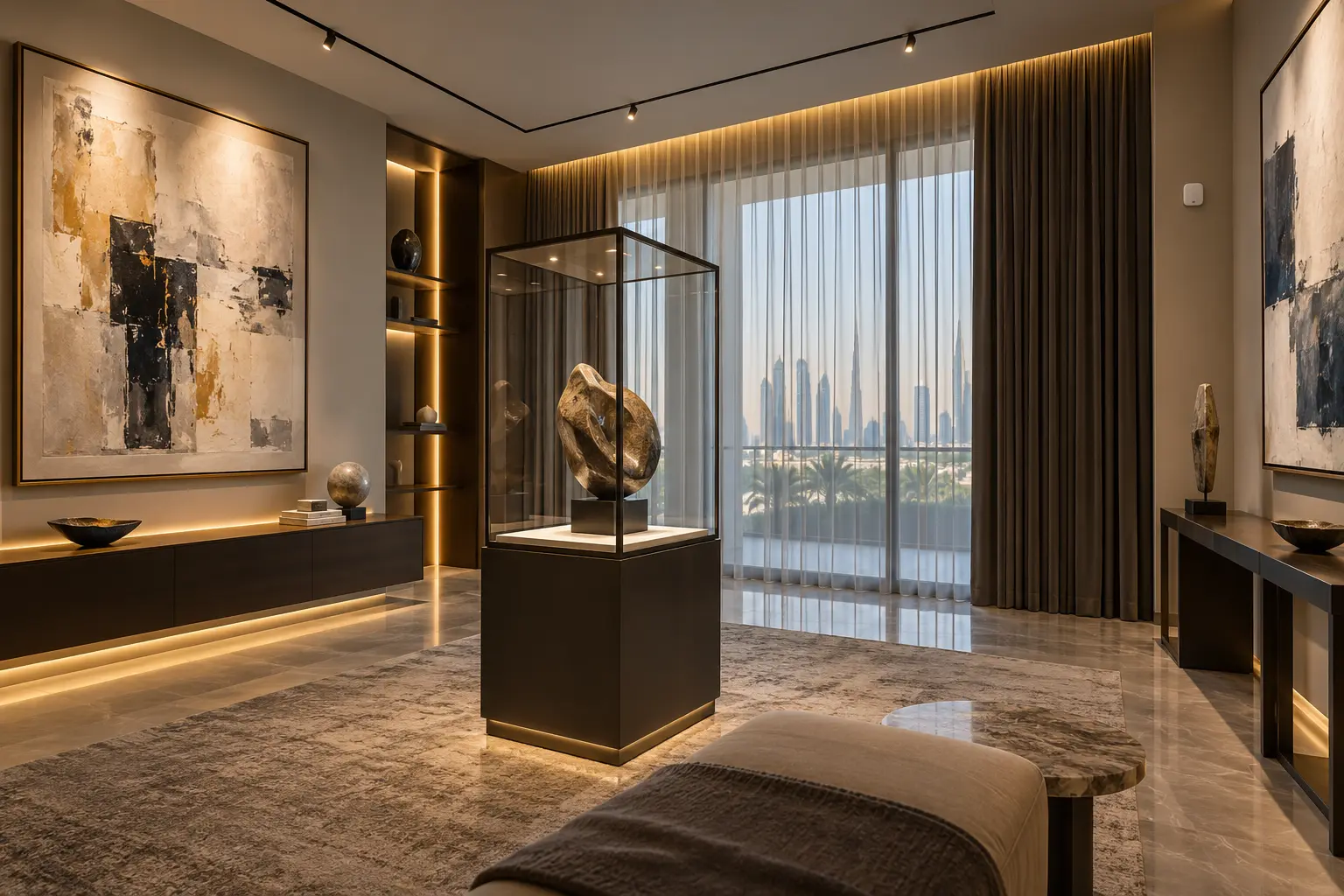
An art-display room should begin with the collection, not the control screen. Works on paper, textiles, paintings, photographs, sculpture and mixed materials can have very different sensitivities. The owner’s conservator, collection adviser and relevant specialists should define what each object needs; automation can then coordinate approved lighting, shading, monitoring and access without claiming to preserve or authenticate the collection.
This guide helps Dubai villa owners, interior designers, lighting designers and integrators turn those requirements into a practical room brief. Duneva’s smart-lighting planning service can coordinate scenes, keypads, shades and approved monitoring interfaces with the wider home. Conservation, valuation, insurance, HVAC, glazing, electrical and security decisions remain with the appointed specialists.
Build an object and sensitivity schedule
Create a room list of the objects to be displayed and the positions being considered. Record the material, dimensions, framing or display-case needs, owner priority, handling restrictions and the specialist responsible for its advice. Do not publish values, provenance records, alarm details or a precise inventory in general project documents.
Ask the conservator to classify light sensitivity and environmental requirements for each object or group. A generic “art mode” cannot account for every pigment, paper, adhesive, textile, finish or composite material. If the specialist has not assessed an object, treat the requirement as unresolved rather than copying a target from another collection.
Separate permanent display, occasional display and storage. Rotation can be an important part of an exposure plan. The smart-home brief should record the agreed schedule and controls, not decide how long a work may safely remain on view.
Treat light as accumulated exposure
Light damage depends on more than how bright a room looks at one moment. The Canadian Conservation Institute’s current guidance on light, ultraviolet and infrared explains that light damage is cumulative and that materials differ greatly in sensitivity. It discusses exposure using both illuminance and time rather than presenting one universal setting for every object.
Ask the lighting designer and conservator for the approved illuminance at the object, operating hours and review method. Measure at the display plane with the final fittings, lenses, dimming level and room finishes. A keypad percentage is not a lux measurement, and the same dimmer value can produce different results after a lamp, driver or aiming change.
Record the approved scene, measured result, date and instrument. If a scene is later edited, recommission it at the object rather than assuming the old label still describes the exposure.
Control daylight before compensating with electric light
Direct sun and changing sky conditions can produce heat, glare and far more light than the electric scene. Map every window and glazed door by orientation, season and time of day. Include reflections from pale external surfaces, water and neighbouring glass. A single afternoon visit cannot represent the full façade.
Coordinate glazing, fixed shading, motorized shades and the display position with the architect, façade team and conservator. Lutron’s current window-treatment information shows product-specific options for automated shades and coordinated control, but fabric performance, pocket dimensions, side channels, motor selection and suitability must be verified for the actual opening.
Use the daylight and glare-control guide to document façade goals, fabric selection, overrides and time-specific testing. Do not position a sensitive work where safe display depends entirely on one cloud routine or a shade that the household routinely overrides.
Layer electric lighting around the object and room
Separate artwork illumination, ambient circulation light, display-case lighting, cleaning light and entertaining scenes. Give the lighting designer control of beam angle, distribution, colour quality, driver location, dimming range, flicker performance, heat and maintenance access. The automation system should call tested settings, not compensate for incorrect fixture selection or aiming.
Keep scene names plain: Viewing, Evening, Cleaning and Off can be enough. A viewing scene may light selected objects and circulation, while cleaning mode provides brighter general light for a limited task. Protect specialist settings from casual editing, but preserve an obvious local off control and a predictable safe default after restart.
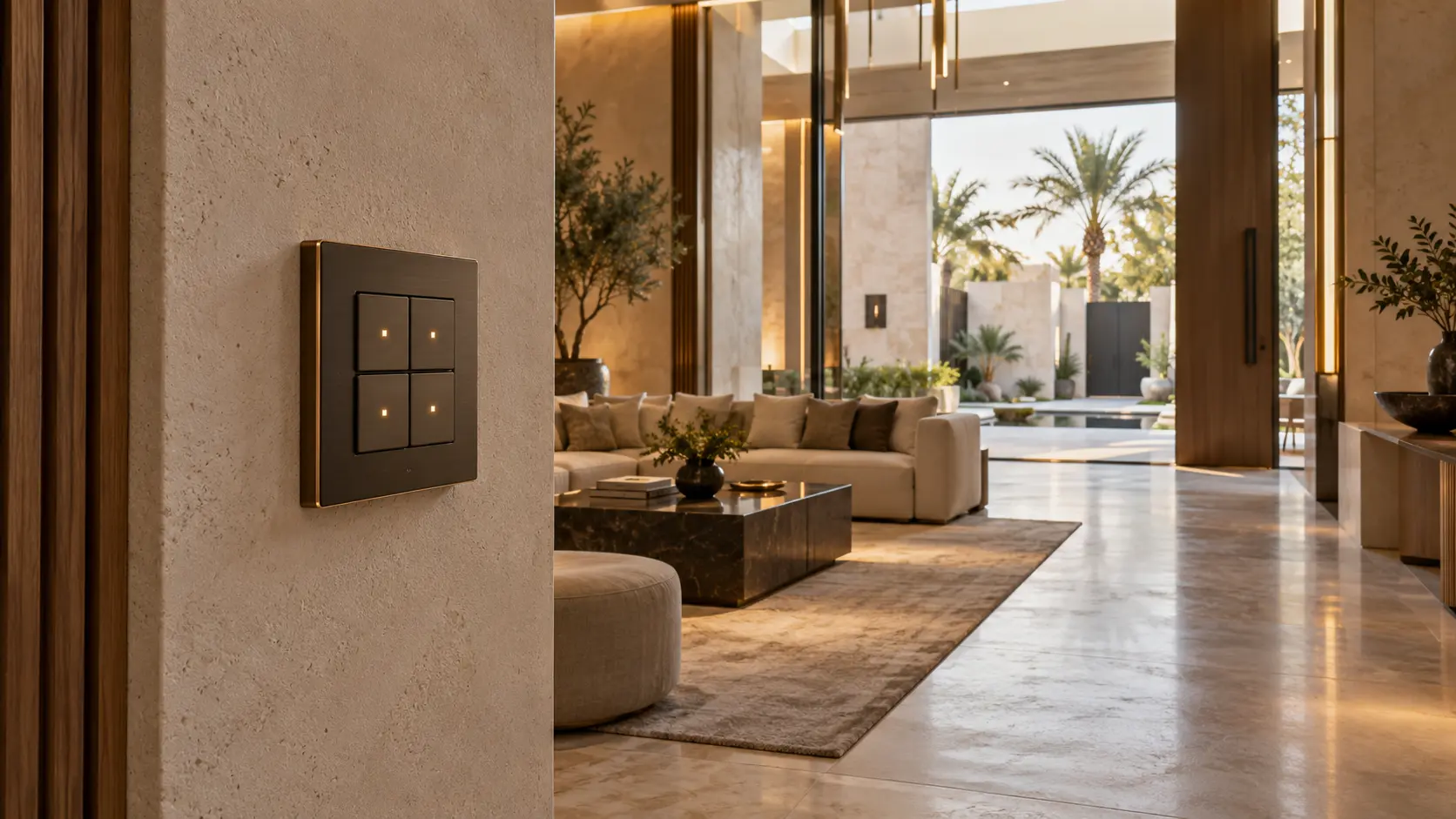
Use the smart-home keypad planning guide to test labels and placement. Avoid a wall control where someone carrying an object must reach across a plinth or display case.
Monitor environment without creating a false guarantee
Temperature and relative humidity affect objects differently, and sensor position matters. The Canadian Conservation Institute’s incorrect-relative-humidity guidance explains several distinct forms of RH risk and cautions against changing control systems without considering the collection’s evidence and history. Its Climate Guidelines overview supports collection-specific risk assessment rather than a single universal climate target.
Ask the conservator and HVAC specialist to define measurement points, acceptable ranges or fluctuations, review periods and response. Identify the HVAC control sensor separately from any independent collection monitor. A decorative dashboard reading should not silently drive mechanical equipment, and two sensors should not be expected to match when their position and calibration differ.
Record make, model, location, replacement or calibration guidance and the authoritative source for every reading. Phrase alerts factually: “display-room RH has remained outside the agreed review band” is more useful than “art at risk”. A qualified person must interpret the condition and decide what to do.
Coordinate cases and local microclimates
A display case may reduce handling and dust exposure, but it introduces its own materials, seals, lighting, access and possible microclimate. The case designer and conservator should specify construction, internal materials, ventilation or sealing approach, mounts and any local monitoring. Do not install an ordinary room sensor inside a case and assume it represents the object correctly.
Show cable entries, drivers, sensors and service access before manufacture. Penetrations should not compromise the case strategy. If local humidity control or sorbent material is specified, keep its inspection and replacement in the maintenance record. Automation can report a supported reading; it should not claim that the enclosure remains suitable without physical review.
Keep security information private and proportionate
Decide who may enter the room, operate scenes, see monitoring history and receive alerts. Use the minimum useful access record. A family keypad can operate viewing scenes without exposing alarm zones, camera feeds or an object inventory. A temporary service visitor may need lighting and supervised access for a fixed period, not permanent control.
Use the CCTV and security-alert planning guide to define views, permissions and retention. Avoid cameras that capture private adjacent rooms, and never place collection value, provenance or security response instructions in public interfaces or ordinary notifications.
Keep fire detection, alarm, life-safety and insurance requirements with the responsible specialists and authorities. Smart-home integration may expose an approved status; it must not replace independent protection or emergency procedures.
Plan power, network and local recovery
Map lighting panels, shade power, environmental monitors, display-case components, network equipment and security interfaces separately. Ask each specialist what should happen after an interruption and what must remain local. A collection room should still provide safe exit lighting and a controlled local off action when internet service is unavailable.
The smart-home power-resilience guide helps document priority loads, approved backup and restart order. Do not put conservation or HVAC equipment on a generic smart plug. Where remote monitoring is used, record account ownership, subscriptions, data retention and the behaviour when the service is offline.
Commission in the finished room
Test after art, frames, cases, rugs, furniture, glazing and shades are in their final positions. Measure the approved scenes at the display plane, observe daylight at relevant times, confirm shade movement and limits, compare authorised environmental readings, test alert delays and verify access permissions. Repeat controlled checks after a fitting, driver, shade fabric, display position or HVAC strategy changes.
At handover, retain the object sensitivity schedule at an appropriate privacy level, scene measurements, window and shade schedule, fixture and driver records, sensor locations, climate authority, alert rules, access roles, power dependencies and maintenance calendar. Add the operational documents to the smart-home handover checklist.
For a temperature-sensitive cellar rather than a general collection room, follow the separate wine-cellar monitoring guide and keep cooling, envelope and preservation responsibilities with the appointed specialists.
A well-planned collection room is restrained. It gives specialists reliable control and evidence while keeping the household experience calm, local and understandable.
Request an art-display lighting and controls assessment with the villa stage, room drawings and the types of systems to coordinate. Do not include collection values, security details, access codes or private provenance records in the initial enquiry.