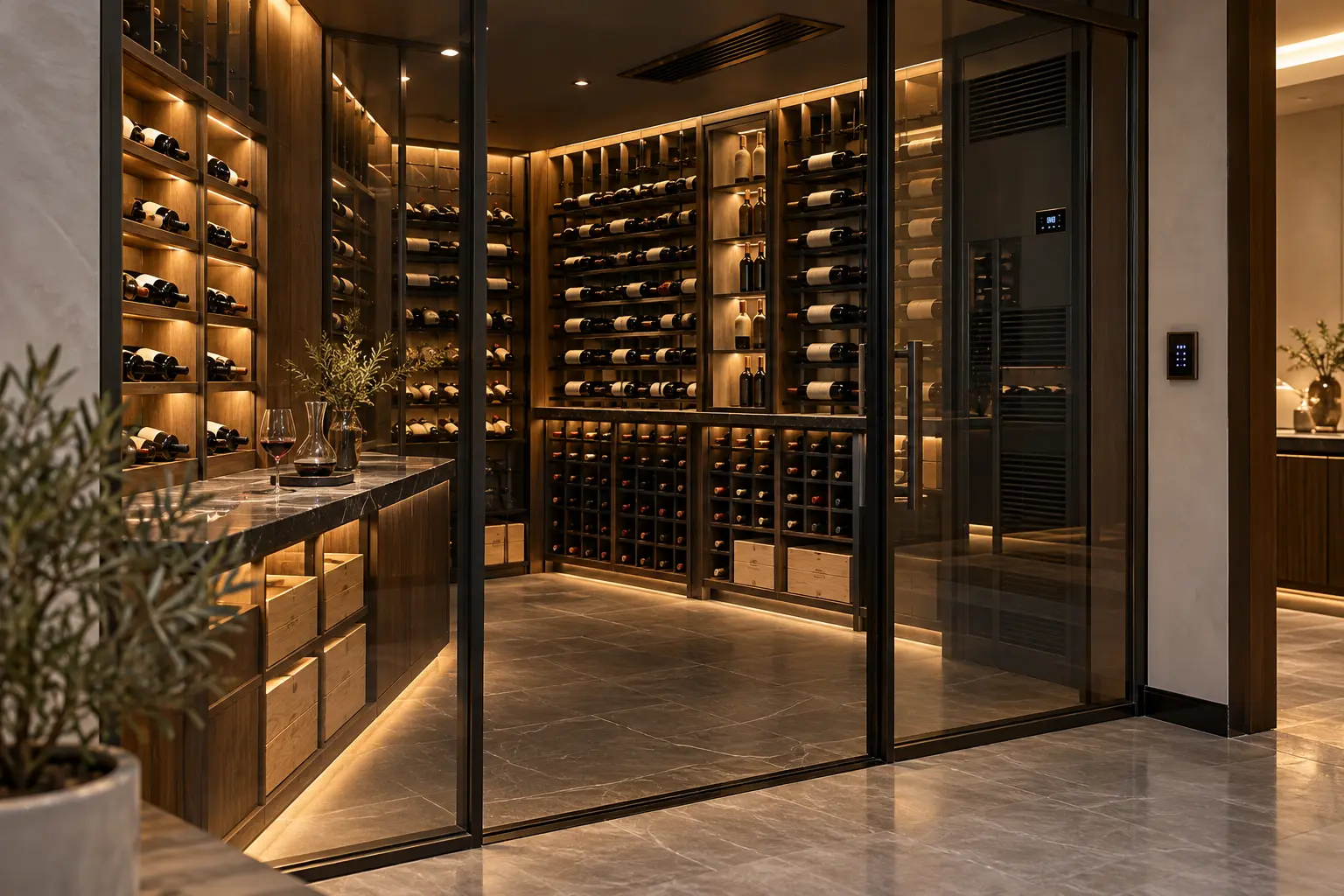
A wine room is a specialist conditioned space before it is a smart room. Its envelope, cooling equipment, drainage, bottle storage and door performance protect the collection. Automation can make conditions easier to see, route useful alerts and coordinate lighting or access, but it should never replace the wine-cellar designer's controls or hide a fault behind a decorative dashboard.
This guide helps Dubai villa owners, interior designers and fit-out teams prepare a clear brief for monitoring and control. Duneva's villa home-automation planning service can coordinate approved interfaces with the wider home while the wine-storage, cooling, electrical, joinery and glazing specialists remain responsible for their systems.
Define the room's purpose first
Decide whether the space is for long-term ageing, short-term serving, display, tasting or a combination. Record bottle capacity, rack layout, access frequency, door type, adjacent rooms and the collection owner's priorities. A glass display beside an entertaining area has different heat, light and access conditions from an enclosed storage cellar.
Agree what the smart system should do in plain language. It might display an approved temperature and humidity reading, report a sustained exception, coordinate low-level lighting, show that the door has been left open or provide restricted access. It should not change specialist setpoints casually, estimate bottle condition or claim to authenticate the collection.
Create a responsibility table covering the cellar designer, cooling supplier, electrician, integrator and owner. Every sensor, alarm and control command should have one accountable source.
Protect the envelope before adding controls
Cooling performance depends on the designed enclosure. Coordinate insulation, vapour control, glazing, door seals, penetrations, lighting loads and the relationship with adjacent conditioned areas. Cable holes, unsealed boxes and service openings can undermine an otherwise careful build.
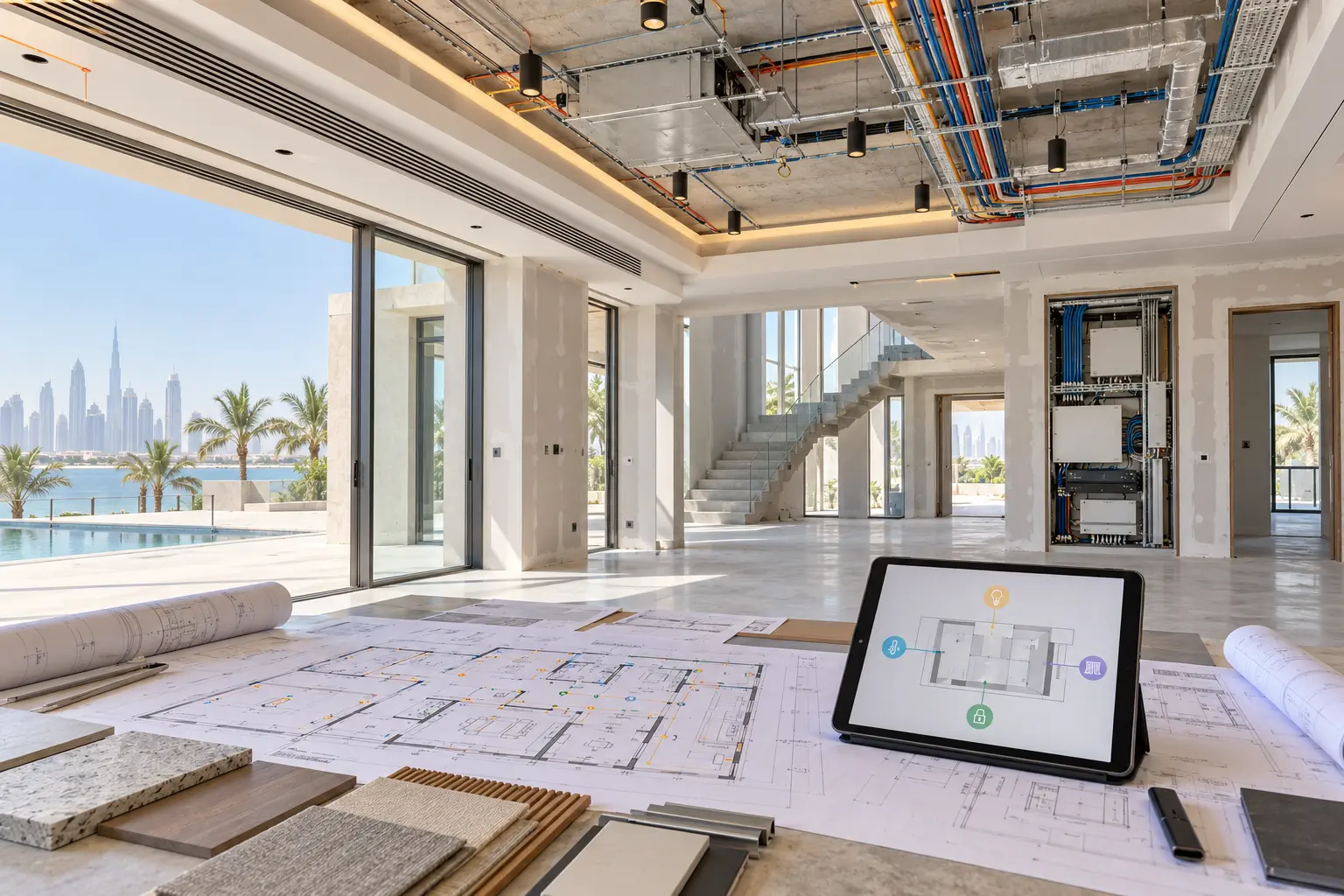
Mark controller wiring, sensors, network points, lighting circuits, access-control cables, drain routes and service clearances before walls and joinery close. Use the smart-home prewire checklist to record routes, spare capacity and pre-close inspections. Keep cooling equipment, filters, drains, condensate components and control panels accessible without removing bottle racks.
Do not let the automation contractor select or size the cellar cooling system. That calculation belongs to the appointed specialist using the final room, envelope, heat loads and operating requirements.
Build a monitoring plan, not a sensor collection
Start with the questions the owner and service team need answered. Is the room within the specialist's operating range? Has a reading stayed outside that range long enough to matter? Is the door open? Has the cooling system reported a fault? Did power or network service disappear? Each question may need a different source and response.
Wine Guardian's current remote sensor and control overview describes manufacturer equipment that monitors temperature and displays humidity for its cellar systems. This is one product-specific example, not a universal interface. Verify the exact cooling model, controller, sensor compatibility, cable method and supported remote functions before promising integration.
Locate sensors with the cellar specialist. Avoid placing the only room sensor beside a supply-air outlet, door gap, light source or sun-warmed glass panel. A large or irregular room may need more than one measurement point, but averaging, control priority and alarm logic must follow the selected system's documentation.
Separate control readings from independent checks
Identify which sensor actually controls the cooling equipment and which readings are for visibility or independent comparison. Two devices can disagree because of position, calibration, response time or normal cycling. Do not automatically make one third-party reading drive another manufacturer's equipment.
Record sensor make, model, location, calibration or replacement guidance and normal comparison method. If an independent monitor is installed, decide whether it is for owner awareness, service diagnosis or both. Label it accordingly in the interface so nobody mistakes a convenience reading for the cooling controller's authoritative value.
Keep the specialist controller available locally. The cellar should not depend on a cloud dashboard merely to show or maintain its basic condition.
Design alerts around action
Ask the cellar specialist to define the approved operating range, delay and reset behaviour for the selected equipment and collection purpose. Avoid a single instant threshold that produces alarms whenever the door opens or the system completes a normal cycle. Useful alerting normally considers persistence and context.
For each alert, record the first recipient, acknowledgement method, safe inspection steps and escalation route. An owner may need a concise room-status alert, while a service contractor needs the equipment model and fault code. Do not send security details, access codes or a full collection inventory in a push notification.
Distinguish a warning from a confirmed equipment failure. Automation can report measured conditions and product faults; it cannot assess the condition or value of individual bottles.
Coordinate light without adding unnecessary heat or glare
Separate practical entry light, rack illumination, tasting light and decorative accents where the design needs them. Keep controls simple: Entry, Display, Tasting and Off may be enough. Provide local dimming or scene selection and a dependable all-off action outside the room.
EuroCave's current wine-storage overview describes stable cellar-like conditions as central to wine preservation, while its published project guidance also highlights controlled temperature and humidity, protection from light and limited vibration. Use those principles to brief the specialists rather than treating any generic scene as proof of suitable storage.
Review fixture heat, drivers, beam direction and maintenance access with the lighting and cooling teams. Avoid direct sun on the collection and confirm the effect of adjacent-room lighting through glass. The daylight and glare-control guide provides a wider framework for façade and time-of-day checks.
Keep access useful without exposing the collection
Decide who may enter, at what times and by which method. The owner may want household access, temporary service access and an immediate local release. Keep life-safety and emergency-egress requirements with the appointed door and safety specialists. A smart lock or access event must not obstruct safe exit.
Use the minimum useful record. An access event may help investigate an open-door alert, but a public screen should not display the collection size, value or detailed inventory. Keep camera use proportionate and visible. The CCTV and security-alert planning guide explains viewing permissions, notifications and handover in more detail.
If the wine room supports entertaining, make guest lighting easy without granting climate settings, inventory access or security administration.
Plan power, network and local recovery
Map the cooling system, controls, sensors, drainage equipment, lighting, door hardware and network components as separate dependencies. Ask the cooling and electrical specialists what must remain powered, what restarts automatically and what needs a site visit after an outage. Do not put specialist equipment on a general smart plug.
The smart-home power-resilience guide provides a method for critical-path mapping, approved backup, restart order and controlled outage tests. Any UPS or standby-power decision must follow the actual electrical load, runtime need, heat conditions and manufacturer requirements.
Provide a reliable network path for remote monitoring where the selected equipment supports it, but preserve local operation. Confirm account ownership, software or subscription conditions, UAE availability and what happens when internet access is lost. Use the villa Wi-Fi planning checklist for access-point and handover decisions.
Commission the room as one system
Test the cellar after bottles, racks, glazing, doors, lighting and cooling equipment are in their final state. Confirm local readings, independent comparisons, scene levels, door behaviour, alert routing, acknowledgement, network recovery and restricted access. Test approved failure conditions with the specialists: internet unavailable, one sensor offline, an open door, power restoration and an equipment fault signal.
At handover, retain the room purpose, design ranges, sensor and controller schedule, locations, cooling model, service clearances, lighting scenes, alert rules, recipients, access permissions, power dependencies, local fallbacks and maintenance tasks. Add these to the smart-home handover checklist, and schedule periodic functional checks in the maintenance calendar.
A successful smart wine cellar is quiet and accountable. The specialist system protects the environment; automation helps the right person see an exception and respond without compromising local control.
Request a wine-cellar monitoring and controls assessment with the villa stage, cellar drawings and proposed cooling system. Do not include access codes, security details or a private collection inventory in the initial enquiry.